When it comes to IT relocation, your approach and planning can make all the difference between moving success and business disruption.
Successful IT relocation isn’t an easy feat to achieve. It’s a daunting task that comes with its own set of issues and challenges. In order to avoid major issues and costly mistakes when moving your IT assets, it’s important to consider a number of factors that can affect the move.
If you were wondering how you can make your IT relocation seamless while minimising downtime, you have come to the right page! In this article, we will share expert tips on how to plan your move and important things to consider before you get started.
In order to ensure a smooth IT relocation you should plan for the move at least 6 to 8 weeks in advance. You will need additional time if you have a large IT infrastructure and too many business processes relying on it. With sufficient pre-planning, you can not only reduce costly mistakes but also your downtime during the move. Also, don’t forget to inform the partners and vendors associated with your company including but not limited to:
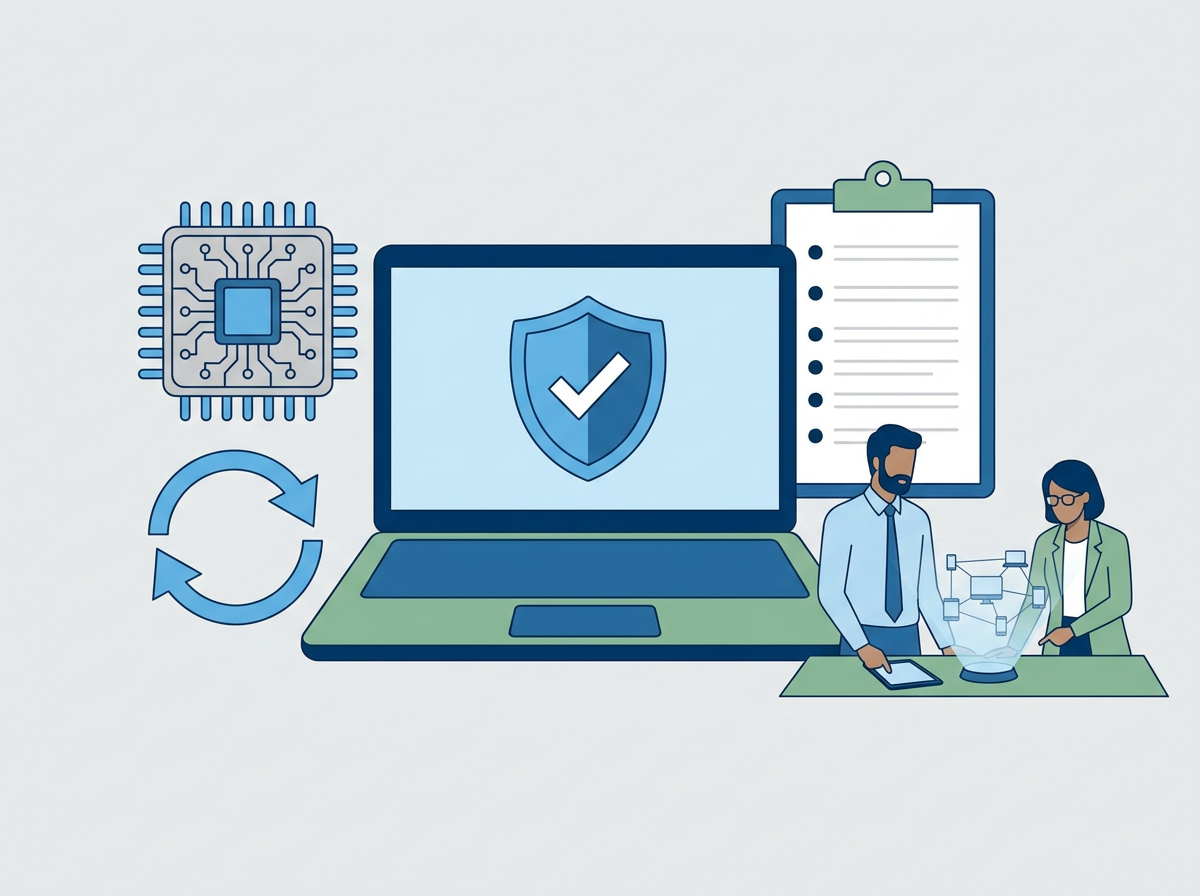
If you are planning to move your IT assets, it’s also an ideal time to plan for IT auditing. This will give you the opportunity to thoroughly review your current IT infrastructure and consider upgrading any outdated systems and equipment. You should not only perform the IT audit before the move but also at the new location in order to ensure the move was successful and everything is in the right place.
Even though your team may know about all the equipment you have and where it goes, things can get clumsy and confusing after the move. This is why it’s important to put together as much documentation as possible, including but not limited to the following:
Also, don’t forget to label critical cables and click photos of the front and back sides of all your equipment.
Transportation of equipment is certainly one of the riskiest parts of an IT relocation project. It’s important to be careful when moving the equipment because if even a single piece of equipment gets damaged or misplaced during the move, it can impact the setup at the new location resulting in serious delays, higher-than-expected downtime, and disruption of operations. It can even affect your customer experience and the profitability of your business if the situation results in major IT trouble. So, why take chances when you can hire professionals who know what they are doing and can get your IT equipment to the new location in a safe secure and efficient manner while maintaining accountability and preventing any technical issues?
Even though you have planned everything perfectly things can still go wrong expectedly. What if some equipment gets damaged? Insurance can help get your hardware replaced but they still cannot ensure it will be up and running at a short notice. This is why you should inform your hardware maintenance provider about the move and get assurance from them regarding the availability of parts and services. Another tricky situation you should be prepared for is one of your servers not booting up after the move. Having a backup in such a situation can save your business from major losses.
These are just a couple of scenarios that require you to have a reliable backup and disaster recovery plan. Keep in mind that there are other things that could go wrong so make sure your backup and disaster recovery plan is foolproof and well-tested to protect your business from unexpected downtime and damages. To ensure everything is in order ask your IT team the following questions:
It’s crucial to ensure business continuity during the IT relocation. By having a strategy to minimise the downtime and continue your business operations during the move your company can maintain high productivity and keep serving your customers without interruptions.
Businesses are tirelessly striving to deliver the best customer experience competing with each other to win their fair share of the market. Most companies are also handling a lot of sensitive data on a frequent basis. No wonder why maintaining a high uptime and ensuring data security is of top priority, especially when you are relocating your IT assets to a new location.
Considering the seriousness of these concerns and the level of risks involved, it’s best to partner with an organisation that can offer seamless IT relocation services and the required IT support, while also ensuring high uptime and utmost data security.
We hope you found the tips shared in this article useful for your IT relocation project. Remember, you can make your IT relocation successful with the right kind of help and a fair bit of planning. When in doubt, it’s best to outsource the job to IT relocation service providers and let your in-house team focus on their primary work of supporting ongoing operations.
At Amazing Support, we have experienced IT professionals who can offer you the much-required assistance with IT relocation and make sure nothing falls through the cracks. To discuss your requirements and learn about the services we offer, contact us today!