Running hybrid in London? Here’s what good IT support looks like in 2026: device standards, security, onboarding, and user experience.
IT Support for Hybrid Teams in London: Policies, Devices, and Productivity in 2026
Hybrid work is now the default for many London SMEs. The challenge is that hybrid doesn’t just change where people work—it changes how IT support needs to operate.
In a hybrid environment, “IT support” isn’t only helpdesk tickets. It’s:
- consistent device setup
- secure access from anywhere
- predictable onboarding/offboarding
- fewer recurring issues
- productivity that doesn’t collapse when someone works from home
This guide explains what good hybrid-ready IT support looks like in 2026, and what to tighten if your team is feeling friction.
Amazing Support is a multi-award winning, Microsoft Partner and Cyber Essentials certified provider supporting SMEs across London, Greater London and Manchester.
1) Standardise devices (or support becomes chaos)
Hybrid teams often end up with a mix of:
- old laptops
- personal devices
- mismatched operating systems
- inconsistent security tools
That creates more tickets and more risk.
What “good” looks like:
- a standard device spec for roles (e.g., “standard user”, “power user”)
- a refresh cycle (so you’re not supporting antiques)
- consistent build/configuration templates
2) Make onboarding fast and repeatable
Hybrid onboarding fails when:
- accounts aren’t ready
- devices aren’t configured
- access is inconsistent
- “tribal knowledge” is required
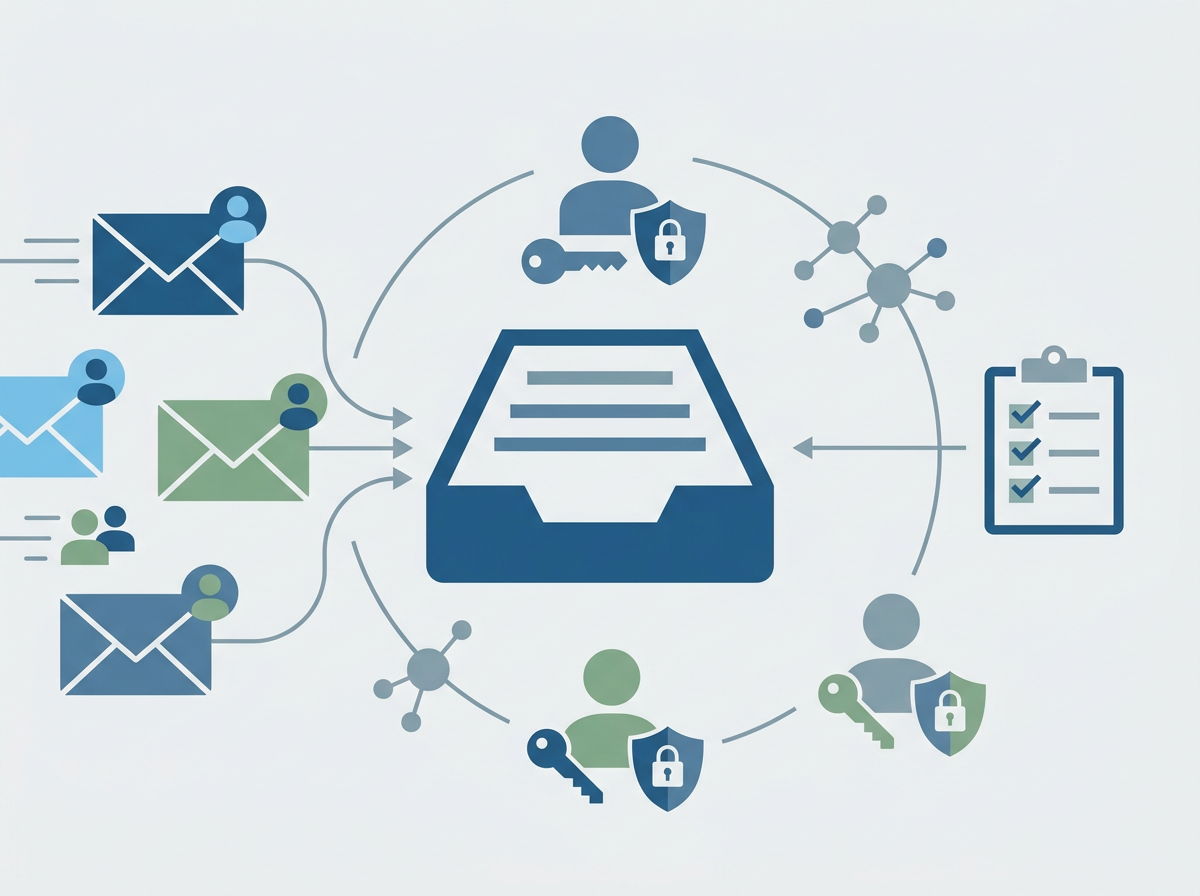
A strong IT support partner should have a repeatable onboarding process:
- user created with correct groups and permissions
- MFA enforced from day one
- device provisioned consistently
- Teams/SharePoint access mapped correctly
- welcome guidance that reduces day-one tickets
3) Secure access without making work painful
Hybrid security has to be usable. If it’s too restrictive, people work around it.
Baseline controls that work well:
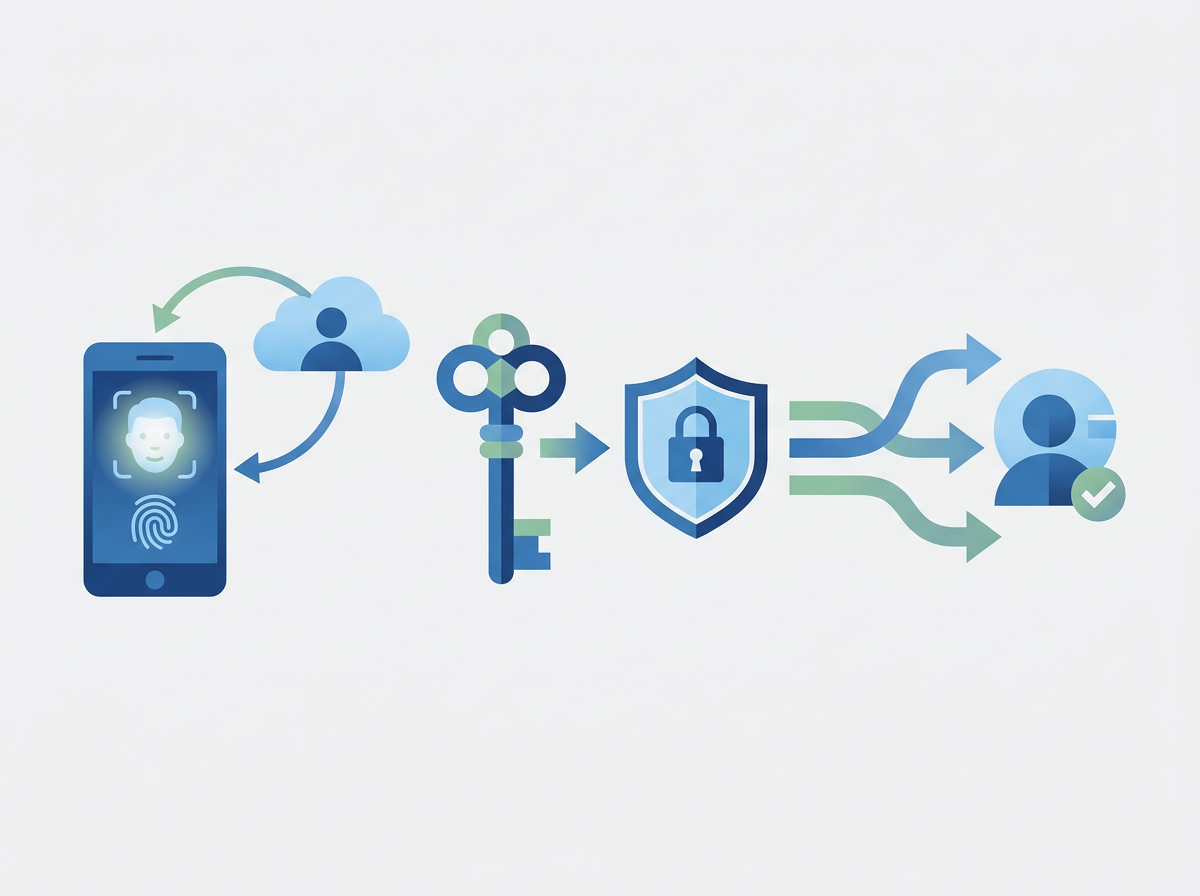
- MFA + Conditional Access
- device compliance policies
- least-privilege access (especially for finance/admin functions)
- secure remote access where needed
The goal: secure by default, minimal friction.
4) Fix the “home network” problem (without supporting everyone’s router)
You can’t fully control home Wi‑Fi, but you can reduce impact:
- ensure devices are patched and protected
- use modern endpoint protection
- provide guidance for common home issues (Wi‑Fi placement, basic checks)
- make remote support easy (fast ticket logging + remote tools)
5) Support should be designed for speed and clarity
Hybrid teams need:
- clear ways to get help (phone/email/portal)
- predictable response times (SLAs)
- good communication while issues are being resolved
A key KPI isn’t just response time—it’s how quickly users feel “unstuck”.
6) Productivity: reduce recurring issues, don’t just close tickets
If you’re seeing repeat problems (Teams audio, OneDrive sync, slow devices), the best providers:
- identify trends
- fix root causes
- standardise configurations
- report improvements
That’s how hybrid support becomes a business advantage, not a constant drain.
Quick FAQs
Do hybrid teams need different IT support than office teams?
Yes—because device consistency, remote access, and security controls become more important.
What’s the biggest hybrid IT risk?
Inconsistent device security and weak identity controls (especially MFA gaps).
How do we reduce hybrid support tickets?Standardise devices, enforce baselines, and fix root causes instead of repeating quick fixes.
If your hybrid setup feels messy, we can
review your current support model and implement a practical hybrid baseline—so users get a consistent, secure experience wherever they work.