Growing SME IT budgets often miss key costs. Here’s what to plan for across Managed IT, Cyber Security, Microsoft 365, devices, and resilience.
IT Budgeting for Growing SMEs: What to Plan for (and What Usually Gets Missed)
Most SME IT budgets are built with good intentions — and incomplete information. Leadership teams often know roughly what they spend on support, licensing, and devices. But the hidden costs tend to appear later: urgent replacements, unplanned security work, rushed projects, and reactive spending after an incident or audit requirement.
That’s not because leaders are careless. It’s because IT budgeting is hard when the environment has grown organically. Costs are spread across suppliers. Licences renew at different times. Devices age unevenly. Security requirements increase. And business growth changes the shape of demand. A budget that worked at 40 users can feel tight at 90, not because anyone did anything wrong, but because the operating model has changed.
Amazing Support is a multi-award-winning, Microsoft Partner and Cyber Essentials Plus certified provider supporting SMEs across London, Greater London and Manchester. In practice, the best IT budgets are the ones that reduce surprises. They plan for predictable cycles (devices, licences, security baselines) and leave room for change (growth, projects, compliance, and resilience).
The short answer is this: a good SME IT budget covers support, licensing, devices, security, backup/recovery, and planned improvement — not just “keeping the lights on.”
The core categories SMEs should budget for
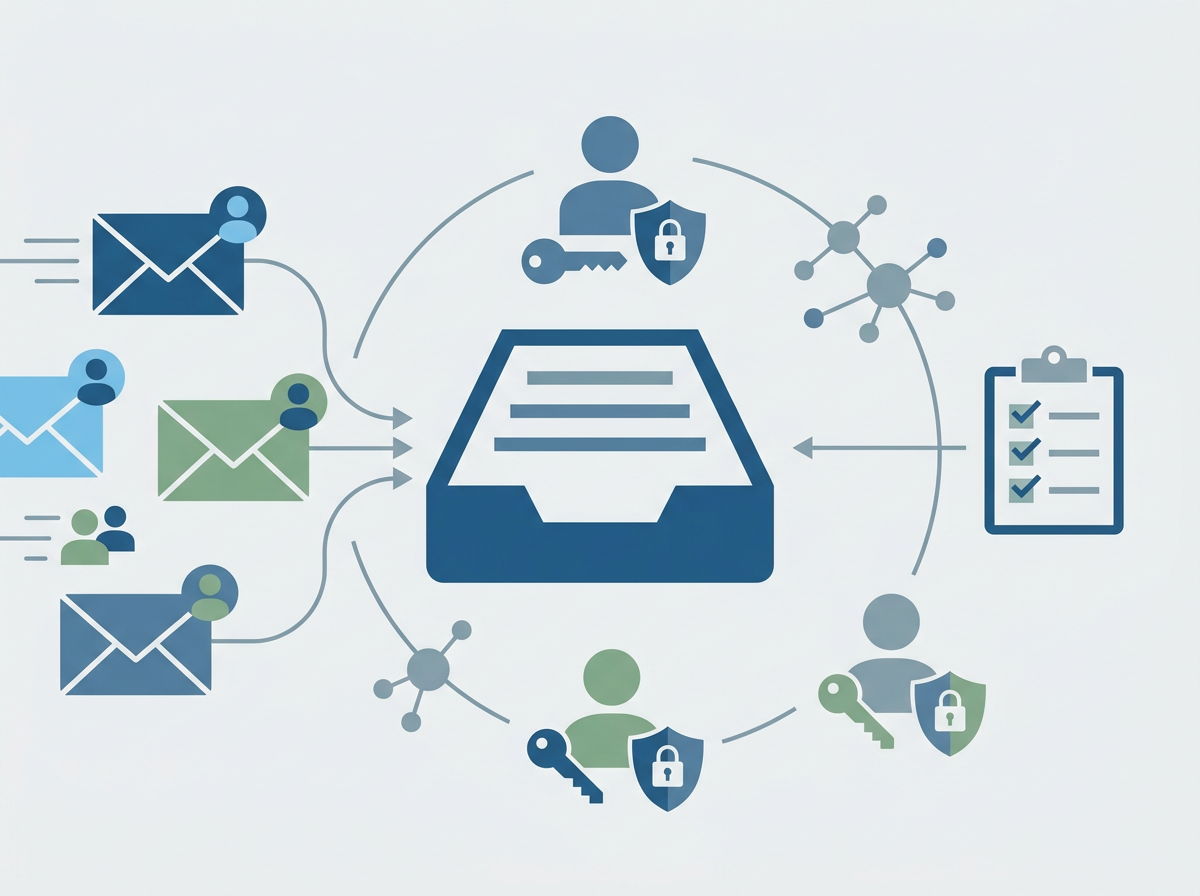
1) Managed IT support (and what’s included vs extra)
Make sure you understand what’s covered in the monthly service and what becomes project work.
2) Microsoft 365 and other licensing
Licensing is often underestimated because it grows quietly with headcount and add-ons.
3) Device lifecycle and refresh
A predictable refresh cycle reduces emergency purchases and disruption.
4) Cyber security baseline
This includes identity protection, endpoint security, monitoring, training, and ongoing improvement.
5) Backup, recovery, and continuity
Budget for resilience, not just storage.
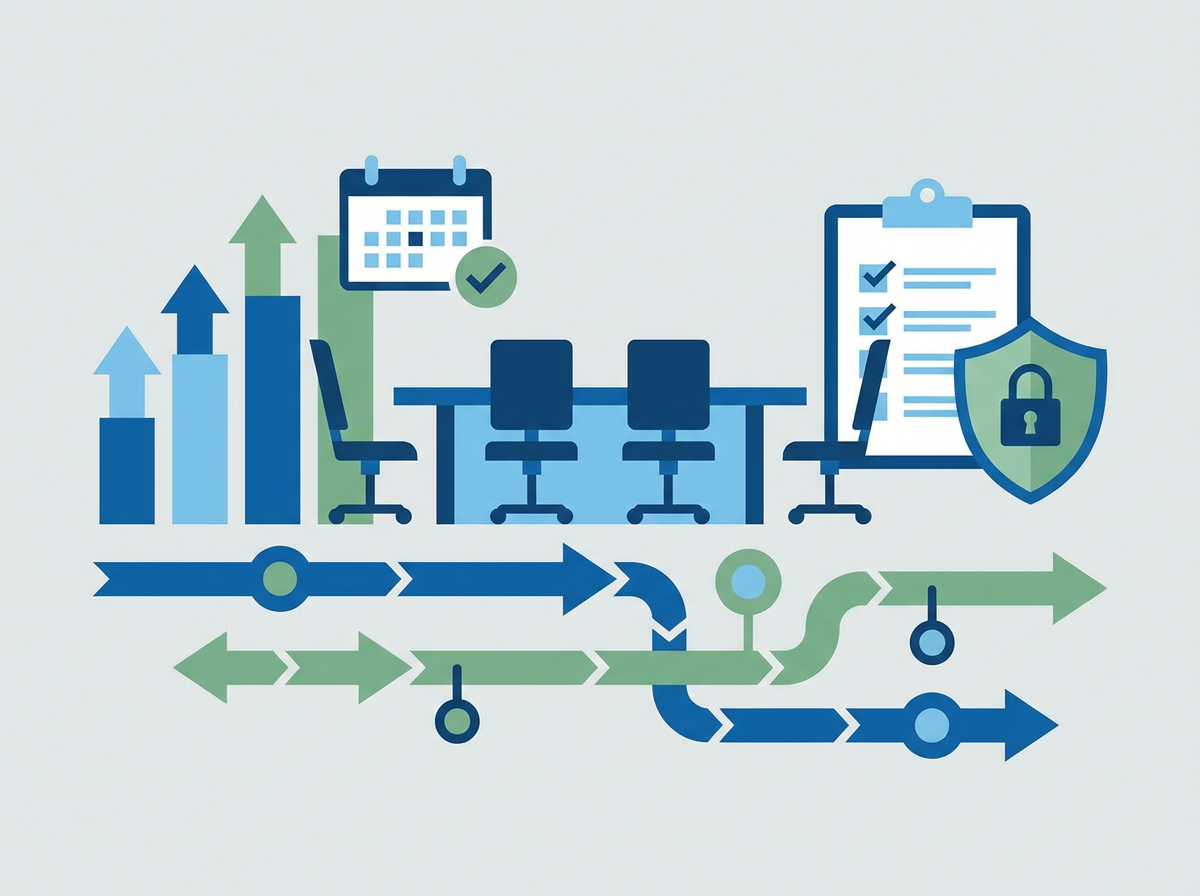
6) Projects and change
Office moves, onboarding waves, migrations, compliance requirements, and tooling improvements all need planned capacity.
What SMEs most commonly miss
- the cost of inconsistency (mixed devices, mixed policies, mixed suppliers)
- the “security catch-up” cost when requirements rise
- the time cost of recurring issues and slow fixes
- the cost of poor documentation and dependency
- the recovery cost when something goes wrong
FAQ
Should IT budgets be fixed per user?
Per-user thinking helps, but you still need to plan for projects and lifecycle costs.
What’s the biggest budgeting mistake?
Only budgeting for support and licences, and leaving security/resilience as “later.”
How often should we revisit the budget?
At least annually, and whenever headcount or risk profile changes meaningfully.
If your IT spend feels unpredictable, we can help you map your
IT Support costs more clearly and build a budget that supports growth without constant surprises.