Moving office in London? Here’s what SMEs should plan for: connectivity, Wi‑Fi, meeting rooms, security, and a smooth “day 1” go-live.
Office Move IT Checklist (London SMEs): Internet, Wi‑Fi, Security and “Day 1” Readiness
Office moves are exciting — and deceptively risky from an IT perspective. The physical move is visible: desks, boxes, keys, access cards. The IT dependencies are less visible: internet lead times, building constraints, Wi‑Fi coverage, meeting room setup, security, and the reality that staff expect everything to work on day one. When it goes wrong, it’s rarely because the technology is complex. It’s because the planning started too late or key decisions weren’t made early enough.
For London SMEs in particular, there are extra variables: multi-tenant buildings, managed comms rooms, strict cabling rules, limited installation windows, and suppliers with long lead times. The best office move IT plans start early, define what “day 1” needs to look like, and work backwards from there.
Amazing Support is a multi-award-winning, Microsoft Partner, Cyber Essentials and Cyber Essentials Plus certified provider supporting UK SMEs across London, Greater London and Manchester. We’ve supported many office moves and fit-outs, and the pattern is consistent: when you plan connectivity, Wi‑Fi, security and meeting rooms early, the move feels calm. When you don’t, the first week becomes firefighting.
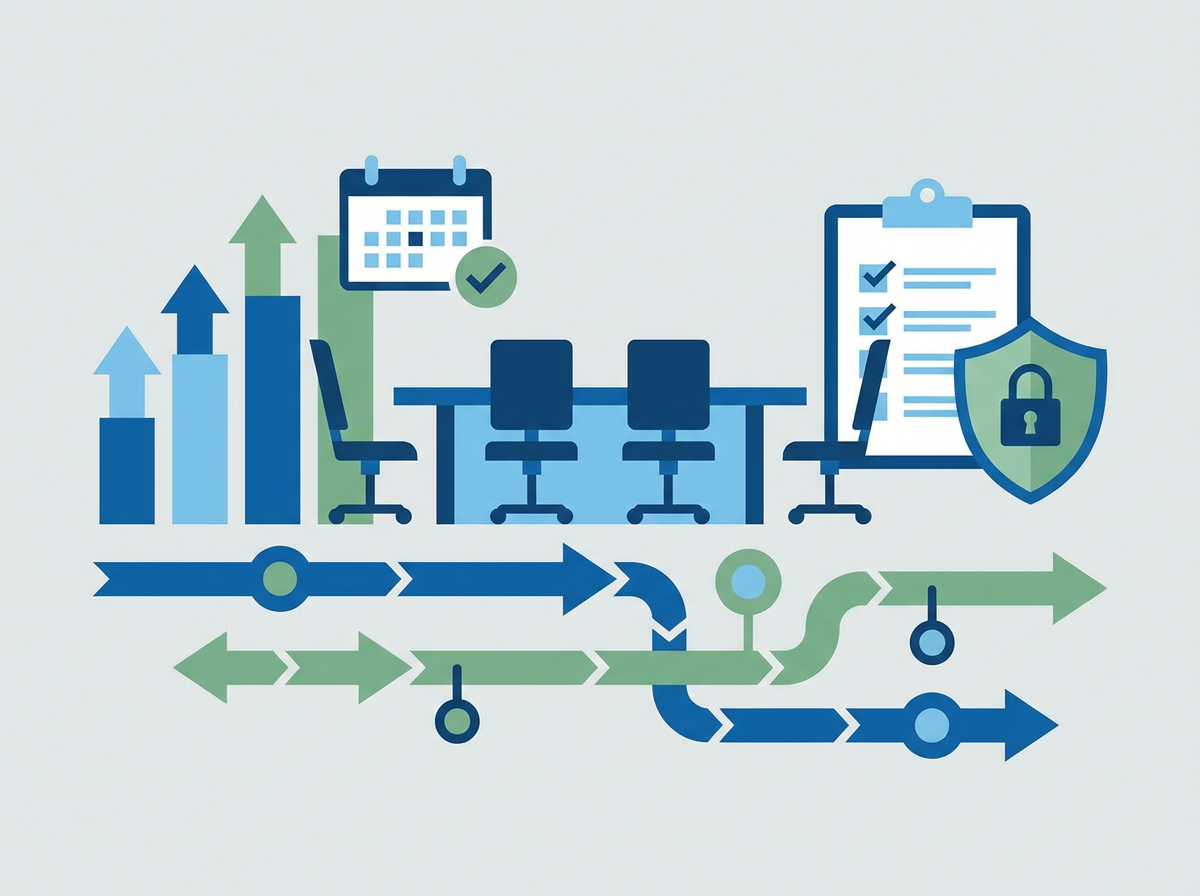
The short answer is: a smooth office move depends on early decisions about internet, Wi‑Fi design, security, and meeting room readiness — not just “moving the kit.”
The big-ticket items to plan early
1) Internet connectivity (lead times matter)
- confirm what’s available at the new site
- order early (don’t assume it’s quick)
- plan a backup connection (especially for go-live week)
2) Wi‑Fi design and coverage
- don’t guess coverage from a floorplan
- plan for meeting rooms, kitchens, and dead zones
- separate guest Wi‑Fi from business devices where appropriate
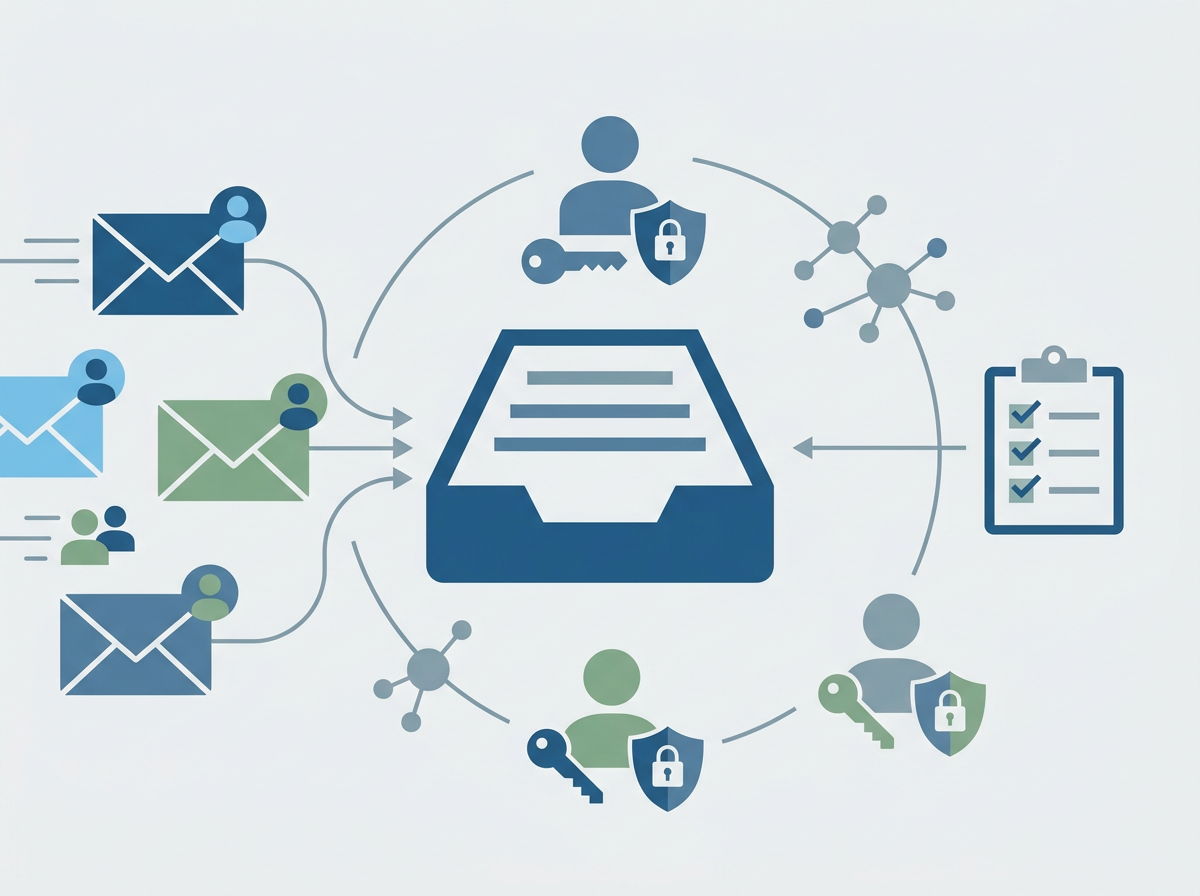
3) Security and access
- consider CCTV, alarms, door access, and comms room security
- confirm how network equipment will be physically secured
- ensure policies still apply (device encryption, MFA, secure configuration)
4) Meeting rooms and “hybrid work reality”
- test Teams/Zoom setups early
- plan cabling, screens, microphones, and room booking needs
- confirm bandwidth can handle multiple calls
5) “Day 1” readiness plan
Define what must work on day one:
- staff laptops connect and authenticate
- printing (if needed)
- phones/VoIP (if used)
- access to key apps and files
- support coverage for the first few days
What usually gets missed
- internet install dates slipping without contingency
- Wi‑Fi installed but not tested under real load
- comms room constraints discovered too late
- meeting rooms treated as an afterthought
- no clear cutover plan (who does what, when)
FAQ
How early should we start planning IT for an office move?
Ideally 8–12 weeks out (sometimes earlier) because connectivity lead times can be the critical path.
Do we need new hardware?
Not always — but it’s a good moment to review refresh cycles, Wi‑Fi standards, and security needs.
Can we keep working during the move?
Yes, with a staged plan and clear “day 1” requirements.
If you’ve got an
office move in London coming up, we can plan the IT workstream end-to-end so your team is productive on day one — without last-minute surprises.