Passwordless sign-in can reduce phishing and account takeover risk for SMEs. Here’s when it makes sense, what to enable first, and how to roll it out safely.
Passwordless for SMEs: When to Move Beyond Passwords (and How to Do It Safely)
Passwords are still one of the weakest links in most SME security. They’re easy to reuse, easy to phish, and hard to manage at scale — especially as teams grow, staff work remotely, and access expands across Microsoft 365, cloud apps, and third-party platforms. Even with strong password policies, attackers don’t need to “crack” passwords anymore; they simply trick users into handing them over.
That’s why passwordless authentication is becoming a practical next step for many SMEs. Done properly, it reduces the chance of account takeover because there’s no password to steal and reuse. But “passwordless” doesn’t mean “no security thinking required.” It needs a sensible rollout plan, clear fallback options, and strong device and identity controls underneath.
Amazing Support is a multi-award-winning, Microsoft Partner, Cyber Essentials and Cyber Essentials Plus certified provider supporting UK SMEs across London, Greater London and Manchester. In our experience, passwordless works best when it’s introduced as part of a broader identity hardening approach — not as a standalone switch you flip overnight.
The short answer is: SMEs should consider passwordless when phishing risk is rising, remote work is normal, and Microsoft 365 identity is business-critical — but it should be rolled out in stages with strong account recovery and device controls.
What “passwordless” actually means (in plain English)
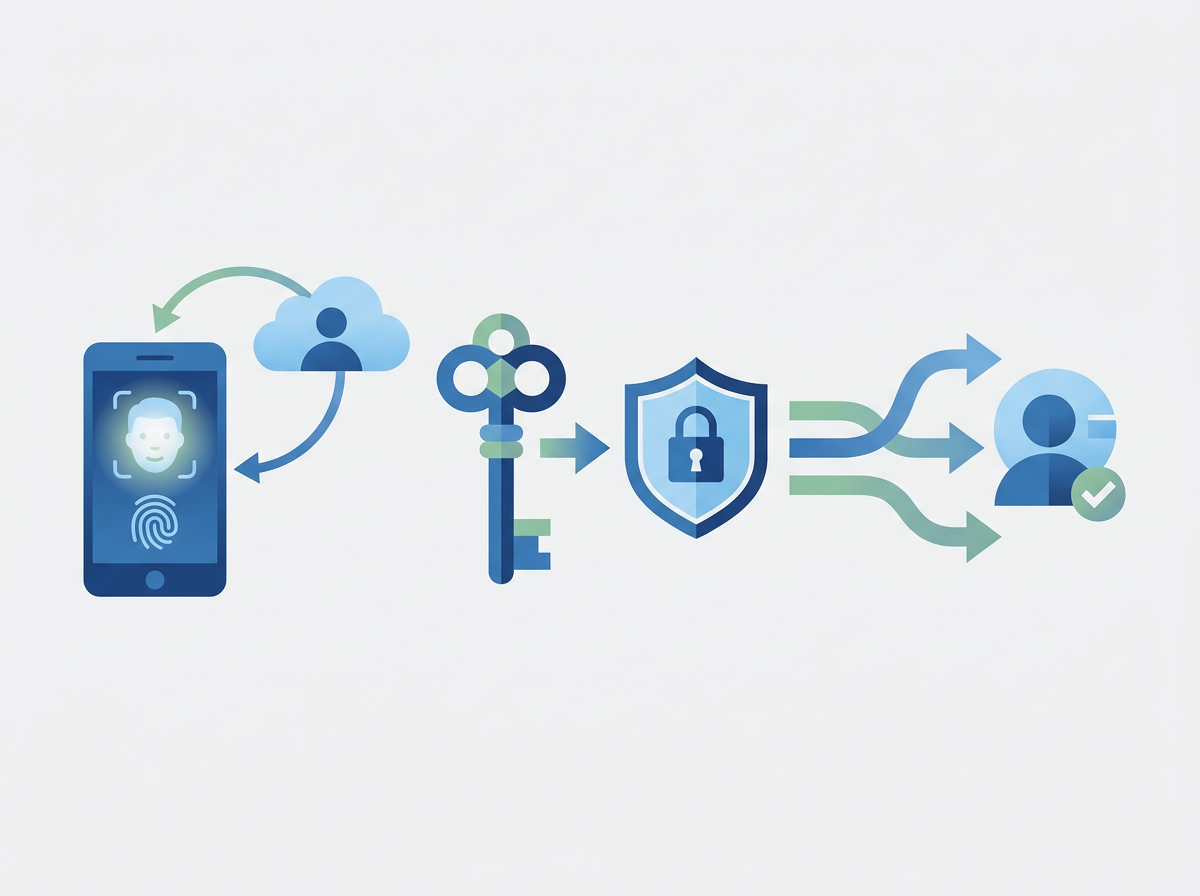
Passwordless sign-in usually means users authenticate using something like:
- an authenticator app approval
- a passkey (device-based credential)
- biometrics (e.g., fingerprint/face) tied to a trusted device
- a hardware security key (for higher-risk roles)
The key idea is that the user proves they are who they say they are without typing a password that can be phished.
When passwordless is a good fit for SMEs
Passwordless tends to make sense when:
- you’re seeing frequent phishing attempts (or near misses)
- Microsoft 365 is the core of your business operations
- staff work across multiple locations/devices
- you want fewer lockouts and fewer “password reset” tickets
- you’re tightening security for compliance or client requirements
A safe rollout approach (what to do first)
1) Get MFA consistent first
If MFA adoption is patchy, fix that before going passwordless.
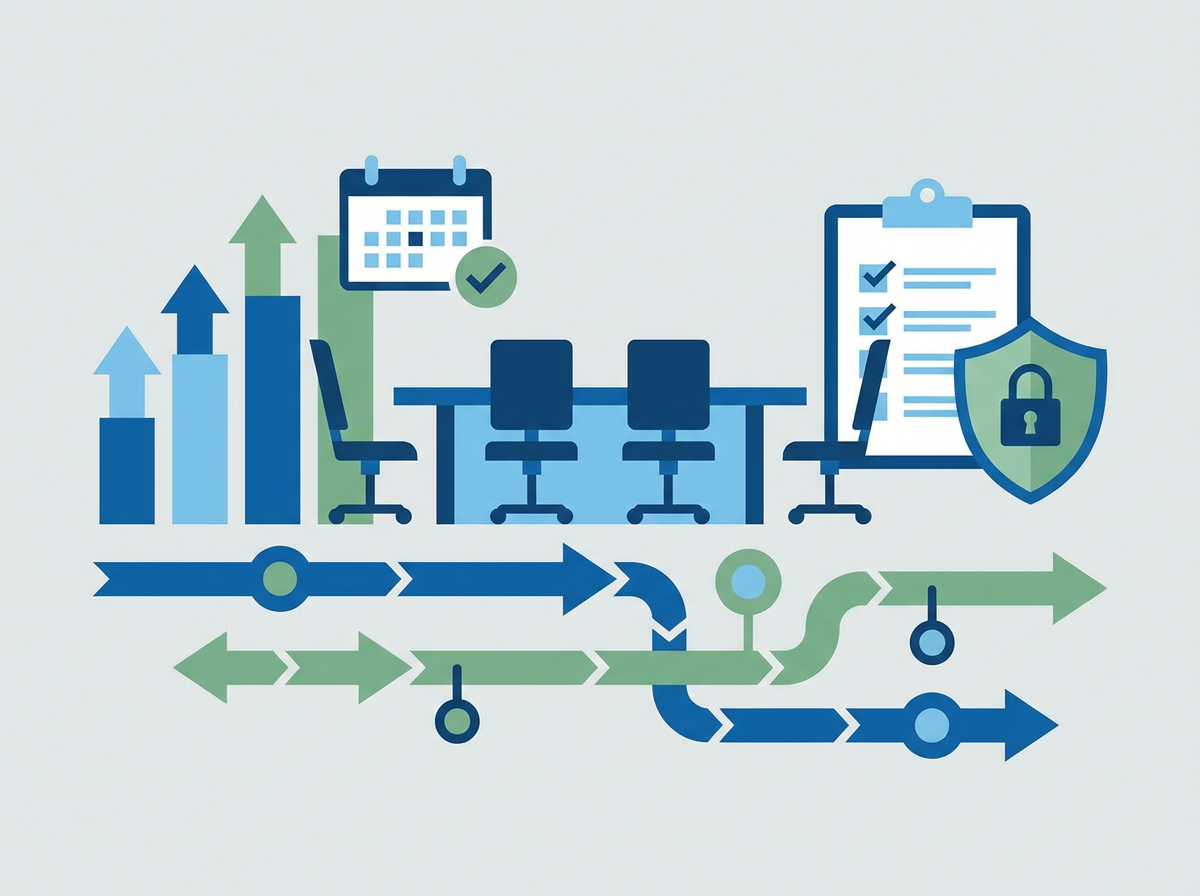
2) Start with a pilot group
Pick a small group that includes:
- a few directors
- a few typical users
- at least one “less technical” user (so you catch usability issues early)
3) Define account recovery properly
Passwordless is only as good as the recovery process. Make sure:
- recovery methods are secure
- admin accounts are protected more strongly than standard users
- there’s a clear process for lost phones/new devices
4) Expand in waves
Once the pilot is stable, roll out department by department.
Common mistakes to avoid
- rolling it out without a recovery plan
- leaving admin accounts protected the same way as standard users
- allowing unmanaged personal devices to become the “keys to the kingdom”
- assuming passwordless alone fixes phishing (it reduces impact, but awareness still matters)
FAQ
Does passwordless replace MFA?
Not really — passwordless is a form of strong authentication. You still need layered identity controls.
Is this only for large enterprises?
No. SMEs often benefit quickly because it reduces phishing impact and support tickets.
Will it annoy staff?
If rolled out well, many users find it easier than passwords — but the rollout needs to be managed carefully.
If you want to explore passwordless, we can assess your current
Microsoft 365 identity setup and map a staged rollout that improves security without disrupting productivity.