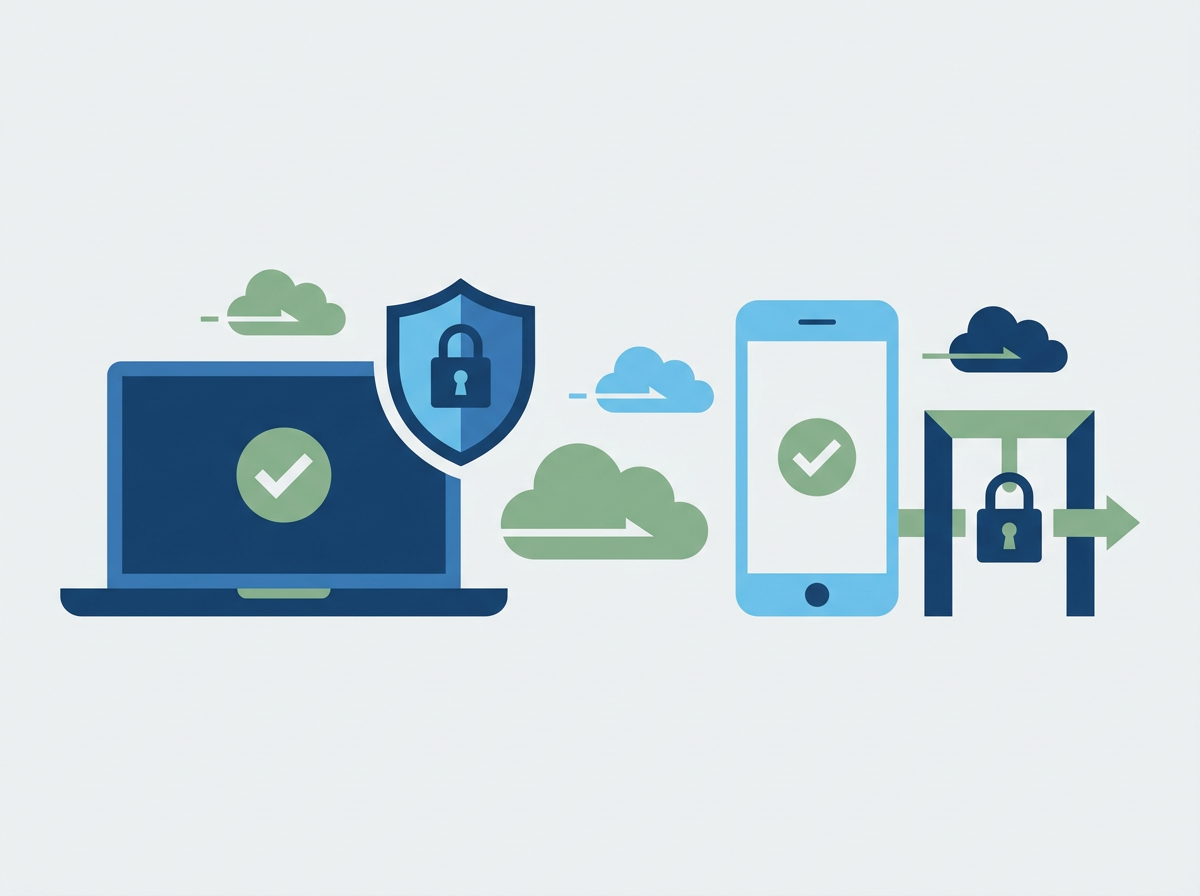
MFA fatigue (push bombing) tricks users into approving sign-ins. Learn how SMEs can stop it in Microsoft 365 with stronger methods, policies, and training.
Microsoft 365 MFA Fatigue Attacks: What They Are, Why SMEs Get Hit, and How to Stop Them
If you only read one thing: an MFA fatigue attack is when an attacker spams a user with login prompts until they approve one out of frustration or confusion. It’s common, it works, and SMEs can reduce it quickly with better MFA methods and sign-in controls.
MFA has been one of the biggest security improvements of the last decade, but attackers adapt. One of the most common workarounds is MFA fatigue (sometimes called push bombing): the attacker has a password (often from phishing or reuse) and repeatedly triggers MFA prompts until the user taps “Approve” just to make the prompts stop.
For SMEs, this is especially risky because busy staff are context-switching all day. A prompt appears during a meeting, while travelling, or mid-task — and it’s easy to assume it’s “something Microsoft is doing.” The attacker doesn’t need you to be careless, they just need you to be human.
Amazing Support is a multi-award-winning, Microsoft Partner and Cyber Essentials Plus certified provider supporting UK SMEs across London, Greater London and Manchester. We see MFA fatigue attempts most often where push-based MFA is widely used, sign-in controls are light, and staff haven’t been coached on what a “random prompt” really means.
Quick definition
MFA fatigue attack: repeated MFA prompts triggered by an attacker to pressure a user into approving a login they didn’t initiate.
Why MFA fatigue works (and why it’s increasing)
- users are trained to “approve MFA” as a routine step
- prompts can appear at inconvenient times
- some MFA methods don’t provide enough context
- attackers can automate repeated sign-in attempts
- SMEs often lack conditional access policies that block suspicious patterns
The signs your business is being targeted
- users report “MFA prompts I didn’t request”
- multiple prompts in a short time window
- sign-in attempts from unfamiliar locations/devices
- account lockouts or unusual mailbox rules appearing later
How SMEs stop MFA fatigue attacks (practical steps)
1) Move away from simple “Approve/Reject” prompts where possible
The best improvement is to use stronger authentication methods that reduce accidental approvals.
2) Require number matching / additional context
If your MFA method can show context (number matching, location, app), it becomes harder to approve “by accident.”
3) Use Conditional Access to block risky sign-ins
Examples of sensible SME controls:
- block sign-ins from countries you don’t operate in
- require compliant devices for sensitive access
- tighten rules for admin accounts
- block legacy authentication
4) Protect admin accounts more strongly than standard users
Admin compromise is high-impact. Separate controls reduce blast radius.
5) Train staff on the one rule that matters
If you didn’t initiate the login, do not approve. Report it.
Make reporting easy and blame-free.
A simple internal message you can send staff
“If you receive an MFA prompt you didn’t expect, press reject and report it immediately. It may mean someone has your password.”
FAQ
Is MFA still worth it if attackers can do this?
Yes. MFA blocks a huge number of attacks. You just need to harden the method and policies.
What should we do if someone approved a prompt by mistake?
Treat it as a potential compromise: reset password, revoke sessions, review sign-ins, check mailbox rules, and investigate.
Does this relate to Cyber Essentials Plus?
It supports strong access control, and it’s a common area auditors and insurers care about.
We can review your Microsoft 365 sign-in posture and implement a small set of
IT security changes that dramatically reduce MFA fatigue risk without annoying staff.