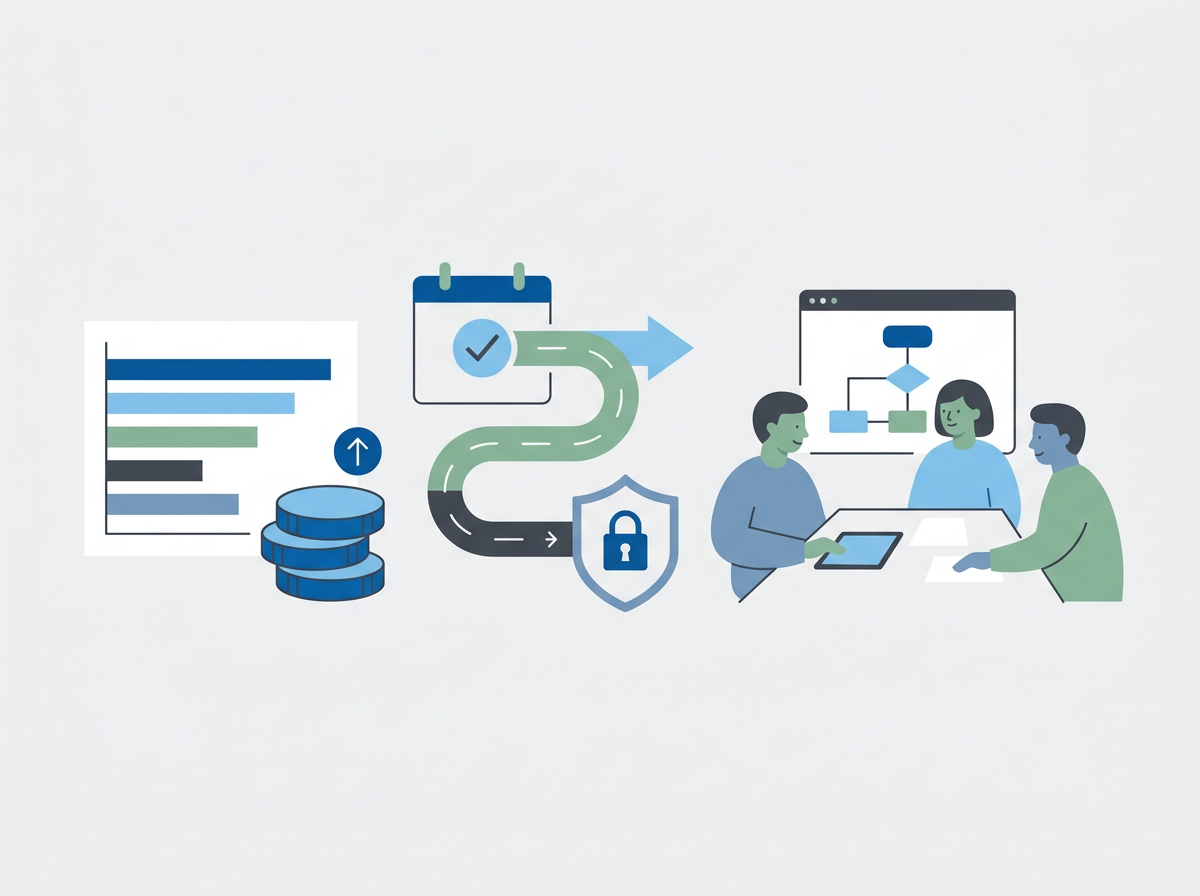
Good IT reporting prevents surprises. Here’s what SMEs should expect monthly: SLA performance, recurring issues, security posture, patching, and priorities.
IT Support Reporting for SMEs: The Monthly Pack That Builds Trust (and Prevents Surprises)
The quick answer: a good monthly IT support report helps SME leaders see performance, risk, and priorities in plain English — not just ticket counts. It should show what happened, what changed, what’s risky, and what you’re doing next.
Many SMEs only realise their IT support reporting is weak when something goes wrong. A major outage happens and leadership asks, “Were we seeing warning signs?” A security incident occurs and the question becomes, “Were we actually improving our posture?” Or costs spike and it’s unclear what was “included” versus project work. A strong monthly pack prevents those moments by creating transparency and momentum.
Amazing Support is a multi-award-winning, Microsoft Partner and Cyber Essentials Plus certified provider supporting UK SMEs across London, Greater London and Manchester. In our experience, the best reporting is consistent, short enough to read, and structured around decisions — so leadership can fund the right work and teams can see progress.
Quick definition
Monthly IT support pack: a recurring report that summarises service performance, recurring issues, security posture, and recommended priorities for the next 30–90 days.
What a great monthly pack includes (SME-friendly)
1) SLA performance (with context)
- response performance by priority
- any breaches and why
- what changed to prevent repeats
2) Ticket themes (not just volume)
- top recurring issues
- root causes identified
- what’s being done to eliminate them
3) Security posture snapshot
Keep it simple:
- MFA coverage
- patch compliance trend
- endpoint coverage
- notable security events (and outcomes)
4) Backup and recovery confidence
- backup success rate
- last restore test date/result
- any risks to recovery time
5) Changes delivered this month
- improvements made
- projects progressed
- policy changes (in plain English)
6) Priorities and recommendations (next 30–90 days)
This is where reporting becomes valuable:
- “fix now” items (risk/high impact)
- “fix next” items (planned improvements)
- “monitor” items (watch list)
The red flags in bad reporting
- only ticket counts and generic graphs
- no narrative, no priorities, no owners
- no security or backup visibility
- no mention of recurring issues or root causes
- no link between reporting and improvement work
FAQ
How long should the monthly pack be?
Short enough to read in 10 minutes, detailed enough to answer questions without a separate meeting.
Who should receive it?
A leadership contact plus an operational contact (office manager/IT lead) is typical.
Should reporting include security even if we “buy cyber separately”?
Yes — security and support overlap in real life (patching, identity, endpoint, email).
If you’re not getting reporting that helps you make decisions, we can show you what a good monthly
IT support pack looks like and how it ties to proactive improvement — not just reactive tickets.