Old laptops create downtime and security risk. Here’s a practical SME device refresh plan: standardisation, budgeting, rollout, and secure disposal.
Device Refresh Planning for SMEs: The 2–3 Year Laptop Cycle That Reduces Risk and Support Noise
Many SMEs run devices “until they die” because it feels cost-effective. In reality, ageing laptops quietly create a tax on the business: slower performance, more support tickets, battery failures, unreliable Wi‑Fi, and missed security updates. They also make standardisation harder — you end up with a mixed fleet that’s difficult to manage and harder to secure consistently. A planned refresh cycle turns device replacement into a predictable business process rather than an emergency.
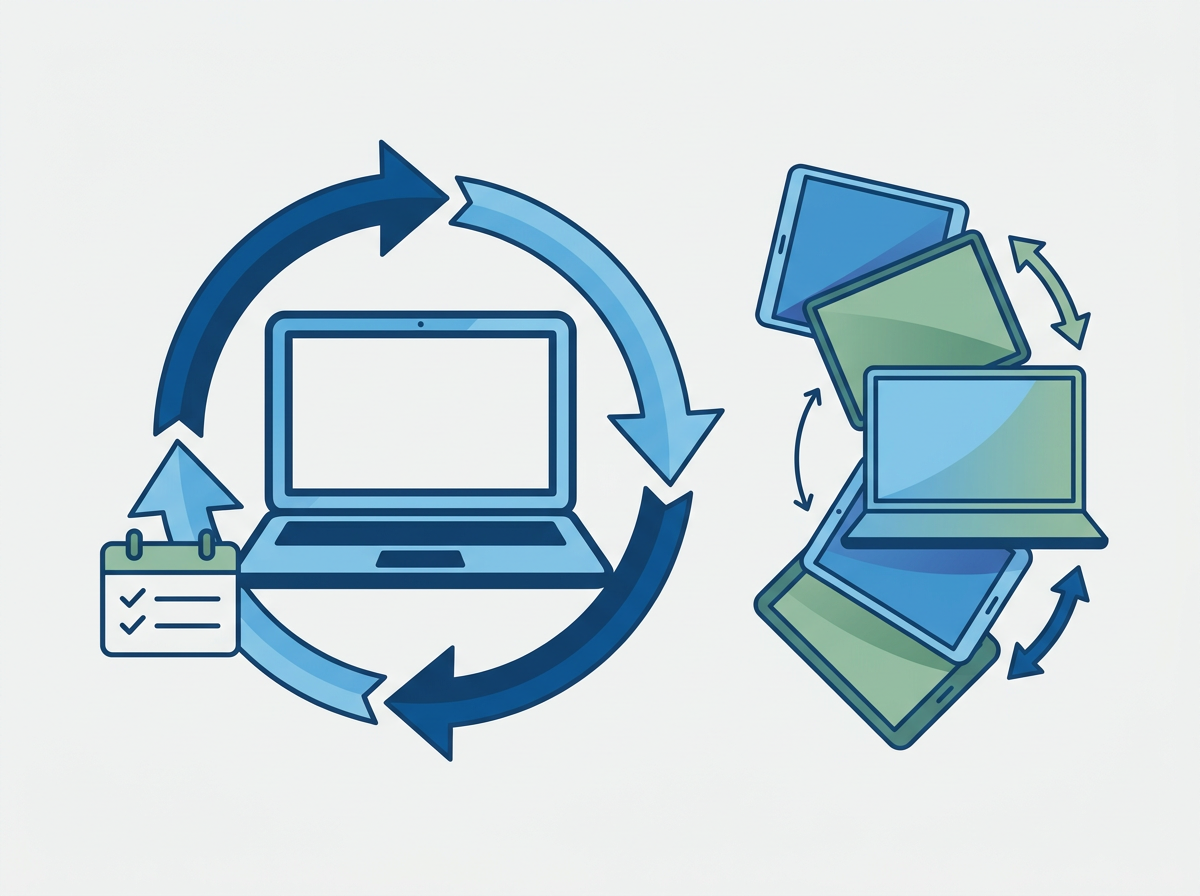
A refresh plan isn’t about buying the newest kit every year. It’s about choosing a sensible lifecycle (often 2–3 years for laptops in busy SMEs), standardising models, budgeting in advance, and ensuring secure disposal. When you plan it properly, staff experience fewer disruptions, onboarding new starters becomes easier, and security posture improves because devices stay compatible with modern controls.
Amazing Support is a multi-award-winning, Microsoft Partner and Cyber Essentials Plus certified provider supporting UK SMEs across London, Greater London and Manchester. We typically see the biggest operational improvements when SMEs treat devices as a managed lifecycle — not ad-hoc purchases.
In plain English: device refresh planning is scheduling when laptops/desktops get replaced so performance, security, and support stay predictable.
A practical SME device refresh plan
1) Set a lifecycle policy
Common approach:
- laptops: 2–3 years
- desktops: 3–5 years (depending on role)
The right number depends on usage intensity and risk tolerance.
2) Standardise models
Standardisation reduces:
- support time
- driver/compatibility issues
- spare kit complexity
It also makes onboarding faster.
3) Budget and phase the rollout
Rather than replacing everything at once:
- refresh a portion each quarter
- prioritise high-impact roles first
This smooths cost and reduces disruption.
4) Build in secure setup and handover
- consistent configuration
- encryption and MFA
- device management (so policies apply automatically)
5) Secure disposal and data handling
Old devices should be:
- wiped properly
- disposed of securely
- documented (asset register updated)
Common mistakes
- buying whatever is cheapest “this time”
- no asset register (you don’t know what you own)
- leaving old devices in cupboards with data still on them
- replacing devices only after repeated failures
- not planning for new starters and growth
FAQ
Is a 2–3 year cycle really necessary?
For many SMEs, yes — especially for laptops used daily. It reduces downtime and keeps security controls consistent.
What’s the biggest risk of old devices?
Unreliable performance is obvious, but security and compatibility issues can be the bigger long-term risk.
Does this help with onboarding new staff?
Massively. Standard kit + standard setup makes new starter onboarding faster and more predictable.
If your device fleet has grown organically,
we can help you put a refresh plan in place that reduces support noise, improves security, and makes budgeting predictable.