Hybrid working security in 2026: the biggest risks for London SMEs, what to tighten now, and how to stay secure without slowing people down.
Hybrid Working Security in 2026: What London SMEs Need to Tighten Now
Hybrid working is no longer a temporary adjustment or a post-pandemic compromise. For most SMEs, it is now simply part of how business operates. Staff move between office, home, client sites, trains, hotels, and shared workspaces without thinking twice about it. That flexibility has obvious advantages. Teams can be more agile, recruitment can widen, and people can work in ways that often suit them better. But from a security point of view, hybrid working has changed the rules completely.
For years, many businesses thought about security in terms of a perimeter. If the office network was protected, if the firewall was configured, and if devices were mostly used on-site, the environment felt relatively contained. That model no longer reflects reality. In 2026, work happens everywhere. Users access Microsoft 365 from multiple locations. Files move between devices and cloud platforms. Staff join Teams calls from home Wi-Fi, open email on mobile phones, and collaborate across shared environments all day long. The office is now just one point in a much wider operating model.
That does not mean hybrid working is inherently insecure. It means businesses need to stop relying on old assumptions. The real issue is not whether people are in the office or at home. The issue is whether the business has built a security model that follows the user, the device, and the data wherever they go. Many SMEs still have a gap here. They may have decent office-based controls, but weaker identity management. They may have strong laptops, but inconsistent mobile security. They may have Microsoft 365 in place, but loose permissions and poor visibility over how files are being shared.
Amazing Support is a multi-award winning, Microsoft Partner and Cyber Essentials certified provider supporting SMEs across London, Greater London and Manchester. From that perspective, hybrid security is one of the clearest examples of where practical IT support and cyber security now overlap. Businesses do not need more complexity for the sake of it. They need the right controls in the right places, applied consistently, so people can work flexibly without creating avoidable risk.
The short answer is this: London SMEs need to tighten identity controls, device management, access policies, user awareness, and recovery readiness — but they need to do it in a way that supports productivity rather than fighting against it.
Why hybrid working changes the risk profile
The biggest mistake businesses make is assuming hybrid working is just office working in a different location. It is not. It changes the attack surface, the support model, and the way data moves around the business.
When staff work across multiple environments, several things happen at once. Devices travel more. Users connect through a wider range of networks. Cloud platforms become more central. The number of access points increases. The distinction between “inside” and “outside” the business network becomes far less meaningful.
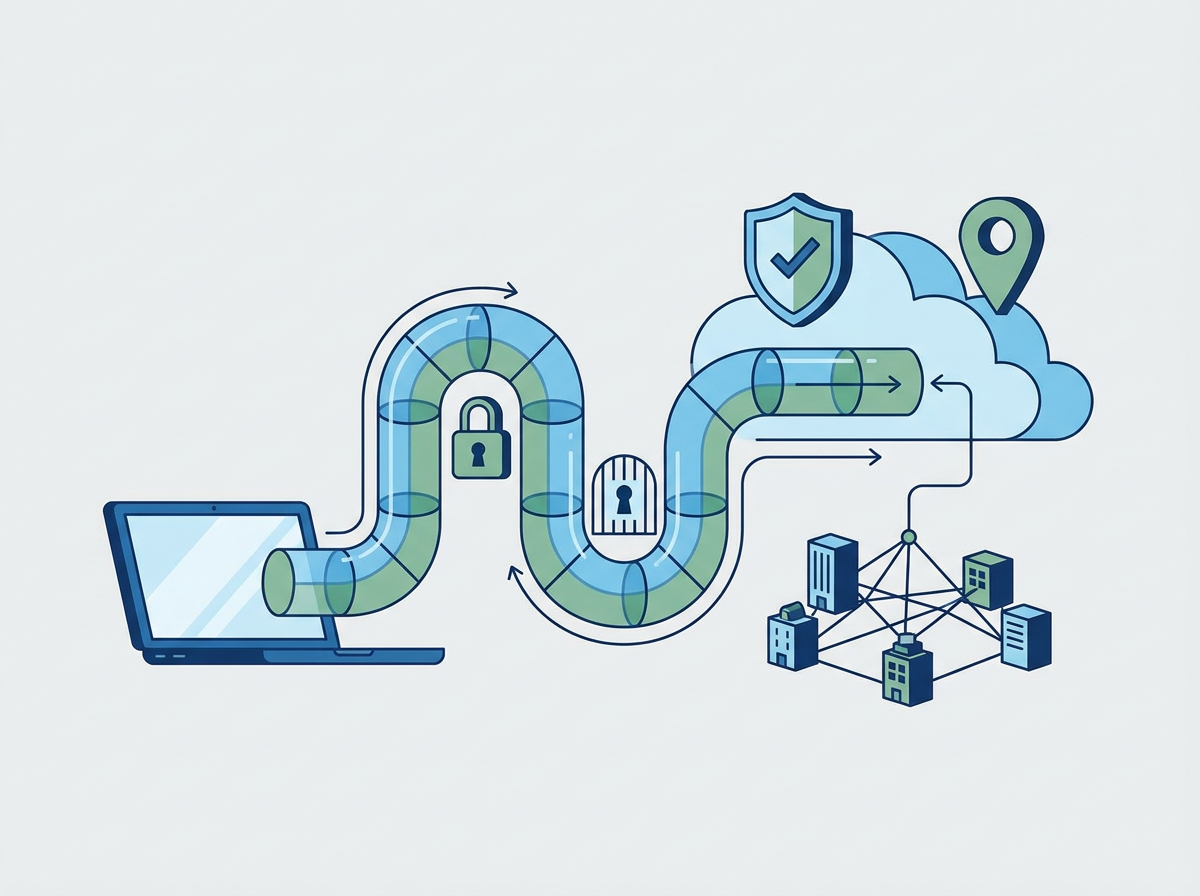
That creates a different kind of risk. Instead of focusing mainly on the office perimeter, security has to focus on identity, device trust, access context, and data handling. In other words, the question becomes: is this the right user, on the right device, accessing the right information, in the right way?
That is a more modern and more realistic security model. It is also the one many SMEs are still only partially implementing.
The first area to tighten: identity and access
If there is one place hybrid security should begin, it is identity.
In a hybrid environment, identity is often the new perimeter. If an attacker gets hold of valid credentials, they may not need to break through a firewall at all. They can simply log in through the same cloud services your team uses every day.
That is why strong identity controls matter so much. At a minimum, businesses should be looking at:
- MFA enforced for all users
- stronger protection for admin accounts
- Conditional Access policies
- removal of shared or unnecessary accounts
- regular access reviews
- clear joiner, mover, leaver processes
A surprising number of businesses still have gaps here. Senior staff may have exceptions because they find MFA inconvenient. Old accounts may remain active after role changes. Shared mailboxes or generic logins may be used in ways that create unnecessary exposure. These are exactly the kinds of issues that become more dangerous in a hybrid model.
Device management matters more than many businesses realise
The second major area is device management.
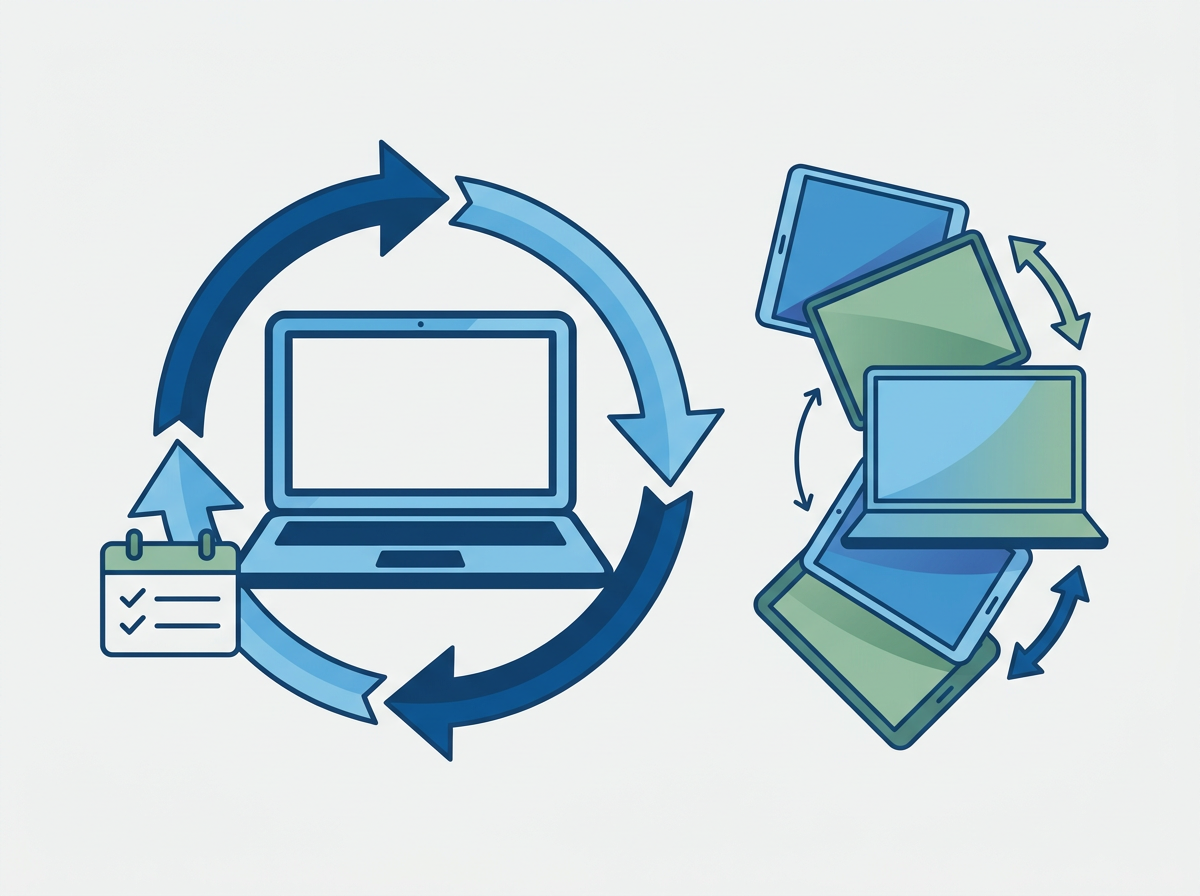
Hybrid working only works safely when devices are consistently configured, protected, and monitored. If one user is on a fully managed, encrypted, patched laptop and another is working from an older device with inconsistent controls, the business does not have a secure hybrid model. It has a patchwork.
A stronger baseline usually includes:
- full-disk encryption
- centrally managed endpoint protection
- patching and update enforcement
- device compliance policies
- remote lock or wipe capability
- visibility over which devices are accessing company data
This matters not only for cyber security but also for operational resilience. Lost devices, delayed patching, and unsupported laptops are not just technical annoyances. They are business risks.
For SMEs with 50–200 users, consistency becomes especially important. At that size, informal workarounds stop scaling. What worked when the business had 15 people often becomes fragile when it has 80, 120, or 180.
Microsoft 365 permissions and sharing need closer attention
A lot of hybrid risk now sits inside Microsoft 365 rather than at the network edge.
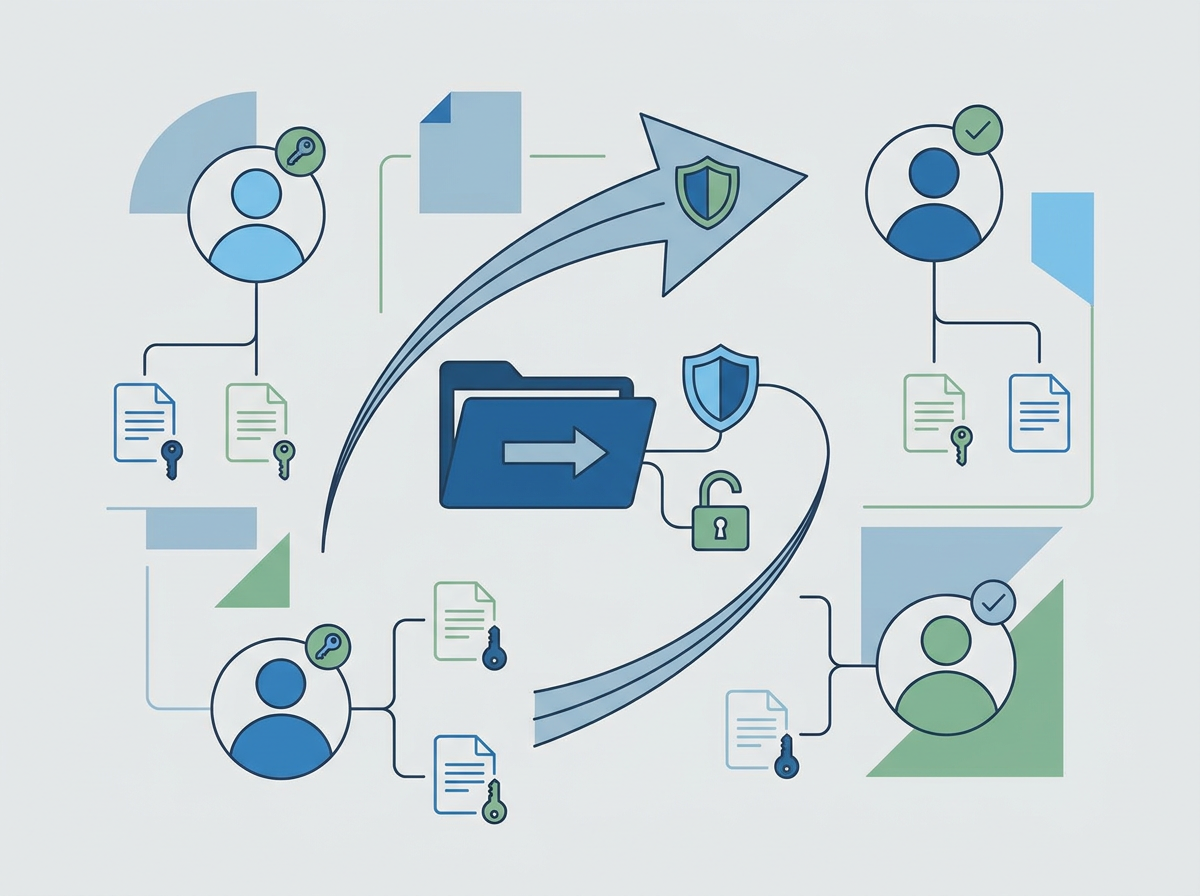
That is because Teams, SharePoint, OneDrive, and Outlook are central to how modern SMEs operate. They make collaboration easier, but they also make it easier for permissions to sprawl, files to be overshared, and sensitive information to be exposed more widely than intended.
Common issues include:
- too many people with access to the same data
- external sharing left too open
- old Teams and SharePoint sites with outdated permissions
- weak governance around file ownership
- confusion over where sensitive documents should live
This is one of the reasons hybrid security needs to be practical rather than theoretical. Businesses do not need to lock everything down so tightly that people cannot work. But they do need clearer rules, better defaults, and more regular reviews.
Home networks are not the main problem — unmanaged risk is
A lot of hybrid security conversations get stuck on home Wi-Fi. While home networks do matter, they are often not the biggest issue.
The bigger problem is unmanaged risk. If a business has strong identity controls, managed devices, secure cloud access, and sensible user awareness, the fact that someone is working from home becomes much less alarming. If those controls are weak, then even office-based work can be risky.
That is why the focus should be less on trying to control every home router and more on controlling what the business actually can control:
- user authentication
- device posture
- access permissions
- application configuration
- monitoring and response
That is a more realistic and more scalable approach.
User behaviour still matters
No hybrid security strategy works if it ignores the human side.
People are busy. They click quickly. They work across devices. They forward files. They join meetings from unfamiliar environments. They respond to messages while travelling. That is normal. The goal is not to expect perfect behaviour. The goal is to reduce the chance that ordinary behaviour creates disproportionate risk.
That usually means:
- regular phishing awareness training
- clear guidance on reporting suspicious activity
- practical advice on handling files and links
- reminders around public Wi-Fi and device privacy
- simple escalation routes when something feels wrong
The most effective security awareness is not patronising and not overly technical. It is relevant, short, and tied to real situations people actually face.
Hybrid security should not destroy productivity
This is where some businesses get it wrong. They respond to hybrid risk by adding friction everywhere. More prompts, more blocks, more complexity, more exceptions, more user frustration.
That usually backfires.
If security becomes too painful, people work around it. They use personal tools. They bypass approved processes. They share data in less controlled ways. In trying to reduce risk, the business can end up creating different kinds of risk.
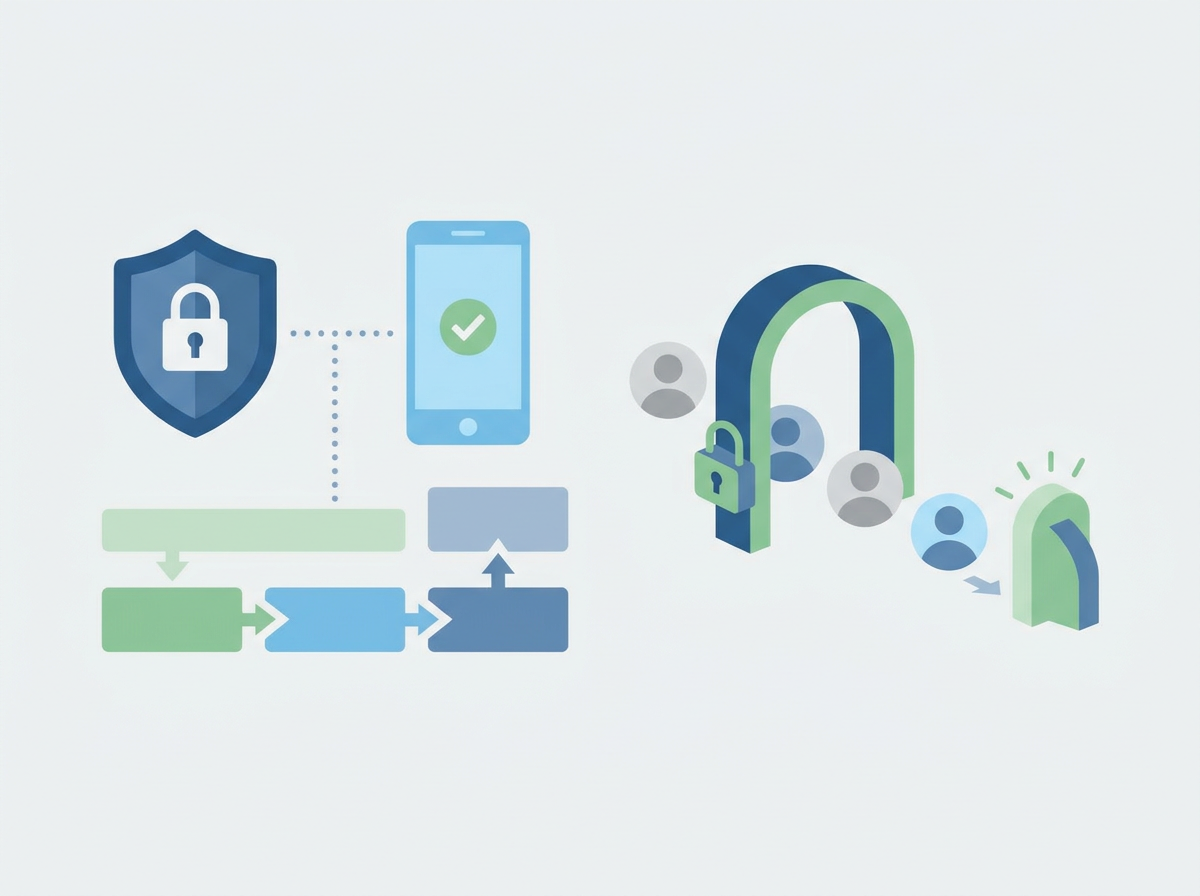
The better approach is to make secure behaviour the easiest behaviour. That means:
- sensible defaults
- well-managed devices
- clear access rules
- low-friction MFA methods
- good onboarding
- support that resolves issues quickly
In other words, good hybrid security is not just about controls. It is about user experience.
Recovery readiness is part of hybrid security too
A lot of businesses focus on prevention and forget recovery.
But hybrid environments still need strong recovery capability. If an account is compromised, a device is lost, or ransomware affects synced files, the business needs to know what happens next. That means:
- clear incident response steps
- tested backups
- fast account lockout and reset processes
- visibility over affected users and devices
- communication plans for staff and clients
This is where proactive IT support really matters. Security is not only about stopping bad things from happening. It is also about reducing the impact when something does go wrong.
What a good hybrid security baseline looks like in 2026
For most London SMEs, a sensible hybrid baseline now includes:
- MFA for all users and stronger controls for admins
- Conditional Access policies based on risk and device trust
- Fully managed, encrypted, patched devices
- Strong endpoint protection and monitoring
- Clear Microsoft 365 sharing and permissions governance
- Regular user awareness training
- Tested backup and recovery processes
- Clear incident response and escalation paths
That is not excessive. It is increasingly the baseline for operating responsibly in a hybrid world.
Why this matters commercially, not just technically
This is not just an IT issue. It affects buyer confidence, leadership confidence, and operational resilience.
Clients increasingly expect suppliers to handle data responsibly. Leadership teams want fewer surprises. Staff want to work flexibly without constant friction. A stronger hybrid security model supports all three.
For Amazing Support, this is also a strong positioning topic because it speaks directly to the kind of businesses you want to attract: growing SMEs that need practical, commercially aware IT and cyber support rather than generic technical noise.
FAQ
Is hybrid working less secure than office-based working?
Not necessarily. It is less about location and more about whether identity, devices, and access are properly controlled.
What is the biggest hybrid security risk for SMEs?
Weak identity controls are usually the biggest issue, especially where MFA, admin access, or account hygiene are inconsistent.
Do we need to lock everything down to stay secure?
No. The goal is to apply the right controls without making work unnecessarily difficult.
Are home networks the main problem?
Usually not. Unmanaged devices, weak access controls, and poor visibility are often bigger risks.
How often should we review hybrid security?
At least twice a year, and whenever there are major changes to staffing, systems, or working patterns.
If your business has adopted hybrid working but your IT security model still feels office-first, we can help you review the gaps with your
free IT Audit, tighten the right controls, and create a setup that is secure, practical, and easier to manage.