Good IT documentation reduces downtime and risk. Here are 10 essentials SMEs should have: asset list, access, backups, network map, suppliers, and runbooks.
IT Documentation for SMEs: The 10 Things You Should Be Able to Find in 10 Minutes
When IT documentation is weak, the business pays for it in small ways every week and big ways during incidents. A new starter can’t be set up quickly. A leaver’s access isn’t removed cleanly. A supplier asks for details and nobody knows where they are. A key system fails and recovery becomes guesswork. Documentation isn’t glamorous, but it’s one of the strongest predictors of how calmly a business handles change and disruption.
The best SME documentation isn’t a giant wiki nobody updates. It’s a small set of essentials that are accurate, accessible to the right people, and reviewed regularly. If you can find the right information quickly, you reduce downtime, reduce risk, and reduce dependency on “that one person who knows everything.”
Amazing Support is a multi-award-winning, Microsoft Partner and Cyber Essentials Plus certified provider supporting UK SMEs across London, Greater London and Manchester. In practice, great documentation is what turns IT support from reactive to reliable.
In plain English: IT documentation is the organised record of your systems, access, suppliers, and recovery steps — so the business can operate and recover without guesswork.
The 10 things SMEs should be able to find fast
1) Asset inventory
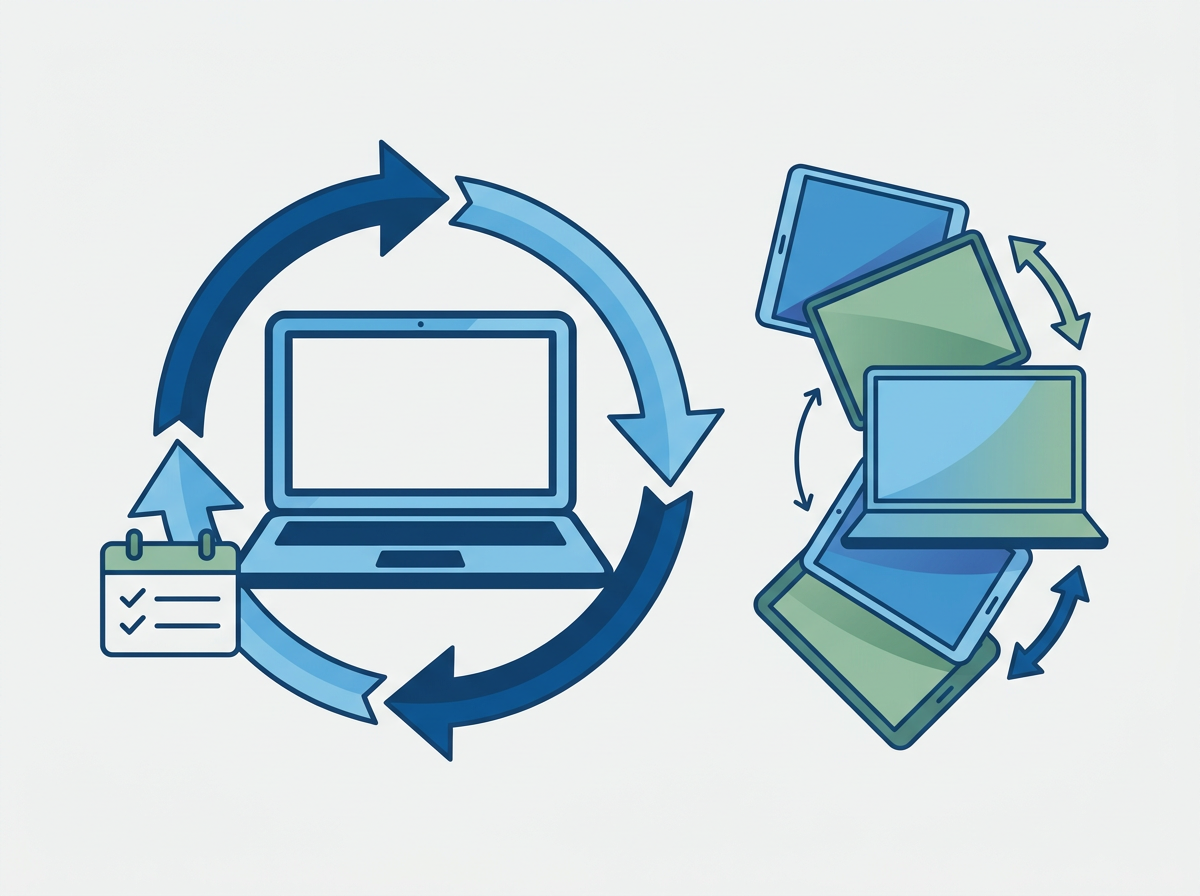
What devices you have, who uses them, and key details.
2) Admin access ownership
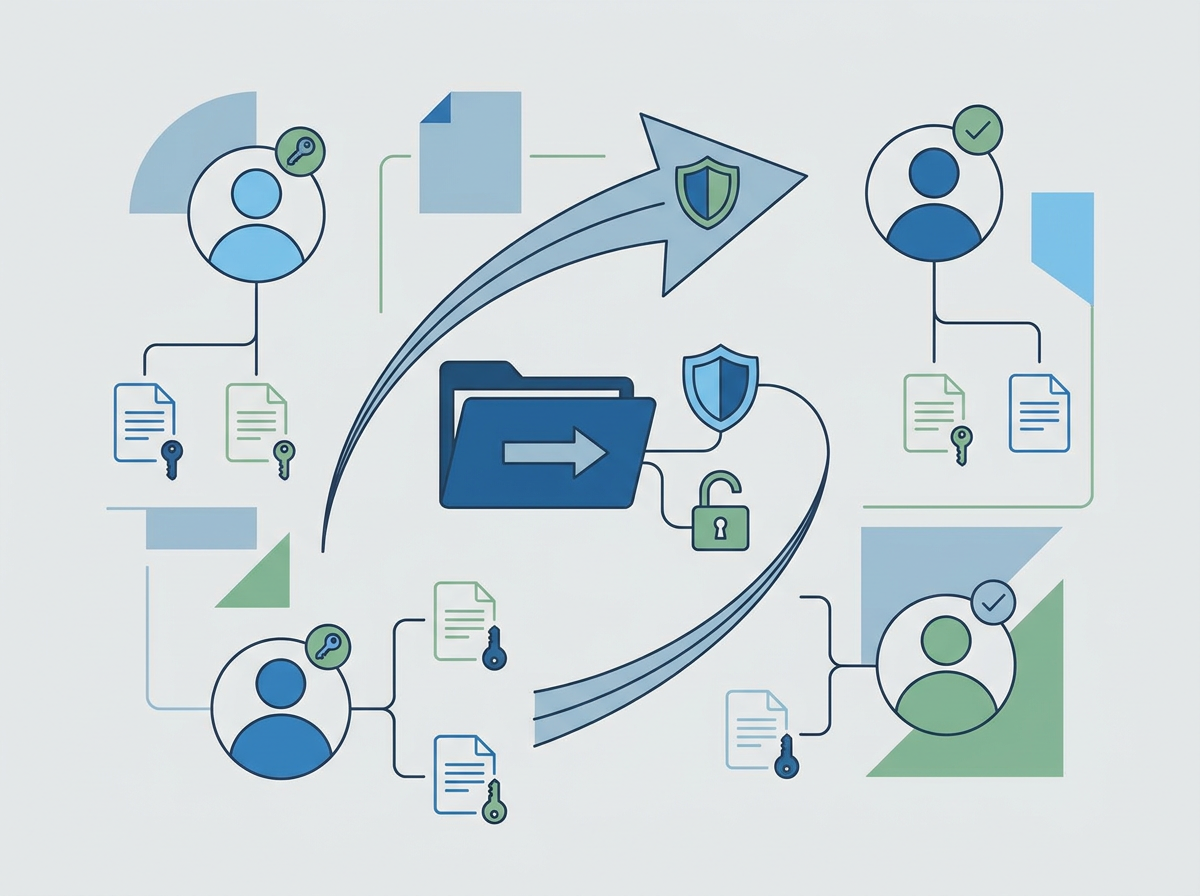
Who holds admin access for Microsoft 365, domains, backups, and key apps (and how it’s secured).
3) Network overview
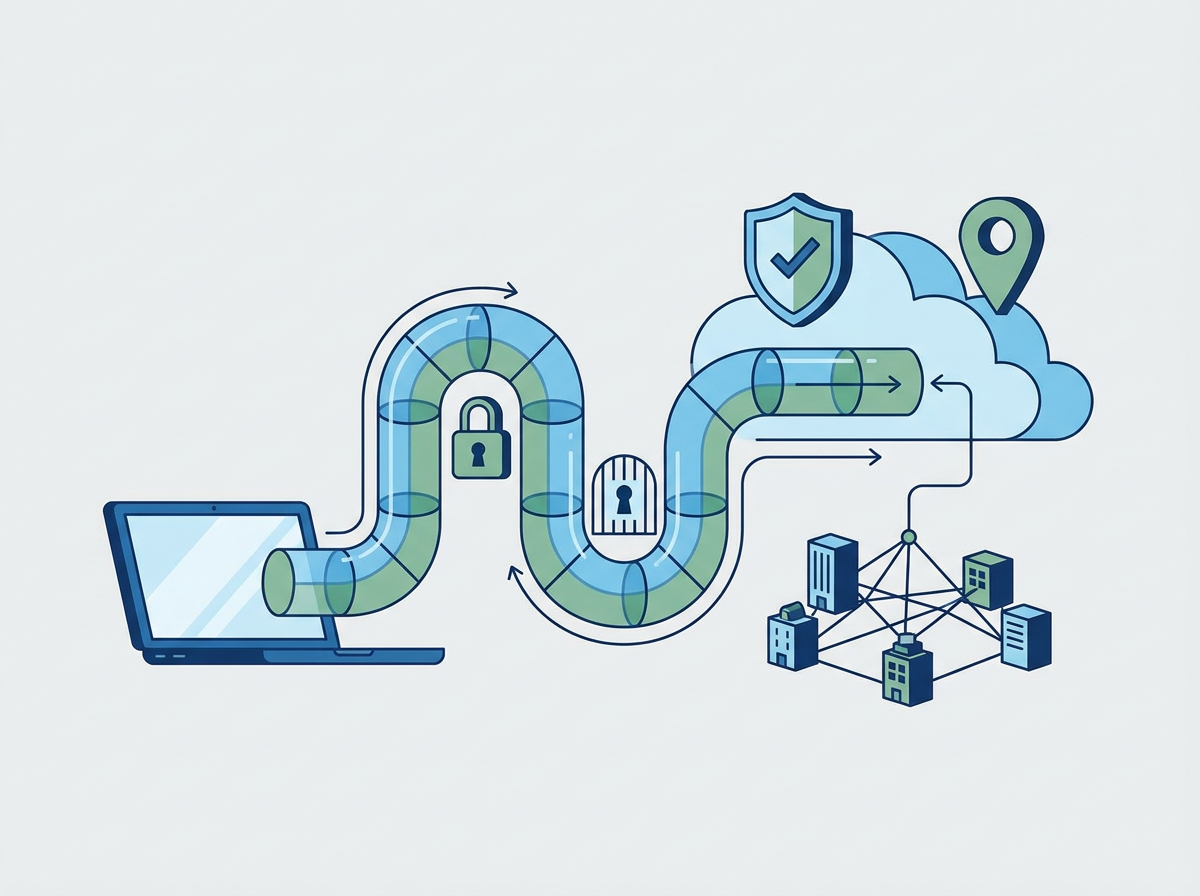
A simple map of sites, internet connections, firewalls, and Wi‑Fi.
4) Backup and recovery details
What’s backed up, how often, where it’s stored, and how restores work.
5) Key supplier list
Who provides what, contract details, and escalation contacts.
6) Joiner/leaver process
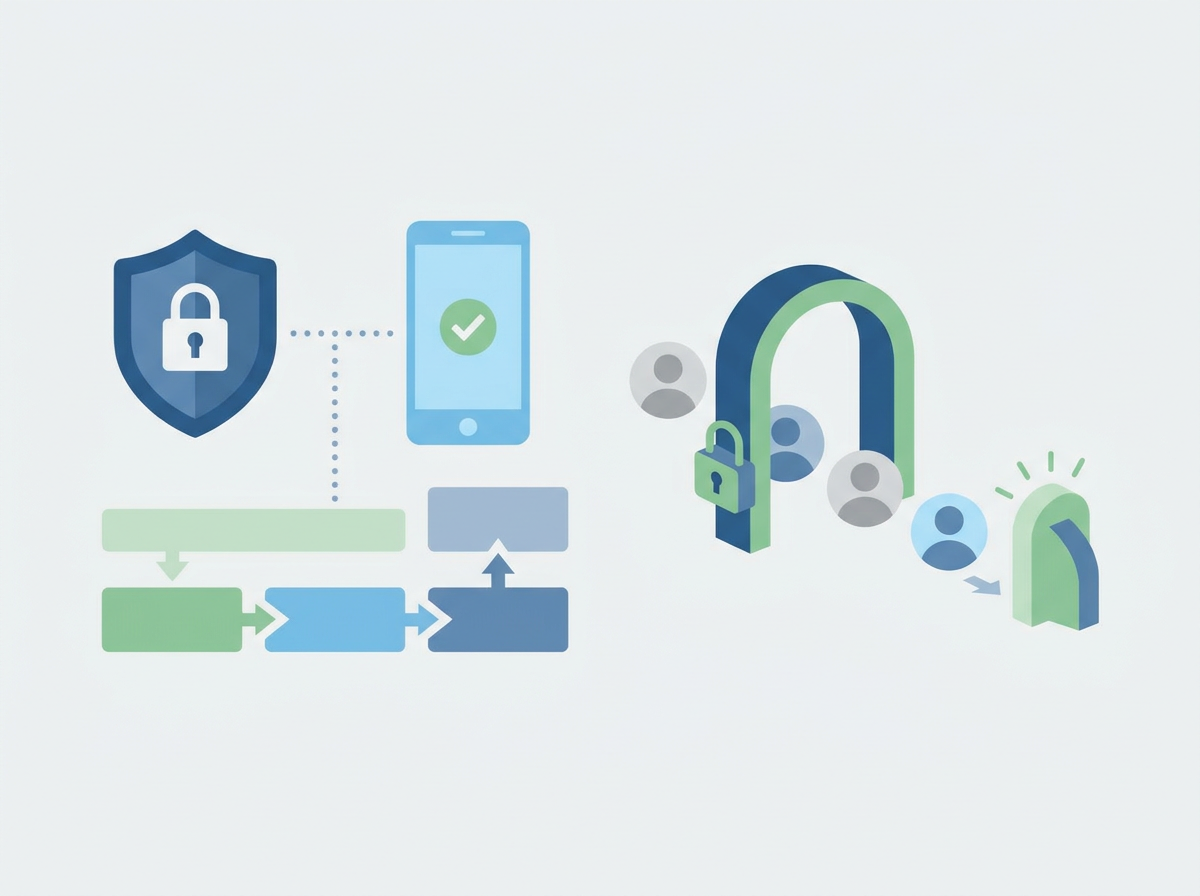
Steps, owners, and expected timelines.
7) Security baseline summary
The basics you enforce (MFA, patching, endpoint protection, device encryption).
8) Critical systems list
What the business cannot operate without, and what “priority restore” means.
9) Common runbooks
Short “how to” steps for recurring tasks (new laptop setup, mailbox access, VPN, etc.).
10) Incident response essentials
Who decides what, who to call, and what to do first.
Common documentation mistakes
- storing docs in personal folders
- no review cycle (docs rot fast)
- too much detail that nobody maintains
- access too open (sensitive info needs protection)
FAQ
Who should own documentation in an SME?
IT should maintain it, but leadership should insist on it and review it periodically.
How often should we review it?
Quarterly is a good rhythm, and always after major changes.
Does documentation really reduce risk?
Yes. It reduces downtime, speeds recovery, and improves security consistency.
If you want, we can help you build a clean
Managed IT documentation pack that’s genuinely useful day-to-day — and makes incidents and audits far less painful.