Is your IT support ready for 2026? Here’s a simple 7-point checklist for London and Manchester SMEs to review before the year ends.
IT Support Health Check: 7 Things to Review Before the New Year
The end of the year is the perfect time to check your IT support is still fit for purpose. For London and Manchester SMEs, a quick review now can help you avoid surprises, downtime, and security risks in the year ahead.
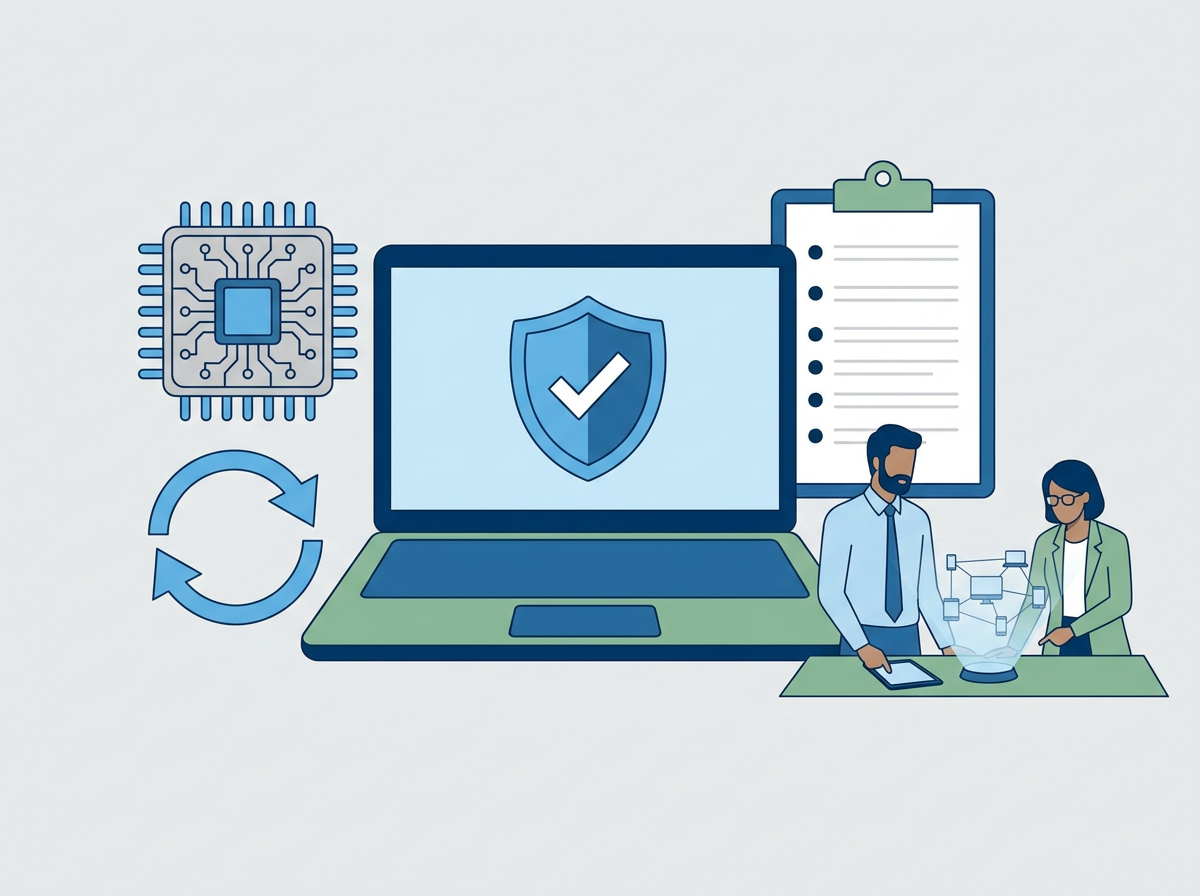
Here’s a 7-point IT support health check to run before 2026:
1. Are your support SLAs still being met?
Check your provider’s actual response and resolution times against their promises. If users are waiting longer than agreed, it’s time to address it.
2. Are your backups working—and tested?
Ask for proof of recent backup tests for key systems (servers, Microsoft 365, cloud apps). Don’t just “assume” they’re working.
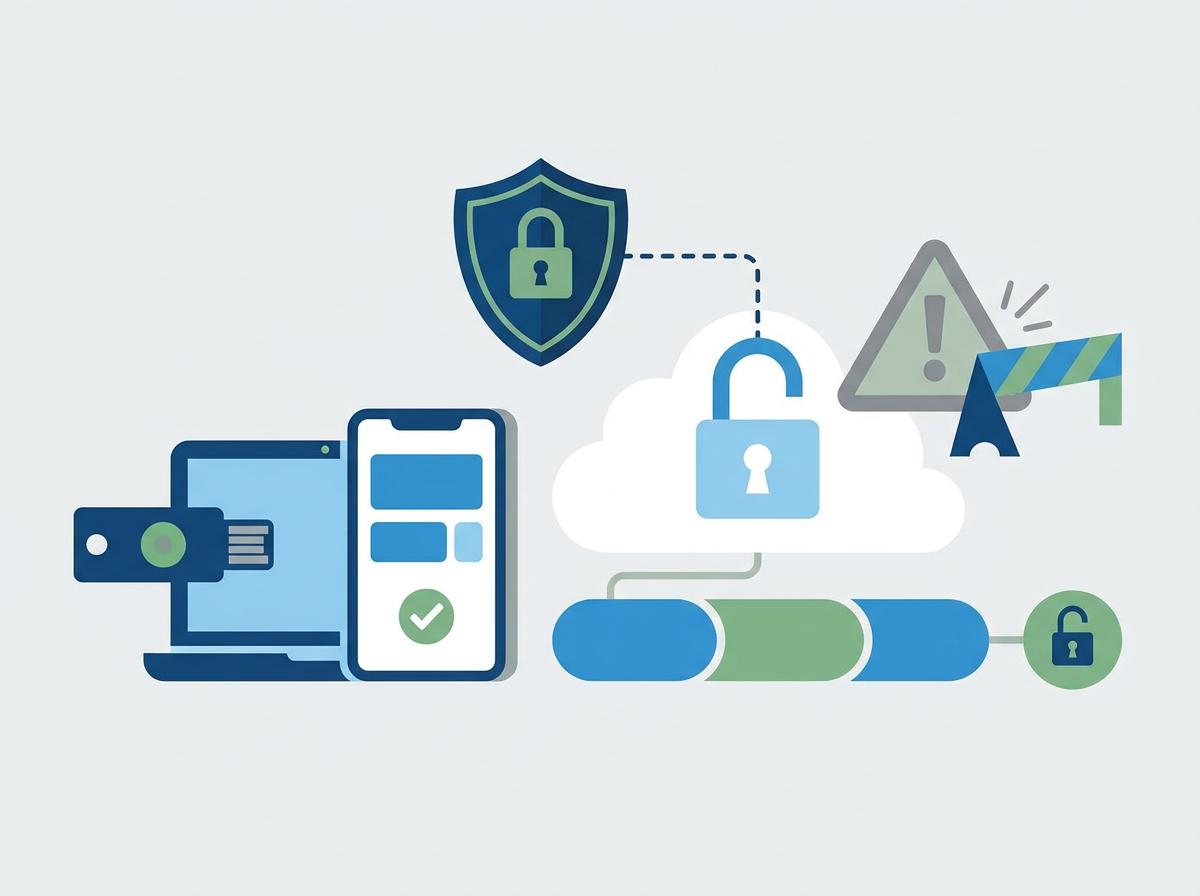
3. Is your security up to date?
Review MFA, endpoint protection, email filtering, and patching. If you don’t have Cyber Essentials or regular security reviews, you’re at risk.
4. Have you had a service review in the last 6 months?
If not, ask for one. You should know about recurring issues, improvement plans, and upcoming risks.
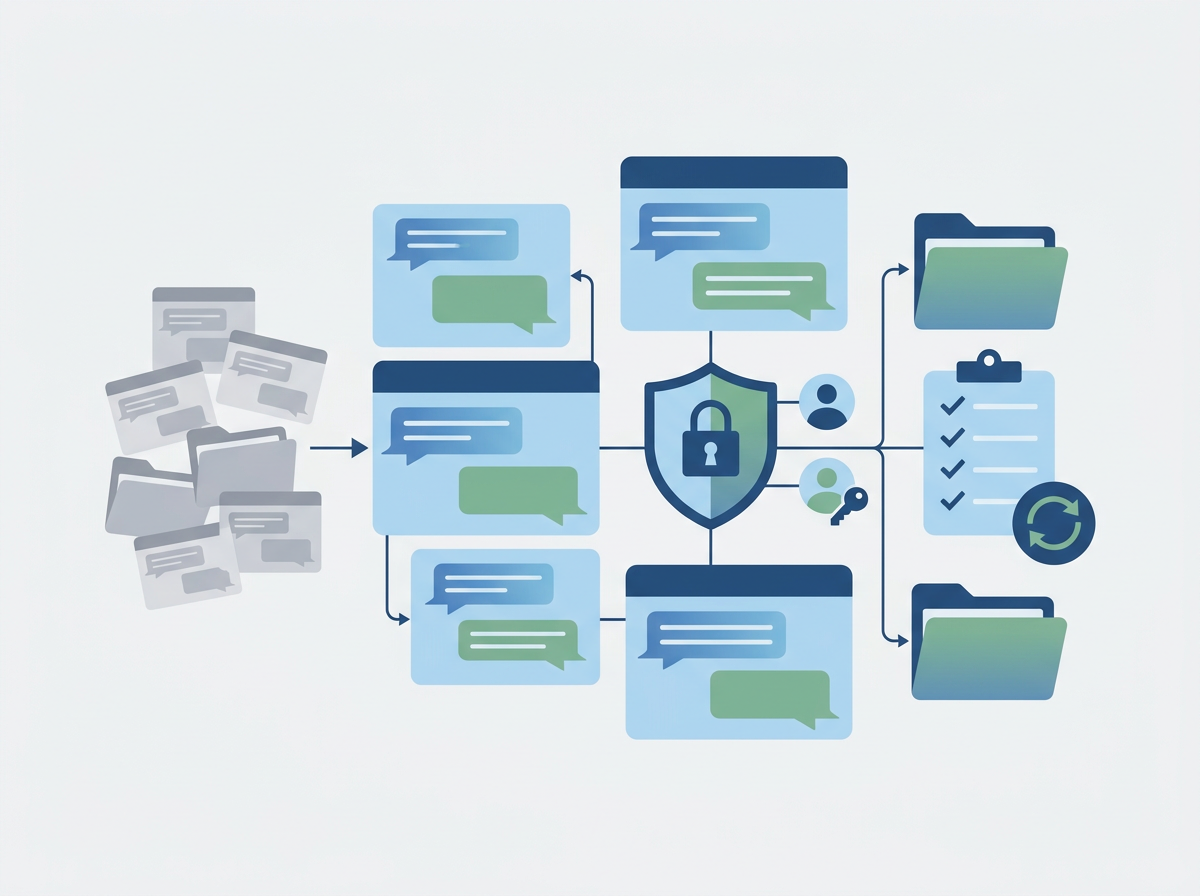
5. Is your IT documentation current?
Make sure you have up-to-date records of devices, users, passwords, contracts, and key contacts. This is crucial for onboarding, offboarding, and incident response.
6. Are you ready for growth or change?
If you’re planning to grow, open new offices, or roll out new systems in 2026, check your IT support has the capacity and expertise to help—especially if you have sites in both London and Manchester.
7. Are you getting value for money?
Compare your costs, service quality, and results against what’s available from other multi-award-winning, Microsoft Partner, Cyber Essentials certified providers.
Want an independent IT support health check?
Amazing Support can review your current
IT support, security, and risks, then give you clear, actionable recommendations for 2026—no obligation.