Changing IT support doesn’t have to be risky. Here’s how SMEs manage a smooth handover: access, documentation, security, and what to ask upfront.
Many SMEs stay with an IT provider longer than they want to because switching feels risky. They worry about downtime, lost passwords, messy documentation, or a blame game between old and new providers. Those fears are understandable — but a well-run handover is usually calm and structured. The key is to treat switching as a project with clear phases: discovery, access, documentation, stabilisation, and then improvement.
A good provider won’t rush into changes on day one. They’ll focus on visibility and continuity first: making sure accounts are secure, backups are understood, devices are visible, and support routes are clear for staff.
Amazing Support is a multi-award-winning, Microsoft Partner and Cyber Essentials Plus certified provider supporting UK SMEs across London, Greater London and Manchester — and in practice, the smoothest handovers happen when access and documentation are prioritised early.
In plain English: switching IT support is a controlled transition of access, documentation, tooling, and responsibility — designed to keep the business running normally throughout.
The 5 phases of a smooth SME IT support handover
1) Discovery (what you have and what matters)
- users, devices, key systems
- critical services and dependencies
- current pain points and risks
2) Access and security control
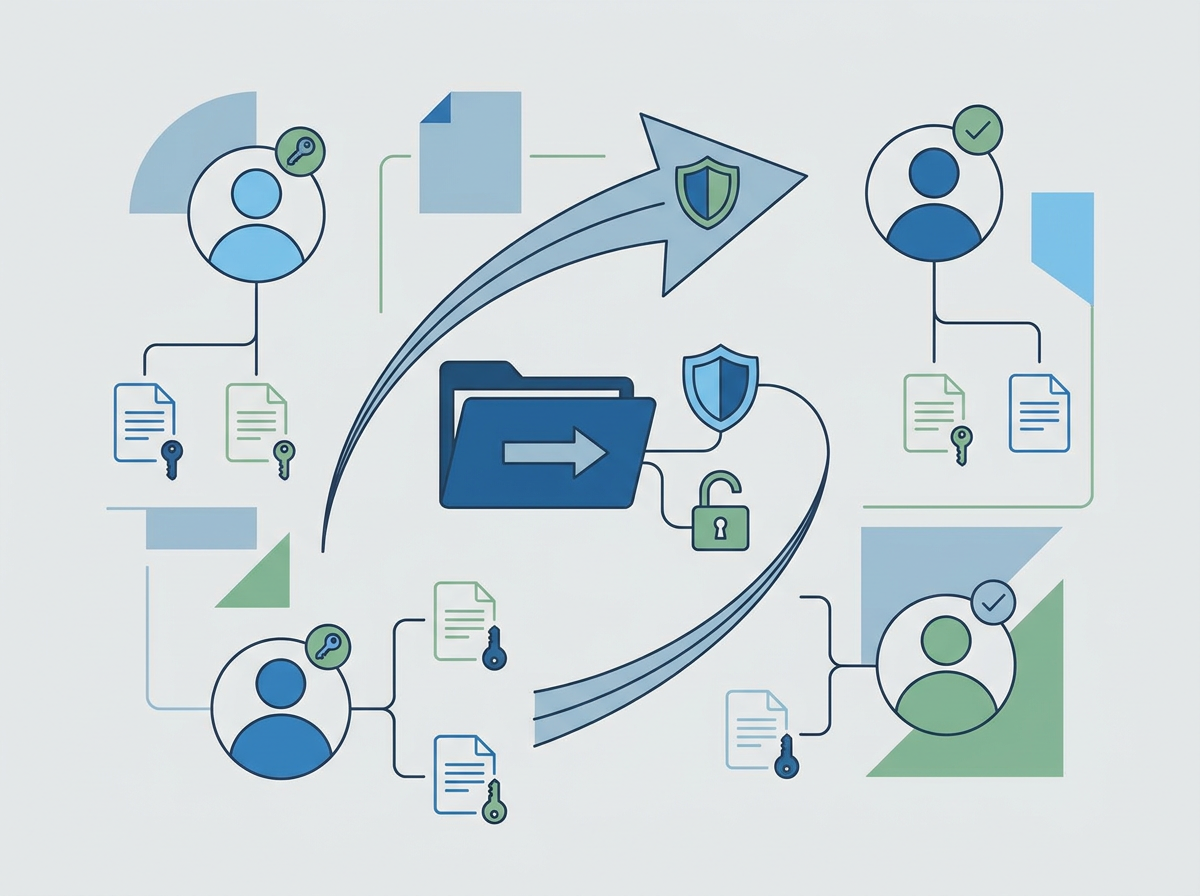
- confirm admin access to Microsoft 365, domains, backups, key suppliers
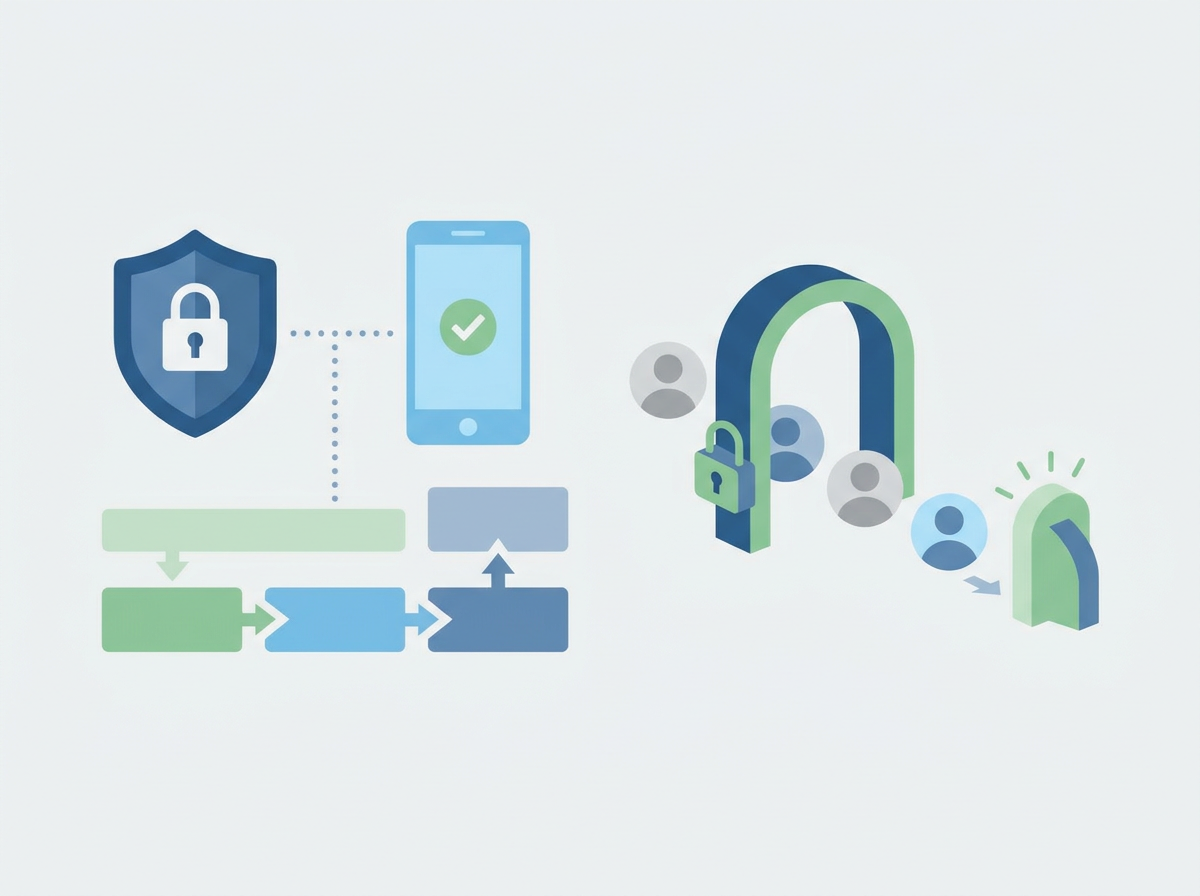
- secure admin accounts and MFA
- ensure leavers/third parties are controlled
3) Documentation and “single source of truth”
- asset register
- network basics
- backup approach and restore confidence
- key procedures and contacts
4) Stabilisation (quick wins without disruption)
- patching visibility
- endpoint protection consistency
- support process clarity and escalation
5) Improvement roadmap
Once stable, you plan:
- security uplift
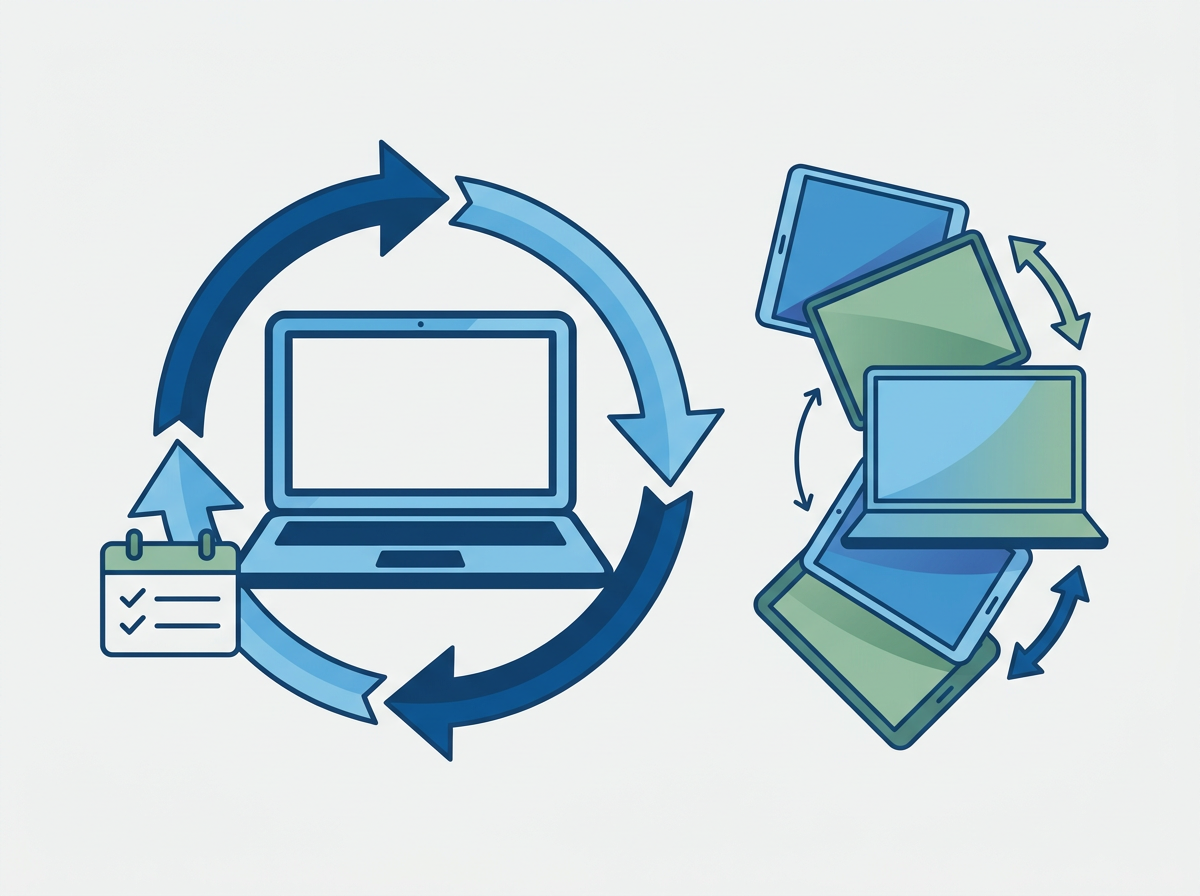
- device refresh
- Microsoft 365 governance
- continuity improvements
What SMEs should ask before switching
- who owns the handover project on your side?
- what access do you need on day one?
- how do you handle documentation?
- what changes will you not make immediately (to reduce risk)?
- how will staff get support during the transition?
FAQ
Will switching cause downtime?
It shouldn’t, if handled properly. Most of the early work is visibility, access, and process — not disruptive changes.
What’s the biggest risk in a handover?
Missing access (domains, backups, admin accounts) and poor documentation. Solve those early.
If you’re considering an switch, we can talk you through what a safe
IT handover looks like and what you should expect in the first week and first month.