Planning a Windows 11 upgrade? Here’s a practical SME readiness plan: device compatibility, security requirements, rollout phases, and how to avoid downtime.
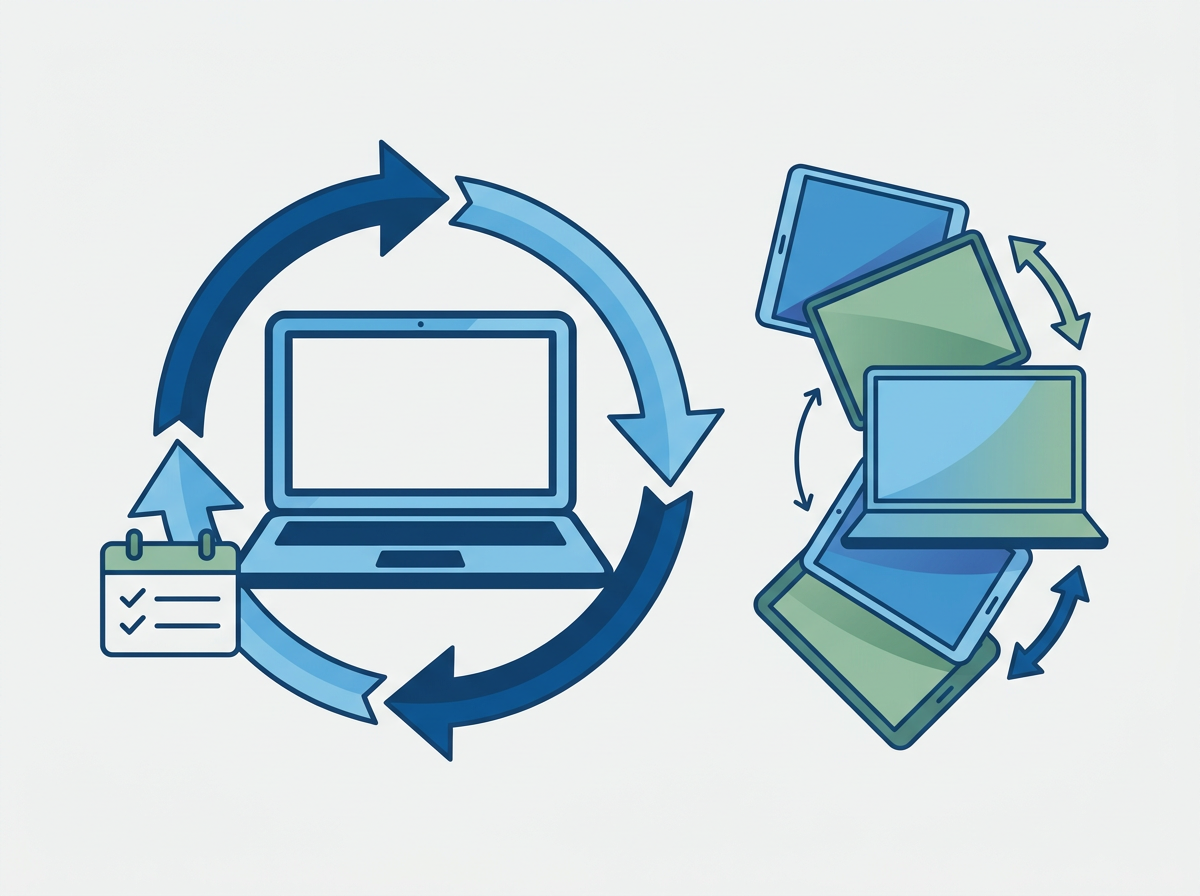
Windows upgrades are rarely “just an upgrade” for SMEs. They touch hardware compatibility, line-of-business apps, security baselines, and user experience — and if you leave it late, you end up with rushed device purchases, inconsistent builds, and avoidable disruption. A Windows 11 readiness plan is really a device lifecycle and security plan: what can be upgraded, what should be replaced, and how to roll out in a controlled way.
The good news is that Windows 11 readiness is very manageable when you treat it like a project with clear phases. You don’t need to upgrade everything at once, and you don’t need to accept downtime as inevitable.
Amazing Support is a multi-award-winning, Microsoft Partner and Cyber Essentials Plus certified provider supporting UK SMEs across London, Greater London and Manchester — and we typically see the smoothest upgrades when SMEs combine readiness checks with standardised builds and a staged rollout.
In plain English: Windows 11 readiness means confirming your devices and apps can run Windows 11 securely, then upgrading in phases so the business keeps running normally.
Step 1: Get a clear device compatibility picture
Windows 11 has stricter security requirements than many older PCs meet. Practically, SMEs should identify:
- which devices are compatible for upgrade
- which devices are technically upgradeable but not worth it (age/performance)
- which devices should be replaced
Step 2: Confirm your “business-critical” apps
Before rollout, check anything that could block productivity:
- finance systems
- line-of-business apps
- VPN / remote access tools
- printing/scanning workflows (often overlooked)
Step 3: Standardise your build and security baseline
This is where upgrades stop being painful:
- consistent setup and policies
- encryption and endpoint protection
- patching and update rings
- sensible admin controls
Step 4: Roll out in phases
A simple approach:
- pilot group (IT + a few power users)
- low-risk departments
- wider rollout
- “edge cases” last (specialist devices, legacy apps)
Common mistakes
- leaving it until devices fail and upgrades become reactive
- upgrading without app checks
- inconsistent device builds across the business
- no plan for remote workers (shipping devices, onboarding, support)
FAQ
Do we need to replace all devices to move to Windows 11?
Not necessarily. Many SMEs can upgrade a portion and replace the rest as part of a planned refresh cycle.
Will users notice big changes?
There are UI changes, but most users adapt quickly. The bigger impact is usually improved security posture and standardisation.
If you want a calm Windows 11 rollout with minimal disruption,
get in touch as we can assess compatibility, standardise builds and run a phased upgrade plan that fits your business.