The most common Microsoft 365 security mistakes London SMEs make—and how to fix them for 2026. Practical advice from certified experts.
Microsoft 365 Security Pitfalls: What London SMEs Miss (And How to Fix Them in 2026)
Microsoft 365 is the backbone of most London SMEs, but too often, security is left at “default” settings. In 2026, with evolving threats and hybrid work, small gaps can lead to big risks. This post explores the most common pitfalls we see—and how to close them.
Amazing Support is a multi-award winning, Microsoft Partner and Cyber Essentials certified provider supporting SMEs across London, Greater London, and Manchester. Here’s what to check, improve, and monitor this year.
Where Most SMEs Go Wrong
MFA not enforced for all users:
Many businesses enable MFA, but don’t require it for every account—especially senior leadership or service accounts.
Legacy authentication still allowed:
Old protocols (like IMAP/POP) are often left enabled, making MFA useless for those entry points.
No Conditional Access policies:
Without rules for device compliance, location, or risk, attackers can slip through.
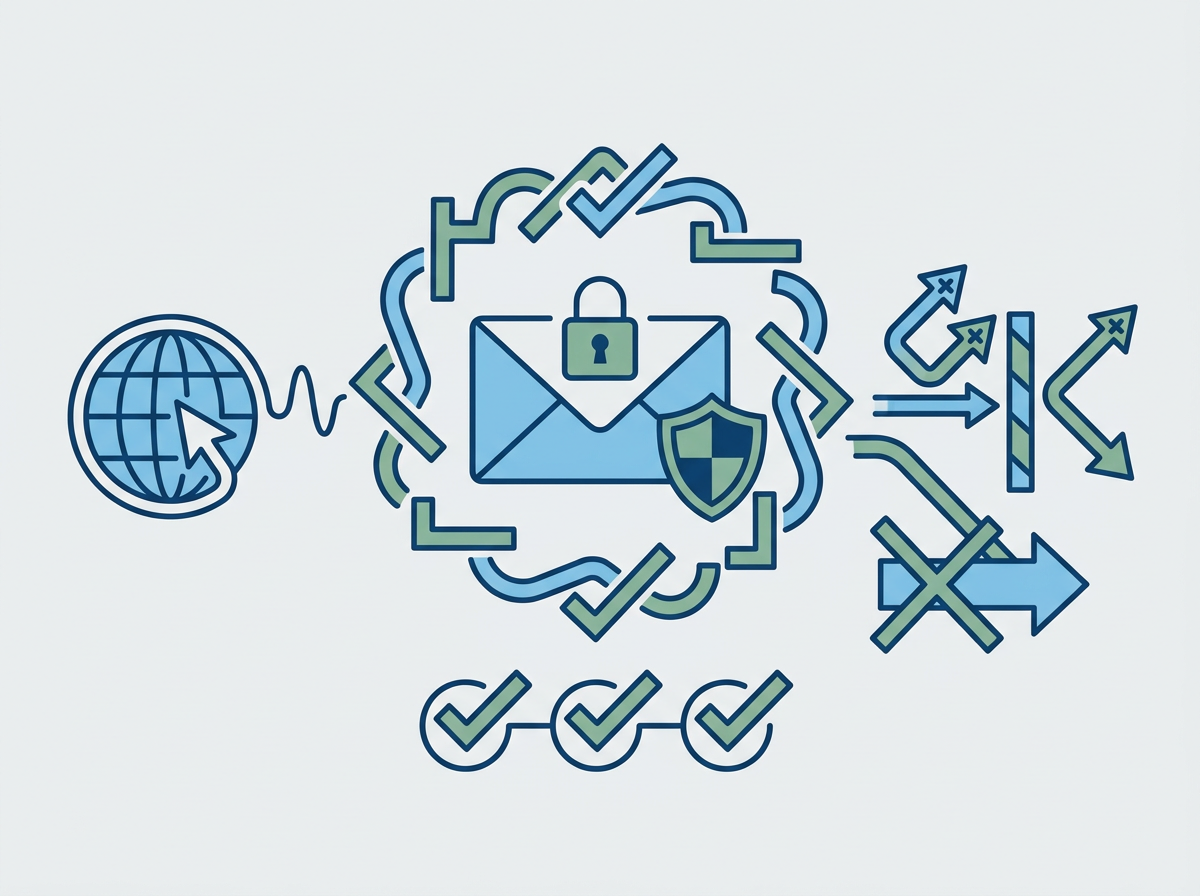
Weak email security settings:
SPF, DKIM, and DMARC not set up, or not monitored—leaving room for spoofing and phishing.
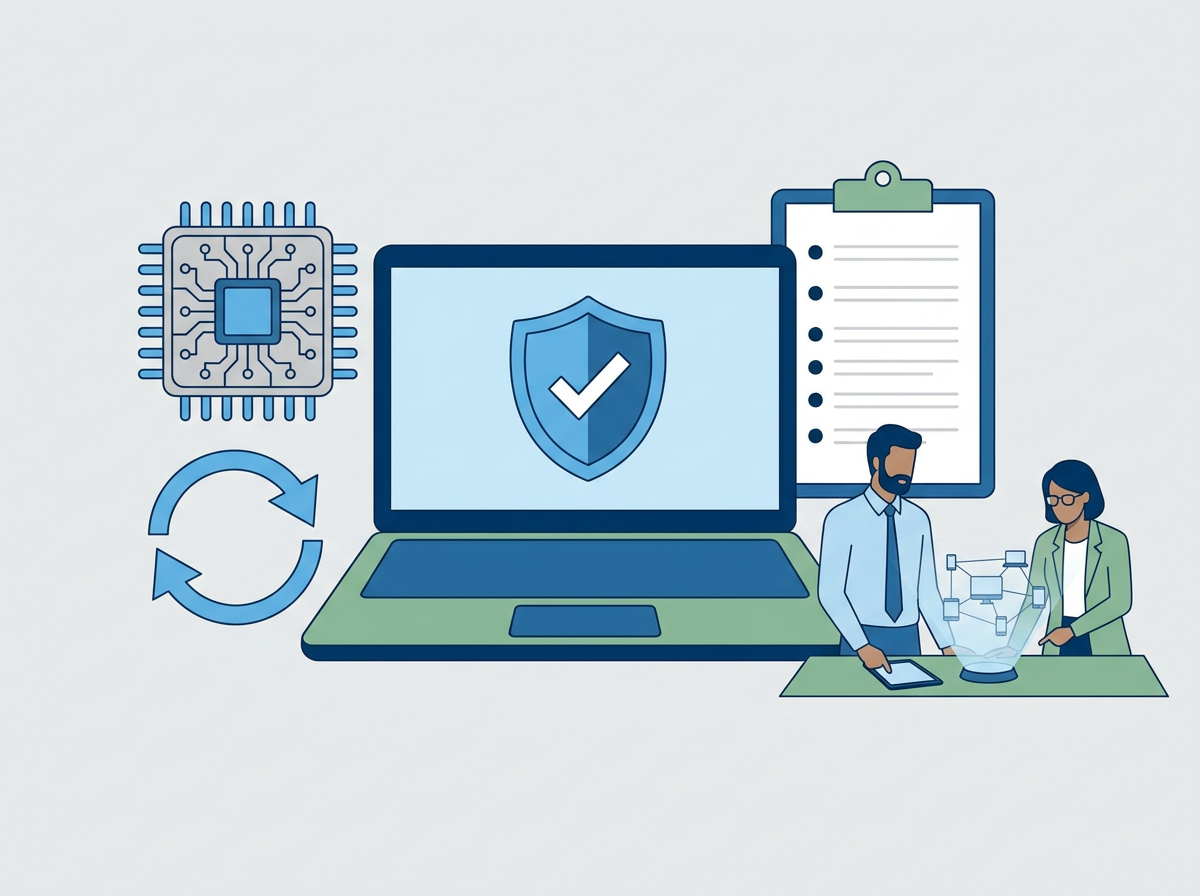
Device management gaps:
Not all laptops, mobiles, or BYOD devices are enrolled in Intune or protected with encryption.
Lack of user training:
Even the best tech can’t stop a user from clicking a convincing phishing link.
How to Fix These Gaps in 2026
- Enforce MFA for everyone—no exceptions.
- Block legacy authentication and require modern protocols.
- Set up Conditional Access:
- Require compliant devices for sensitive data
- Block risky sign-ins
- Limit admin access to trusted locations
- Audit and tighten email security:
- Set up and monitor SPF, DKIM, DMARC
- Use advanced phishing filters
- Provide a “report phish” button for users
- Enrol all devices in management:
- Use Intune for laptops, mobiles, and tablets
- Enforce encryption and patching
- Run regular user training and phishing simulations.
- Test backups and restore processes for Microsoft 365 data.
FAQs
Is Microsoft 365 secure by default?
It’s good, but not enough for today’s threats—customisation and monitoring are essential.
What’s the biggest risk for SMEs?
Unmanaged devices and unmonitored email settings.
How often should we review our Microsoft 365 security?
At least twice a year, or after any major changes.
We offer full
Microsoft 365 security reviews and implementation—so you can work confidently, knowing your business is protected.