Email is still the #1 attack route for SMEs. Here are the Microsoft 365 controls that reduce phishing, impersonation, and account compromise.
Microsoft 365 Email Security for SMEs: The Controls That Stop Most Attacks
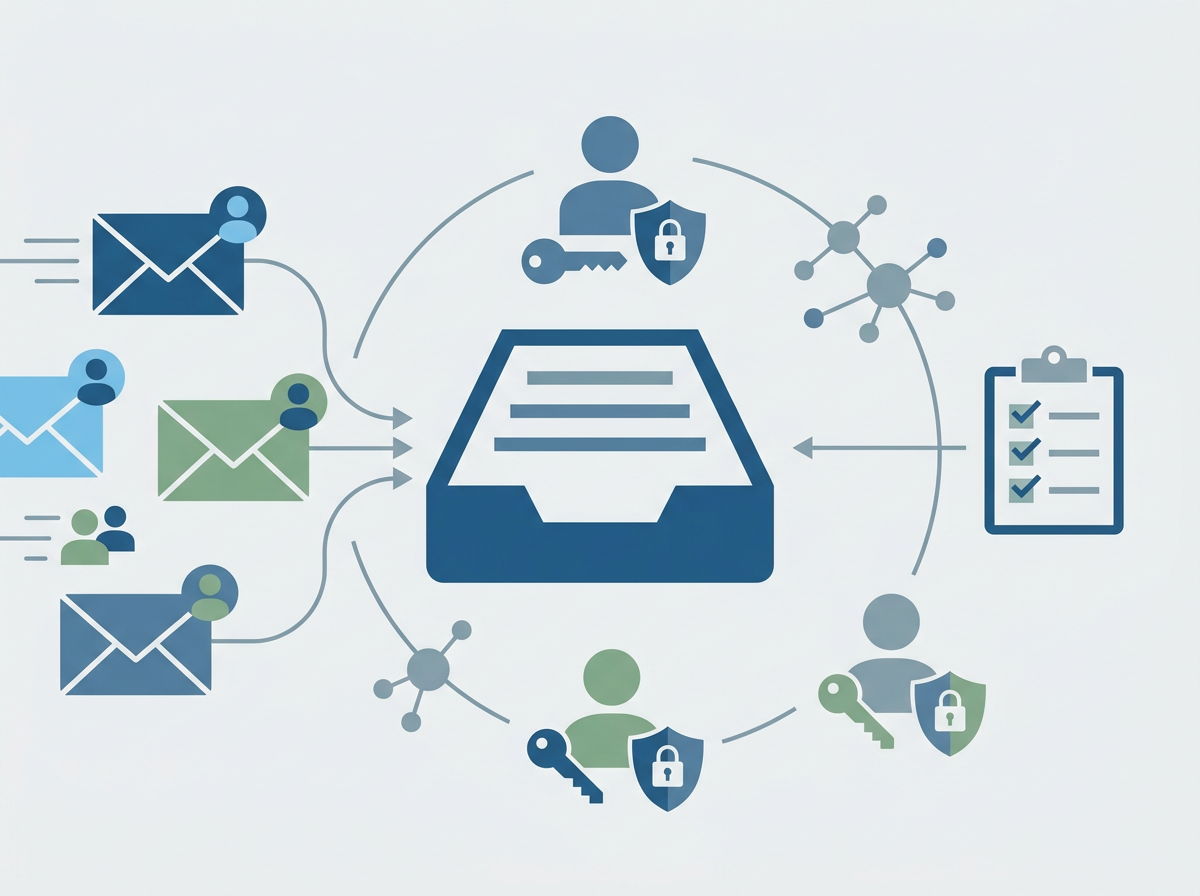
Most SME cyber incidents still begin the same way: an email that looks believable enough to trigger a quick action. A link gets clicked. A password gets entered. A fake invoice gets opened. A “CEO request” gets followed without a second thought. The details change, but the pattern stays consistent — email remains the easiest route into a business because it targets humans, not infrastructure.
That’s why email security isn’t just an IT checkbox. It’s one of the highest-leverage areas to tighten, because small improvements can prevent a large percentage of real-world incidents. The good news is that SMEs using Microsoft 365 already have access to many of the controls they need. The bad news is that those controls are often underused, inconsistently applied, or not reviewed after initial setup.
Amazing Support is a multi-award-winning, Microsoft Partner and Cyber Essentials Plus certified provider supporting SMEs across London, Greater London and Manchester. In practice, strong Microsoft 365 email security is about layering: filtering and detection, identity protection, user behaviour, and response readiness — all working together.
The short answer is this: to reduce most email-driven attacks, SMEs need stronger identity controls, better filtering, safer defaults, and a clear process for responding when something slips through.
Why email remains the biggest risk
Email works for attackers because:
- it’s universal
- it’s trusted by default
- it’s designed for speed
- it’s easy to spoof and impersonate
- it creates urgency (“pay this”, “review this”, “reset this”)
Even well-trained staff can be caught when they’re busy.
The controls that make the biggest difference
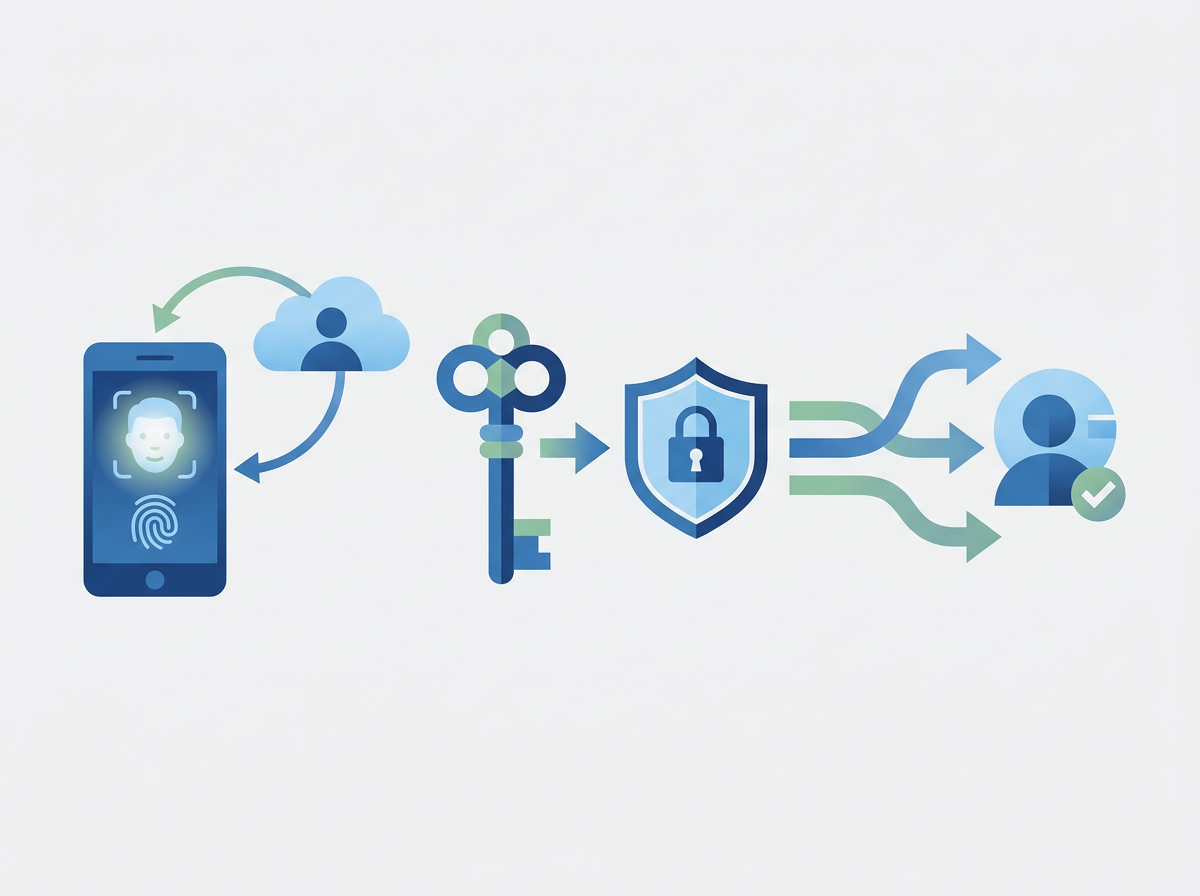
1) MFA everywhere (and protect admins properly)
If a password is stolen, MFA often prevents the incident becoming an account takeover.
2) Conditional Access and sign-in risk controls
This helps block suspicious sign-ins, risky locations, and access from unmanaged devices.
3) Anti-phishing and impersonation protection
SMEs should explicitly protect against:
- display name spoofing
- domain spoofing
- lookalike domains
- “CEO fraud” patterns
4) Safer link and attachment handling
Reducing the chance that one click turns into compromise is key.
5) User reporting and fast response
Make reporting easy and non-punitive. The faster suspicious emails are flagged, the less damage they cause.
The most common SME email security gaps
- MFA not enforced for everyone
- senior users “exempted” from security friction
- external forwarding left open
- mailbox rules not monitored (attackers love rules)
- no clear process for “we think we clicked something”
FAQ
If we use Microsoft 365, are we already protected?
You have a strong foundation, but configuration and consistency matter.
What’s the biggest quick win?
Enforce MFA and tighten access policies for all users, especially admins.
Can training replace technical controls?
No. Training helps, but controls reduce the impact of inevitable mistakes.