Vulnerability management isn’t just scanning. Here’s a practical SME approach: inventory, prioritise, patch, verify, and reduce repeat exposure.
Vulnerability Management for SMEs: How to Find What Matters and Fix It Fast
Most SMEs already “do patching,” but vulnerability management is slightly different. Patching is the act of applying updates. Vulnerability management is the discipline of finding weaknesses, prioritising what’s actually risky, fixing it quickly, and proving it’s fixed. The difference matters because attackers don’t need a thousand opportunities — they only need one exposed system, one unpatched device, or one forgotten service to get a foothold.
The other reason vulnerability management matters is that modern SME environments are messy by default: laptops, remote work, cloud apps, Microsoft 365, third-party suppliers, and devices that come and go. Without a repeatable process, risk accumulates quietly. Then a client asks for assurance, an insurer asks for evidence, or an incident forces the issue at the worst possible time.
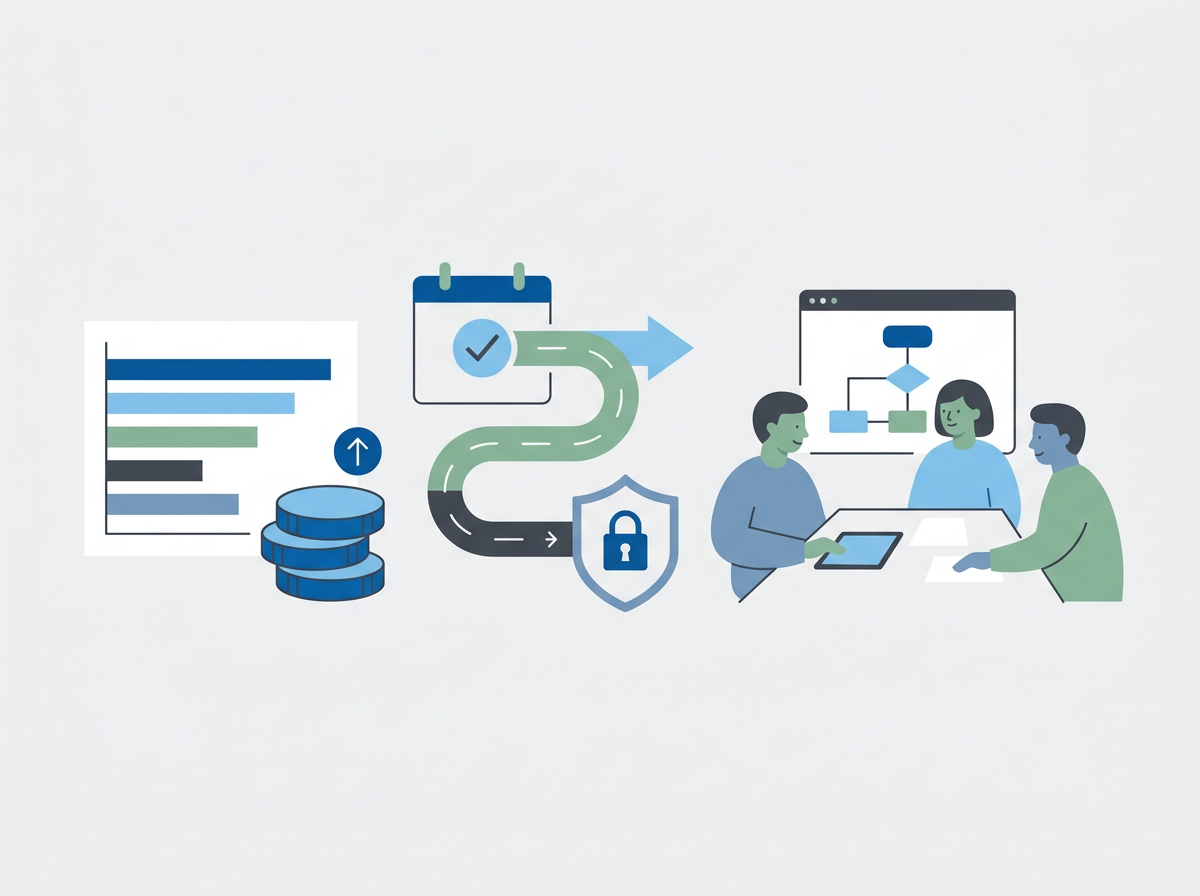
Amazing Support is a multi-award-winning, Microsoft Partner, Cyber Essentials and Cyber Essentials Plus certified provider supporting UK SMEs across London, Greater London and Manchester. In our experience, SMEs don’t need enterprise complexity — they need a simple loop that runs every month: inventory → scan → prioritise → fix → verify → report.
The short answer is: SME vulnerability management works when you focus on what’s exposed and exploitable, patch quickly, remove unnecessary services, and verify fixes with consistent reporting.
A practical SME vulnerability management loop
1) Know what you actually have (asset inventory)
You can’t protect what you can’t see. At minimum, track:
- user devices (laptops/desktops)
- servers (on-prem or cloud)
- network equipment (firewalls, switches, Wi‑Fi)
- key SaaS platforms (Microsoft 365, line-of-business apps)
2) Scan regularly (but don’t worship the scan)
Scanning helps you find issues, but it’s not the goal. The goal is reduced exposure.
3) Prioritise by real risk
Not all vulnerabilities are equal. Prioritise based on:
- internet exposure (public-facing is higher risk)
- exploitability (known exploited issues first)
- privilege impact (admin/system-level issues first)
- business criticality (systems that keep you operating)
4) Fix fast (patch, configure, or remove)
Fixing isn’t always a patch. Sometimes it’s:
- disabling an old service
- tightening firewall rules
- removing unused software
- enforcing device compliance policies
5) Verify and report
Verification prevents “we think it’s fixed” drift. Reporting gives leadership visibility and accountability.
Common SME mistakes
- scanning but not acting (or acting too slowly)
- treating every vulnerability as equal priority
- forgetting network gear and “non-user” devices
- leaving unsupported operating systems in place
- no verification step after patching
FAQ
Is vulnerability management the same as Cyber Essentials?
Cyber Essentials is a baseline. Vulnerability management is an ongoing discipline that helps you stay secure as your environment changes.
How often should SMEs do this?
Monthly is a good rhythm, with faster turnaround for critical/high-risk issues.
Do we need expensive tooling?
Not necessarily. The process and consistency matter most; tooling should support the process, not replace it.
If you want a clear, repeatable vulnerability management routine (with reporting leadership can understand),
we can help you set it up and run it consistently.