Microsoft 365 protects availability, not always your data recovery needs. Here’s what SME backups cover for Exchange, OneDrive and SharePoint.
Do SMEs Need Microsoft 365 Backups? Yes — Here’s Why (and What “Backup” Actually Means)
A lot of SMEs assume Microsoft 365 is “already backed up” because it’s in the cloud. And it’s true that Microsoft provides strong resilience and uptime — but that isn’t the same thing as having a backup strategy that matches your business needs. Backups are about your ability to restore your data quickly and cleanlyafter accidental deletion, ransomware, malicious activity, sync mistakes, retention gaps, or simply “we need that file version from last month.”
The most common real-world scenarios aren’t dramatic. Someone deletes a folder and doesn’t notice for weeks. A departing employee removes data. A sync tool overwrites a set of files. A mailbox gets cleaned up and later you discover something important is missing. When that happens, you want a clear answer to: “Can we restore it, from when, and how fast?”
Amazing Support is a multi-award-winning, Microsoft Partner and Cyber Essentials Plus certifiedprovider supporting UK SMEs across London, Greater London and Manchester. In practice, Microsoft 365 backup becomes a business continuity decision, not just an IT one: it’s about recovery time, recovery points, and confidence.
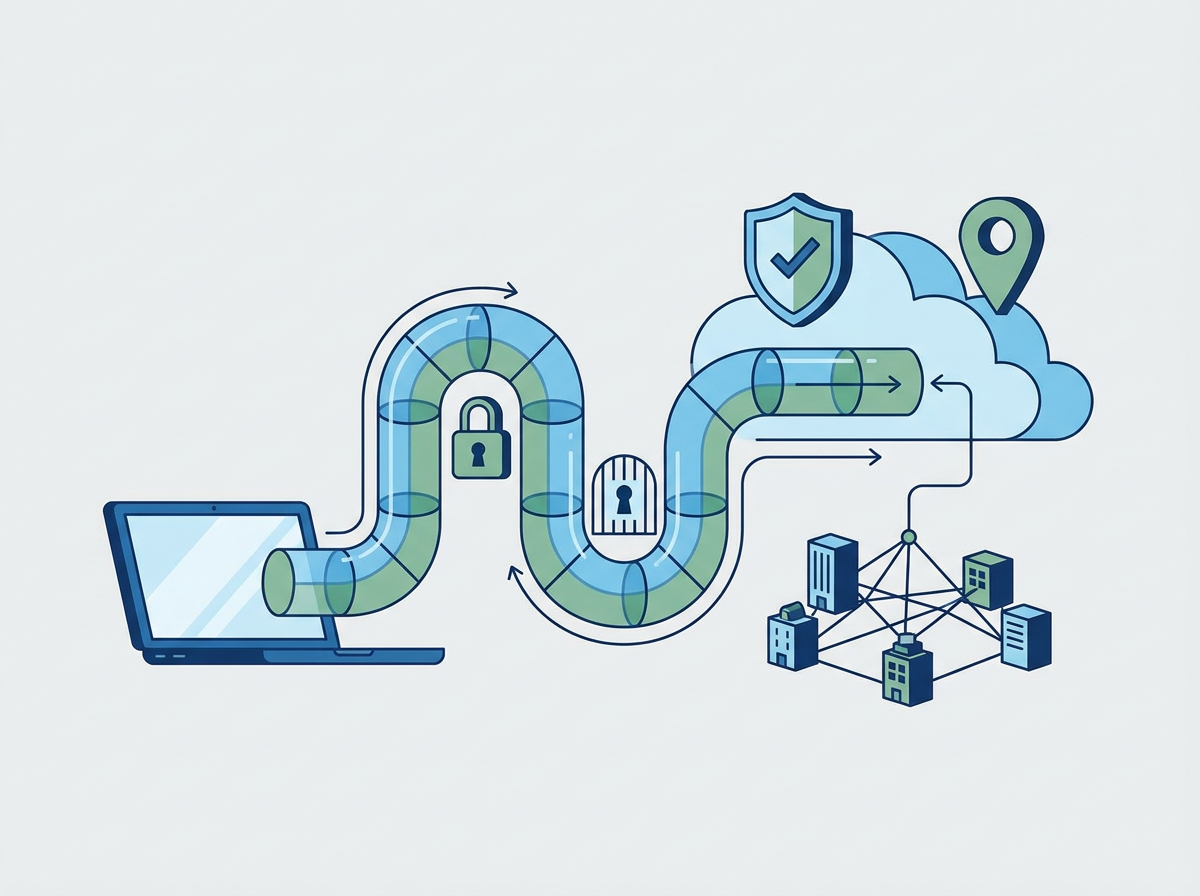
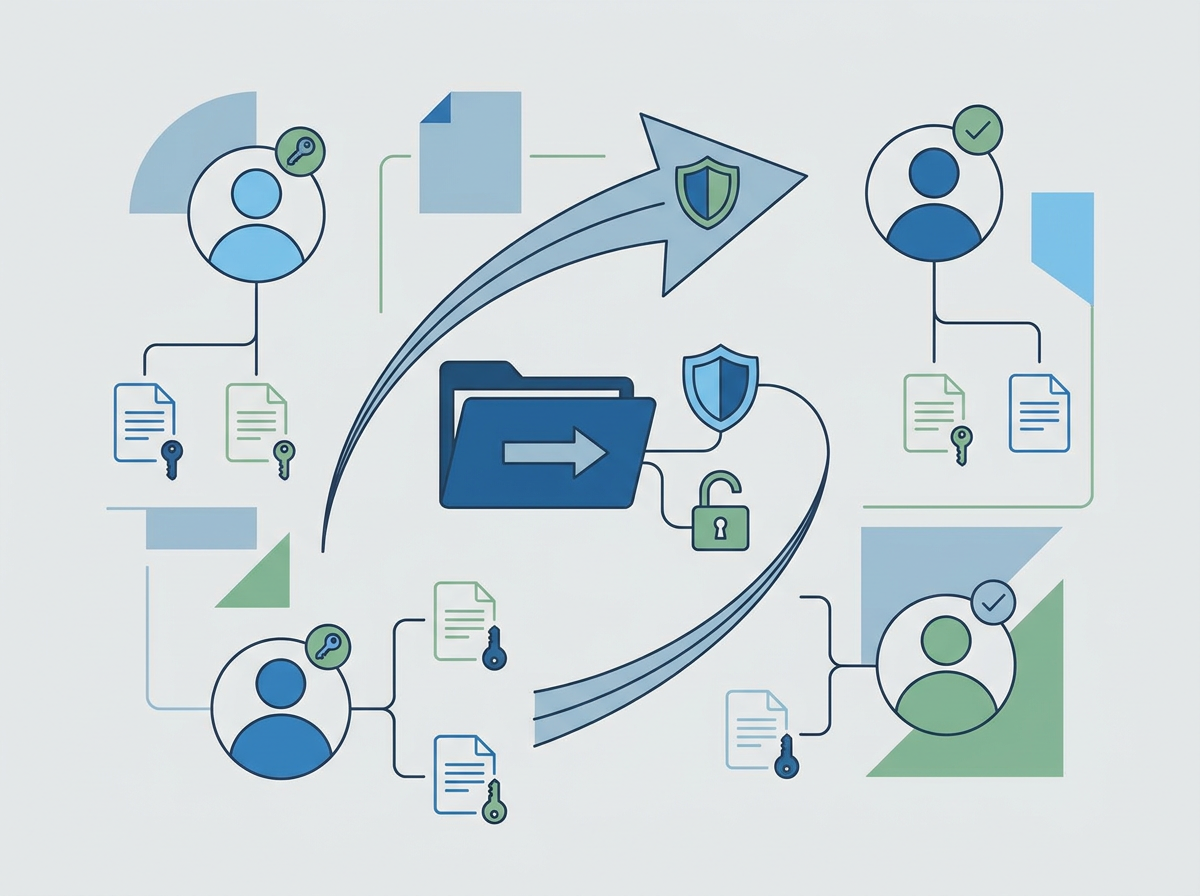
In plain English: Microsoft 365 backup means having an independent copy of your Microsoft 365 data (mailboxes, OneDrive, SharePoint, Teams files) that you can restore from, on your terms.
What Microsoft 365 backup typically covers
Exchange Online (email)
- mailbox restore
- item-level restore (emails, folders)
- point-in-time recovery options
OneDrive
- file/folder restore
- version recovery
- recovery after sync mistakes
SharePoint / Teams files
- site/library restore
- file-level restore
- recovery after accidental deletion or overwrites
The key questions SMEs should ask
1) How far back can we restore?
This is your recovery point window (how much history you keep).
2) How quickly can we restore?
This is your recovery time (how long the business waits).
3) Can we restore to a safe location first?
Sometimes you don’t want to overwrite current data — you want to restore to a separate place and compare.
4) Do we test restores?
A backup you’ve never tested is a hope, not a plan.
Common misconceptions
- “Cloud means backed up.” (Cloud means resilient, not necessarily recoverable the way you need.)
- “Retention is the same as backup.” (Retention helps, but it’s not always enough for every scenario.)
- “We’ll only need it in a disaster.” (Most restores are everyday mistakes.)
FAQ
Is Microsoft 365 retention enough for most SMEs?
It depends on your risk tolerance, how long you need to keep data, and how quickly you need to recover. Many SMEs choose backup for clearer restore options and confidence.
Does this help with ransomware?
Yes. Backups support recovery after malicious encryption or deletion — but you also need strong identity security and endpoint protection.
What should we back up first?
Usually email, SharePoint/Teams files, and key OneDrive users.
If you want a clear, tested recovery plan for
Microsoft 365 data, we can help you choose the right approach and set it up with sensible retention and restore testing.