Phishing is still the #1 route in. Here’s how SMEs run phishing simulations properly: frequency, reporting, follow-up training, and culture.
Phishing Simulations for SMEs: How to Train Staff Without Shaming Them
Phishing is still one of the most reliable ways attackers get into SMEs — not because staff are careless, but because modern phishing is designed to look normal. It mimics suppliers, Microsoft 365 alerts, HR messages, delivery notifications, and “urgent” finance requests. In a busy business, someone will eventually click. The goal isn’t to create a workplace where people are afraid of email — it’s to build a culture where people slow down, spot patterns, and report suspicious messages early.
That’s why phishing simulations work when they’re run with the right intent. Done well, they reduce real-world risk and improve reporting. Done badly, they create embarrassment and silence — which is the opposite of what you want. The best programmes are consistent, supportive, and focused on learning, not “catching people out.”
Amazing Support is a multi-award-winning, Microsoft Partner and Cyber Essentials Plus certified provider supporting UK SMEs across London, Greater London and Manchester. In practice, the biggest improvement comes when simulations are paired with short, practical follow-ups and a clear “report it” process.
In plain English: a phishing simulation is a safe, controlled test email sent to staff to measure and improve how well the business spots and reports phishing attempts.
What a good phishing simulation programme looks like
1) Set expectations up front
Tell staff:
- simulations will happen
- the purpose is learning
- nobody is being singled out
- reporting suspicious emails is valued
2) Start simple, then increase realism
Begin with obvious patterns (urgent tone, odd links, unexpected attachments), then gradually introduce more realistic scenarios.
3) Measure the right things
Click rate matters, but also track:
- reporting rate (this is huge)
- repeat patterns (who needs extra help, privately)
- time-to-report (how quickly the business reacts)
4) Follow up with micro-training
After each campaign, share:
- what the email was trying to do
- the two or three signs people missed
- what “good” looks like next time
Keep it short and practical.
5) Make reporting easy
If reporting is awkward, people won’t do it. A simple “report phishing” button/process changes behaviour fast.
Common mistakes SMEs make
- naming and shaming individuals
- running one simulation per year and calling it “done”
- making simulations too tricky too early
- not improving the reporting process
- ignoring repeat failures instead of offering targeted support
FAQ
How often should SMEs run phishing simulations?
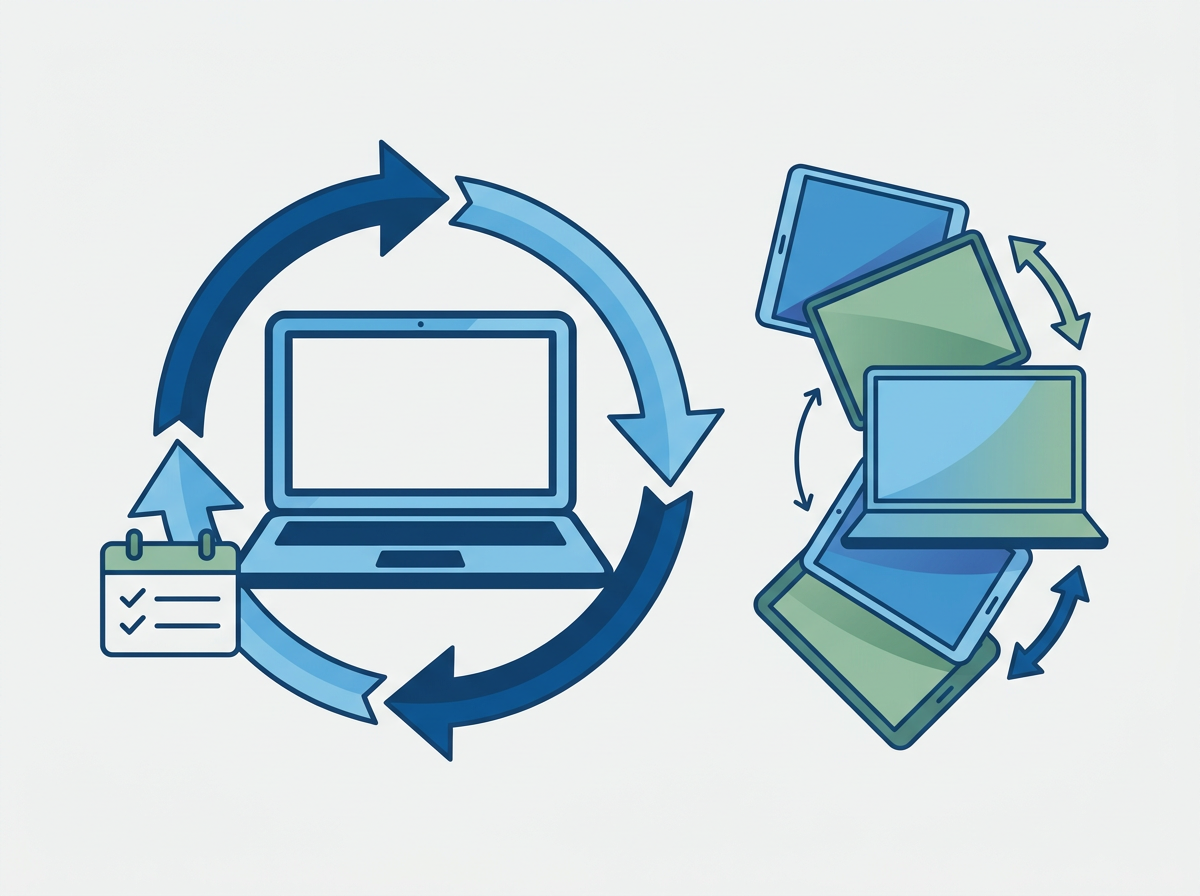
A steady rhythm works best — many SMEs benefit from monthly or quarterly simulations, with extra focus after onboarding new starters.
Should we tell staff when a simulation is happening?
Not the exact date/time, but yes: staff should know simulations are part of normal security hygiene.
Does this replace technical email filtering?
No. You want both: filtering reduces volume, training reduces the chance one gets through.
If you want to reduce phishing risk without creating fear or blame, we can help you set up a simulation and training rhythm that improves reporting and resilience. We can also discuss
Enterprise Email Hosting with Office 365 with advanced threat detection that keeps your entire business safe as well.