Conditional Access is one of the biggest security wins in Microsoft 365. Here are 6 practical policies SMEs can use to reduce account takeover risk.
Microsoft 365 Conditional Access for SMEs: The 6 Policies That Reduce Most Account Takeovers
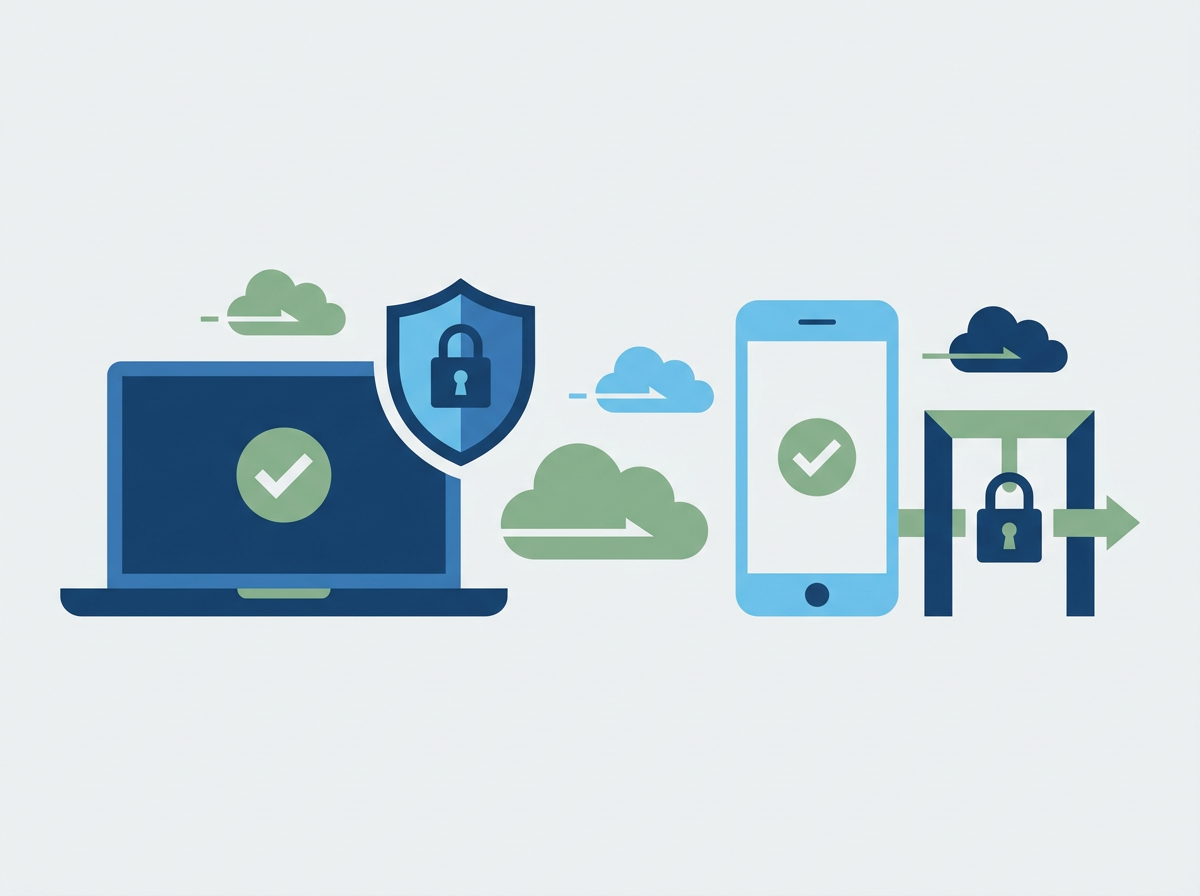
Most SME Microsoft 365 compromises aren’t “clever hacks.” They’re predictable: a user gets phished, credentials are reused, or a sign-in happens from an unusual location/device and nobody notices until money moves or data leaks. Conditional Access (in Microsoft Entra ID) is one of the most effective ways to reduce that risk because it lets you control when and how users can sign in — based on factors like device compliance, location, risk signals, and the sensitivity of the account.
The challenge for SMEs is that Conditional Access can feel like an enterprise feature: lots of options, lots of ways to break access if you’re not careful, and lots of jargon. The good news is you don’t need dozens of policies. Most SMEs can get a big uplift from a small set of sensible, well-tested rules — rolled out in stages with a clear “break glass” plan for emergencies.
Amazing Support is a multi-award-winning, Microsoft Partner, Cyber Essentials and Cyber Essentials Plus certified provider supporting UK SMEs across London, Greater London and Manchester. In our experience, Conditional Access is where SMEs move from “we hope MFA is enough” to “we actively control access and reduce the blast radius when something goes wrong.”
The short answer is: a handful of Conditional Access policies can block risky sign-ins, reduce phishing impact, and stop unmanaged devices becoming a security hole — without making work painful.
The 6 Conditional Access policies that matter most for SMEs
1) Enforce MFA for all users
This is the baseline. Make it consistent, not optional.
2) Require stronger controls for admin roles
Admins should have stricter rules than standard users (because one admin compromise can be catastrophic).
3) Block legacy authentication
Legacy auth is a common bypass route. Blocking it removes an entire class of attack.
4) Require compliant (managed) devices for key apps
For example: require device compliance for SharePoint/OneDrive access, especially for sensitive teams.
5) Restrict access by risk (where available)
If sign-in risk is high, require additional verification or block access.
6) Control external access and guest behaviour
Conditional Access can help reduce risk from guest accounts and external collaboration.
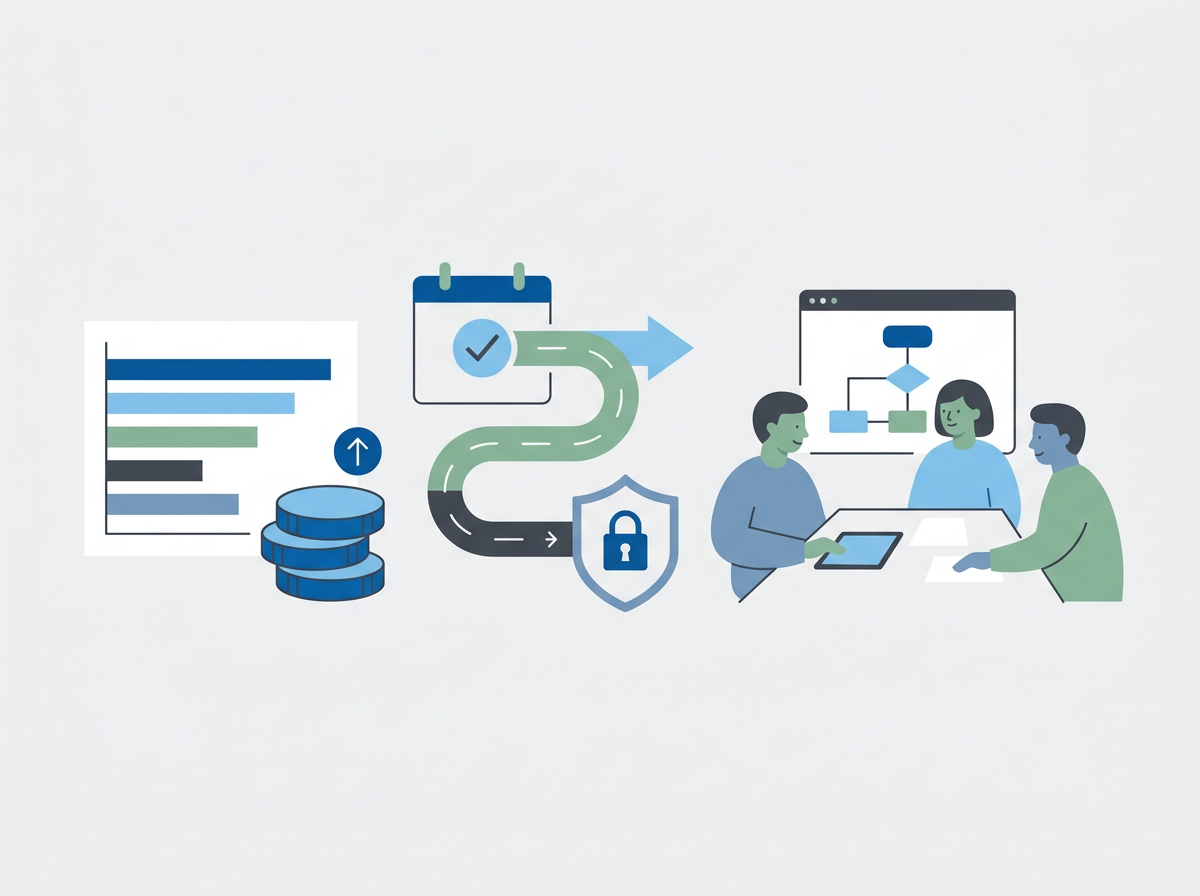
How to roll these out safely
- start with “report-only” mode where possible
- pilot with a small group
- document a break-glass admin account (secured properly)
- communicate changes clearly to staff
- review sign-in logs after rollout
FAQ
Will Conditional Access lock people out?
It can if done carelessly. With staged rollout and testing, it’s usually smooth.
Is MFA alone enough?
It helps, but Conditional Access reduces risk further by controlling device and sign-in context.
Does this help with Cyber Essentials Plus?
Yes — it supports access control and secure configuration, and it’s easier to evidence when it’s standardised.
If you want to tighten identity security without disrupting staff, we can do an
IT review of your current setup and implement a sensible Conditional Access baseline with staged rollout.