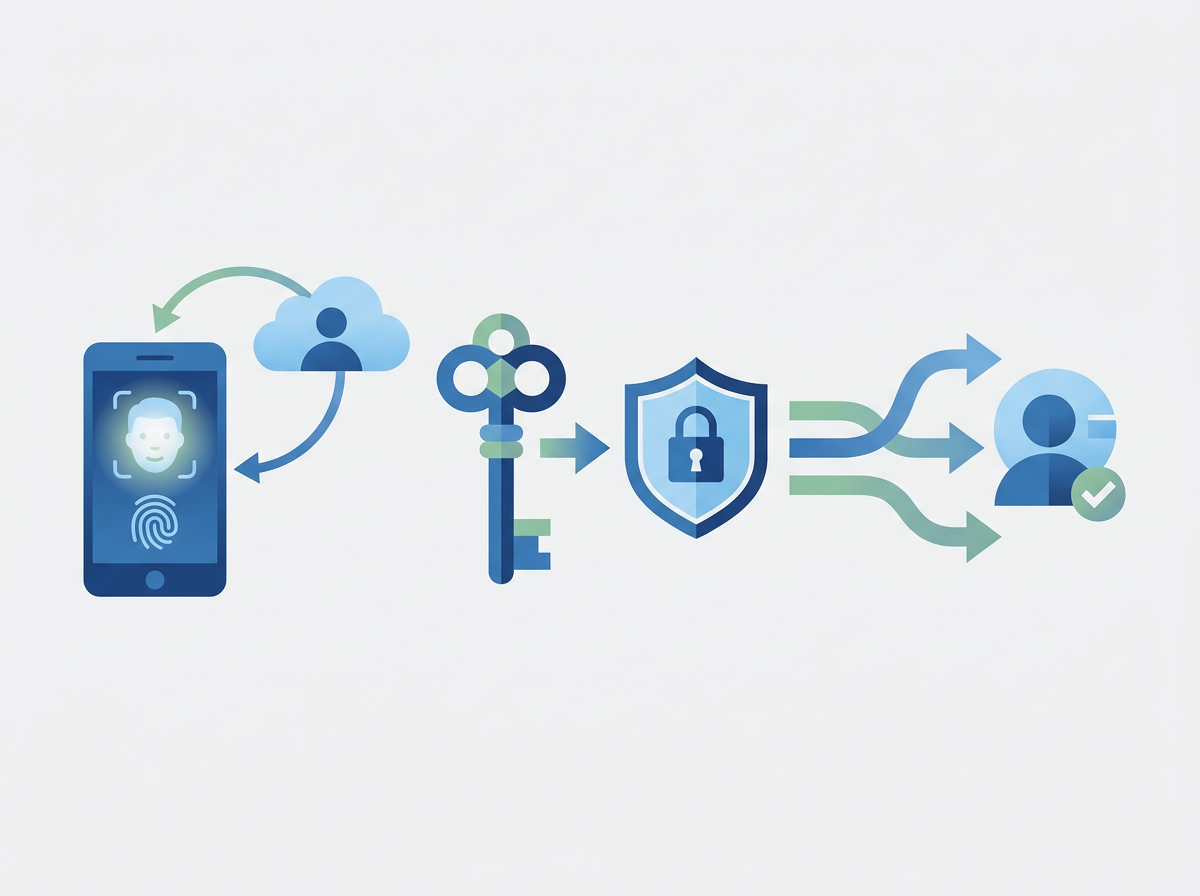
Shared mailboxes like support@ and finance@ shouldn’t mean shared passwords. Here’s how SMEs set permissions, auditing, and access rules in Microsoft 365.
Shared mailboxes are everywhere in SMEs: support@, finance@, info@, hr@. They’re convenient because multiple people can manage one inbox — but they can also become messy fast. The biggest risks are access sprawl (“everyone has access forever”), poor offboarding (leavers still have access), and the temptation to use shared passwords rather than proper permissions. That’s when shared mailboxes become a security and accountability problem.
The good news is Microsoft 365 gives you the tools to do shared mailboxes properly: permission-based access, clear ownership, and auditability. When set up well, shared mailboxes improve customer response, reduce internal friction, and support compliance expectations.
Amazing Support is a multi-award-winning, Microsoft Partner and Cyber Essentials Plus certified provider supporting UK SMEs across London, Greater London and Manchester — and in practice, shared mailbox governance is one of the easiest wins for both security and operational clarity.
In plain English: a shared mailbox is an inbox multiple users can access with their own accounts — without sharing a password.
The right way to run shared mailboxes (SME-friendly)
1) Never use shared passwords
Access should be granted via permissions to named users, so:
- access is traceable
- leavers can be removed cleanly
- MFA and Conditional Access still apply
2) Assign an owner for each mailbox
Every shared mailbox should have:
- a business owner (who decides who gets access)
- a technical owner (who implements changes)
3) Use groups for access where possible
Groups make it easier to manage access consistently as roles change.
4) Decide “Send As” vs “Send on Behalf”
- Send As: email appears from the shared address
- Send on Behalf: shows the user sent it on behalf of the mailbox
The right choice depends on your customer experience and accountability needs.
5) Review access quarterly
A simple quarterly check prevents access sprawl and reduces risk.
Common mistakes
- everyone has access “just in case”
- leavers not removed quickly
- no clarity on who monitors the mailbox
- mailbox used as a dumping ground instead of a process
- no rules for sensitive content (e.g., HR/finance)
FAQ
Do shared mailboxes cost extra licences?
Often not in the way user mailboxes do, but access still needs proper user accounts. The key is designing it correctly for your licensing model.
Can we use shared mailboxes for sensitive topics like HR?
Yes, but access should be tightly controlled and reviewed.
If your shared mailboxes have grown organically, we can help you tighten permissions, improve accountability, and reduce the risk of “who still has access?” surprises.
Get In Touch with us.