Basic MFA isn’t always enough. Learn what phishing-resistant MFA is, why SMEs are upgrading, and how to roll it out safely in Microsoft 365.
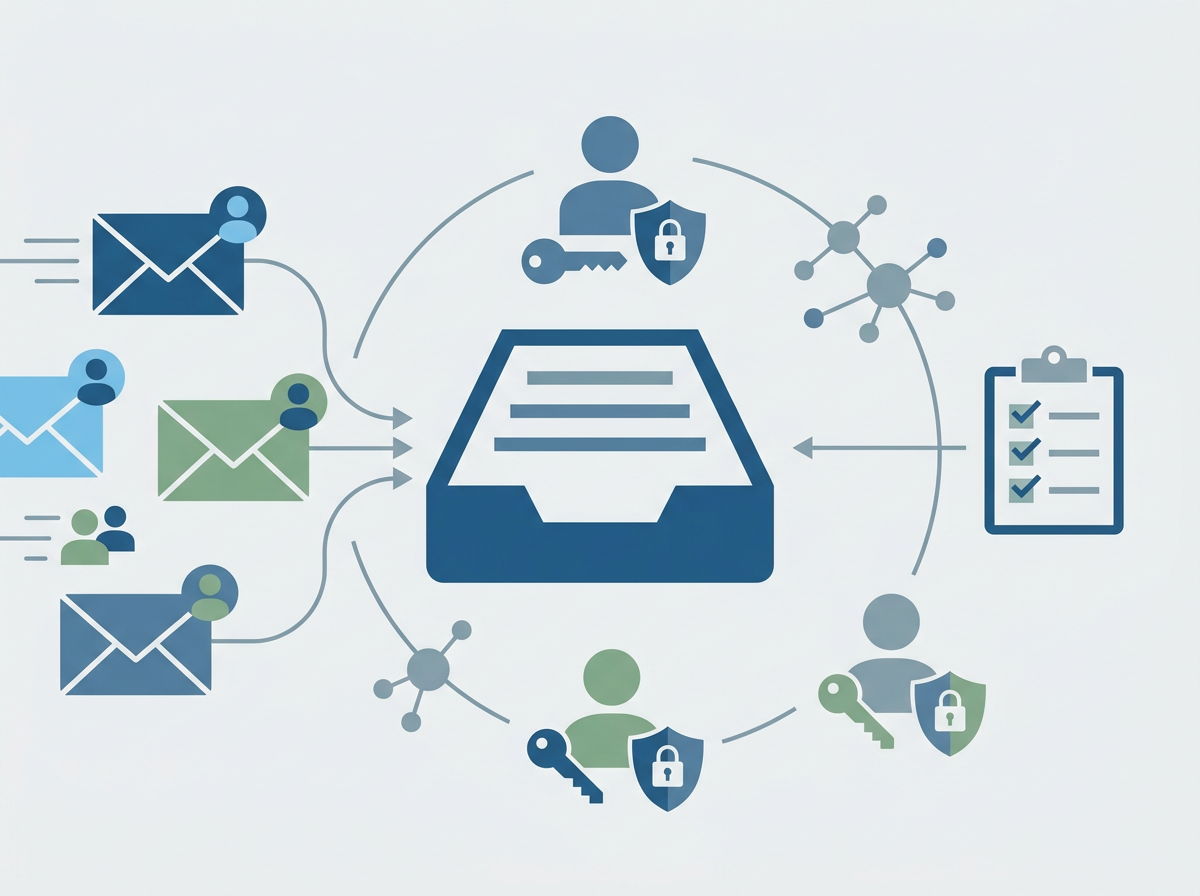
Most SMEs have “MFA turned on” and assume the problem is solved. It’s a great start — but attackers have adapted. Two of the most common real-world bypasses we see across the market are push-bombing (MFA fatigue) and phishing kits that capture sessions. In other words: users get spammed with approval prompts until they accept one, or they’re tricked into approving a login that looks legitimate.
That’s why more organisations are moving to phishing-resistant MFA: sign-in methods that are much harder to trick, replay, or approve by mistake. This isn’t about making life difficult for staff — it’s about removing the easy wins attackers rely on.
Amazing Support is a multi-award-winning, Microsoft Partner and Cyber Essentials Plus certified provider supporting UK SMEs across London, Greater London and Manchester — and this is one of the highest-impact identity upgrades you can make.
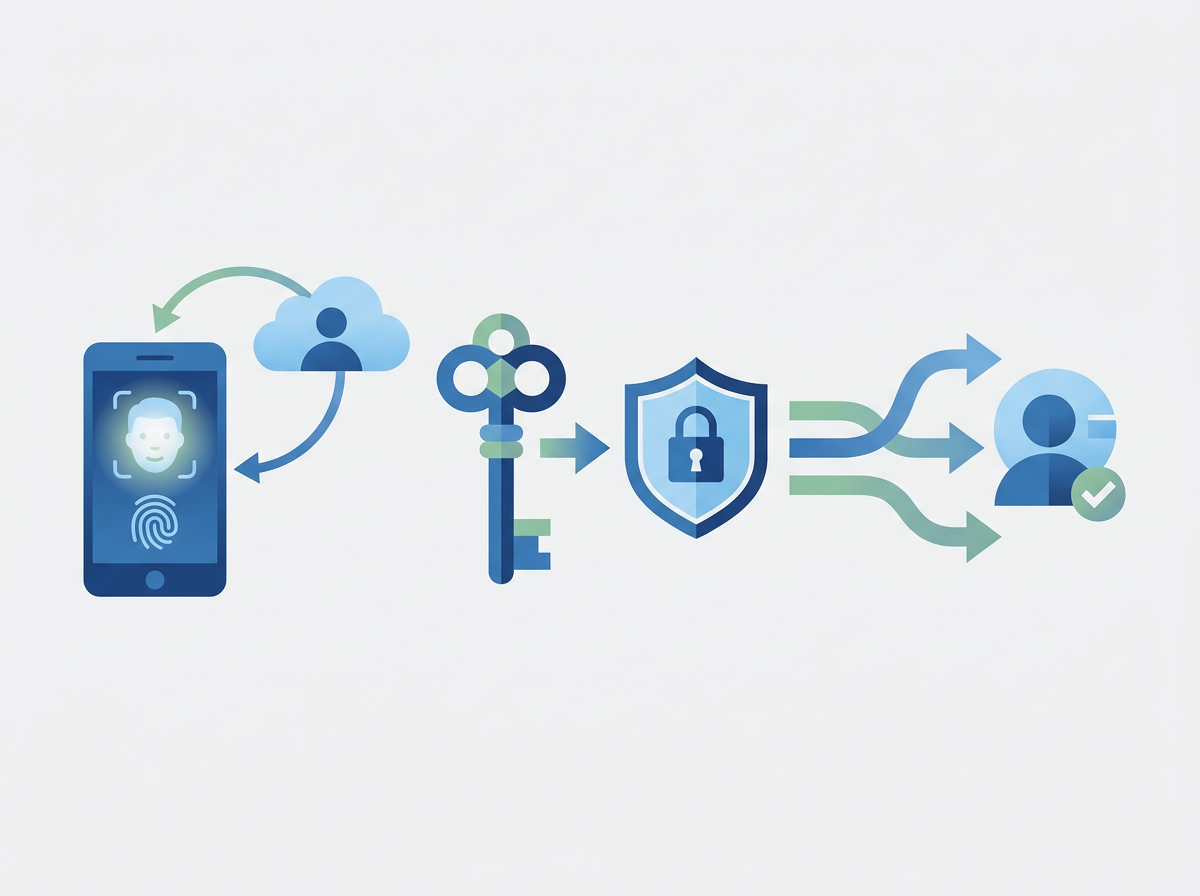
In plain English: phishing-resistant MFA is multi-factor authentication that can’t be easily phished or approved accidentally, because it’s tied to a trusted device or cryptographic key.
Why “normal MFA” can still fail
- push fatigue: repeated prompts until someone clicks “approve”
- lookalike sign-in pages: users enter details and approve prompts
- session token theft: attackers steal a logged-in session and bypass prompts
- weak exceptions: legacy protocols or poorly controlled admin access
What counts as phishing-resistant MFA (SME-friendly options)
1) Security keys (FIDO2)
A physical key that proves it’s really you. Very strong for admins and finance teams.
2) Number matching / stronger authenticator prompts
Reduces accidental approvals by forcing the user to confirm a number shown on screen.
3) Conditional Access rules
Controls when sign-ins are allowed (e.g., compliant device, trusted location, risk level).
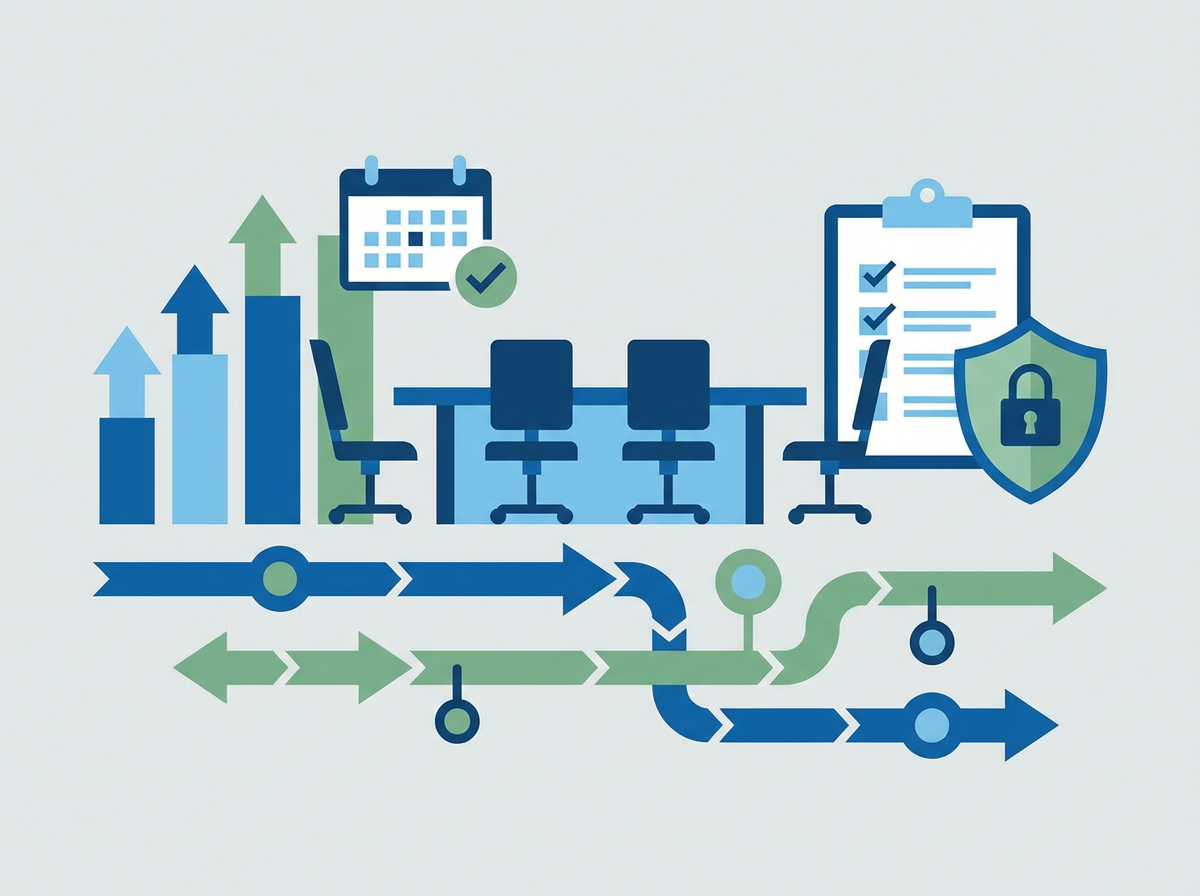
A practical rollout plan
- start with admins + leadership
- enforce stronger prompts (number matching)
- tighten Conditional Access (especially for admin actions)
- expand to wider teams in phases
- monitor sign-in logs and user friction, then tune
Common mistakes
- rolling out without user comms (“why is my login different?”)
- not protecting admin accounts first
- leaving legacy sign-in methods enabled
- too many exceptions, which become the attacker’s route in
FAQ
Do we need security keys for everyone?
Not always. Many SMEs start with keys for admins and high-risk roles, then expand if needed.
Will this annoy staff?
If rolled out properly with clear guidance, most users adapt quickly — and you reduce the disruptive impact of compromised accounts.
If you want to reduce account takeover risk without creating a support headache, we can design and implement a phishing-resistant MFA approach that fits your team and your risk profile. Get In Touch and we will explain our
Managed Cyber Security solutions.