Rolling out MFA can be smooth if it’s planned. Here’s a practical SME approach: phased rollout, Conditional Access, exceptions, and user comms.
Most SMEs know MFA is essential — but many delay enforcing it because they’ve seen it go wrong: users locked out, senior staff frustrated, and “temporary exceptions” that quietly become permanent gaps. The truth is MFA rollouts fail when they’re treated as a switch you flip, rather than a change programme with clear phases, comms, and guardrails.
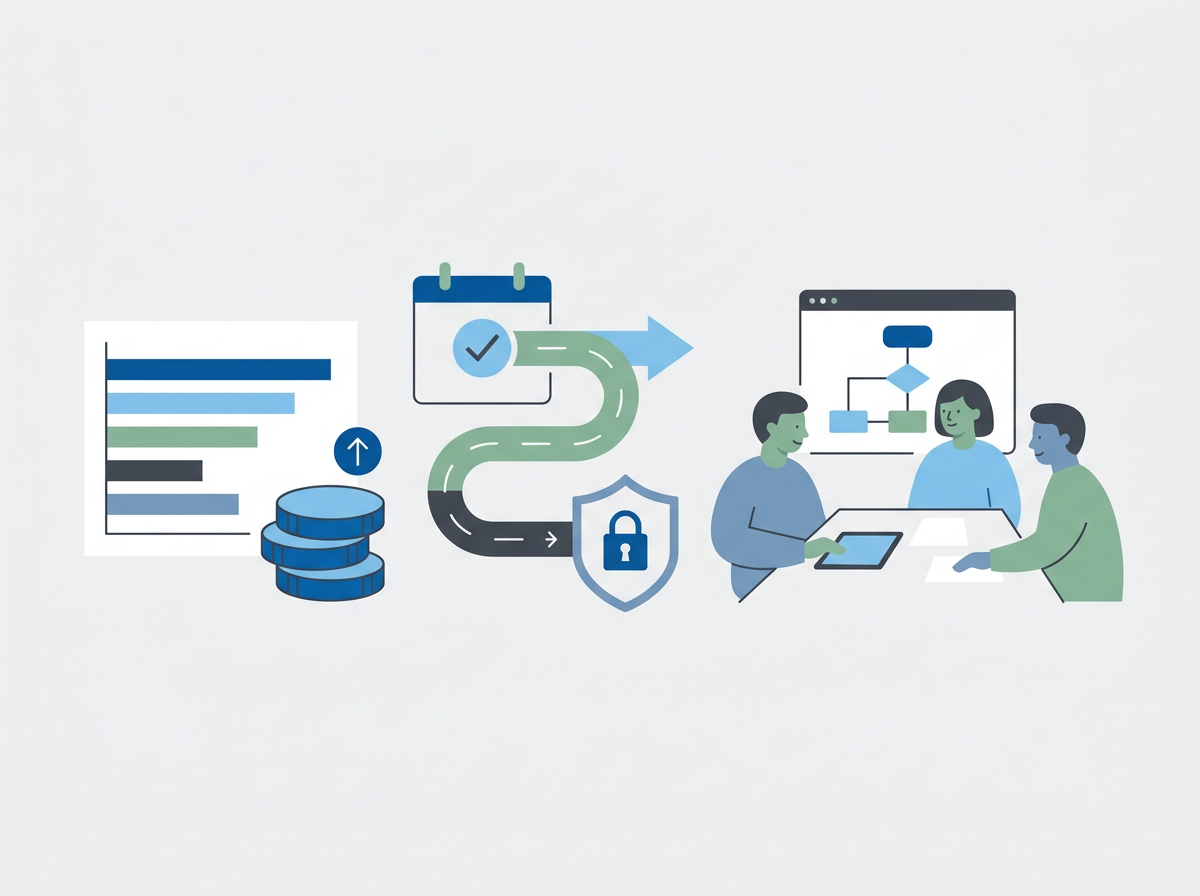
A good rollout is predictable: you start with the highest-risk accounts, you pilot, you tighten Conditional Access in stages, and you make support easy during the transition.
Amazing Support is a multi-award-winning, Microsoft Partner and Cyber Essentials Plus certified provider supporting UK SMEs across London, Greater London and Manchester — and in practice, a clean MFA rollout is one of the fastest ways to reduce account takeover risk.
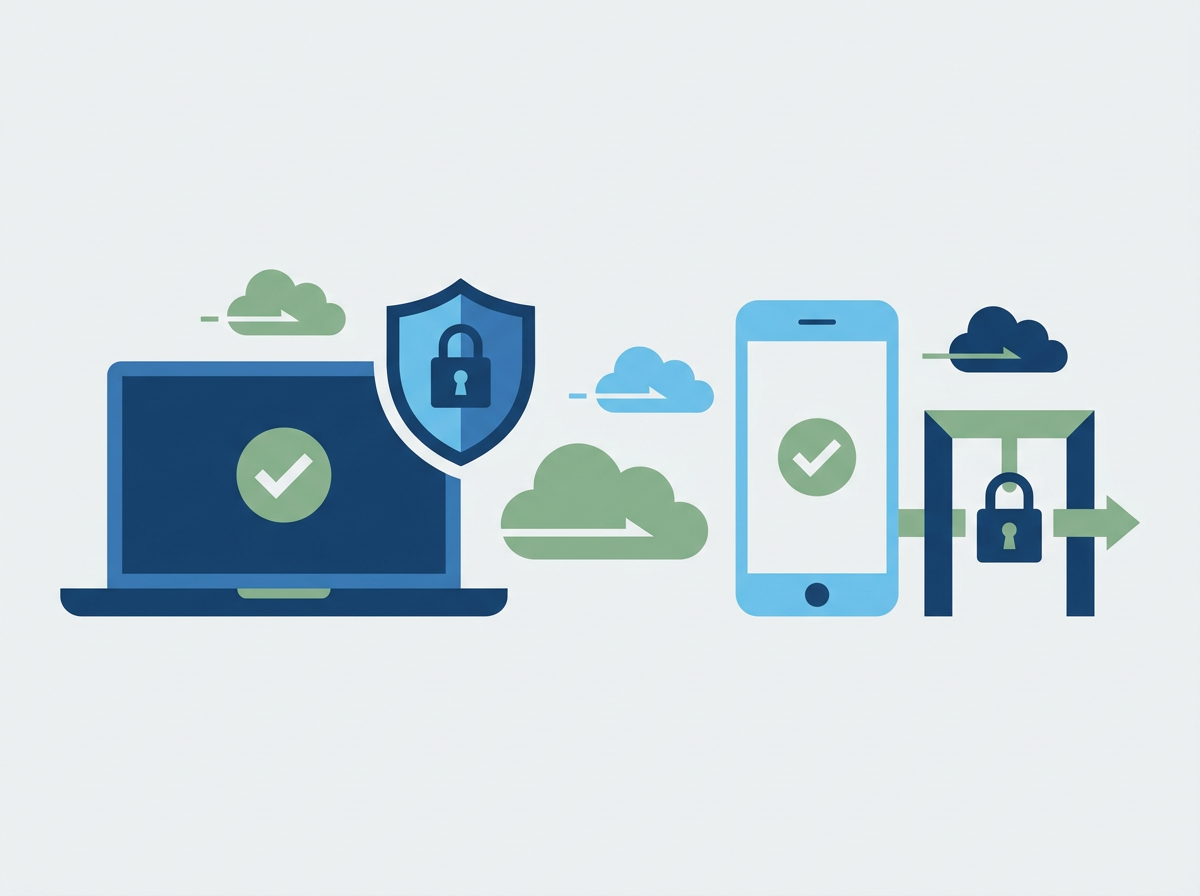
In plain English: MFA (multi-factor authentication) means you need a second proof (like an app approval) as well as a password to sign in.
A practical MFA rollout plan (that avoids drama)
1) Start with admin accounts and leadership
Protect the accounts attackers want most.
2) Decide your “approved methods”
Keep it simple: authenticator app first, then security keys for high-risk roles if needed.
3) Pilot before enforcement
Pick a small group, learn the friction points, then scale.
4) Use Conditional Access to enforce consistently
Conditional Access is how you apply rules like “MFA required” and avoid messy one-off settings.
5) Handle exceptions properly
If someone can’t use MFA, treat it as a risk decision with a time limit — not a permanent bypass.
6) Make user comms boring and clear
Tell people what’s changing, when, and what to do if they get stuck.
Common mistakes
- enforcing for everyone at once
- leaving legacy sign-in methods enabled
- not planning for lost phones/new devices
- letting “temporary” exceptions pile up
FAQ
Will MFA slow people down?
After the first few sign-ins, most users barely notice it — and it prevents far more disruption than it causes.
Is SMS MFA good enough?
It’s better than nothing, but app-based methods (and phishing-resistant options) are stronger.
If you want MFA enforced properly (without a week of lockouts), we can plan and run a phased rollout with clear support and sensible exception handling.
Get In Touch with us.