Most Microsoft 365 breaches start with simple gaps. Here’s a practical SME security baseline: MFA, Conditional Access, admin protection, device rules, and logging.
Most Microsoft 365 security incidents in SMEs don’t start with a sophisticated hack. They start with an “easy win”: a weakly protected account, inconsistent MFA, a risky sign-in that wasn’t blocked, or an admin account that’s treated like a normal user. The good news is that you don’t need enterprise complexity to dramatically reduce risk — you need a clear baseline that’s consistently enforced.
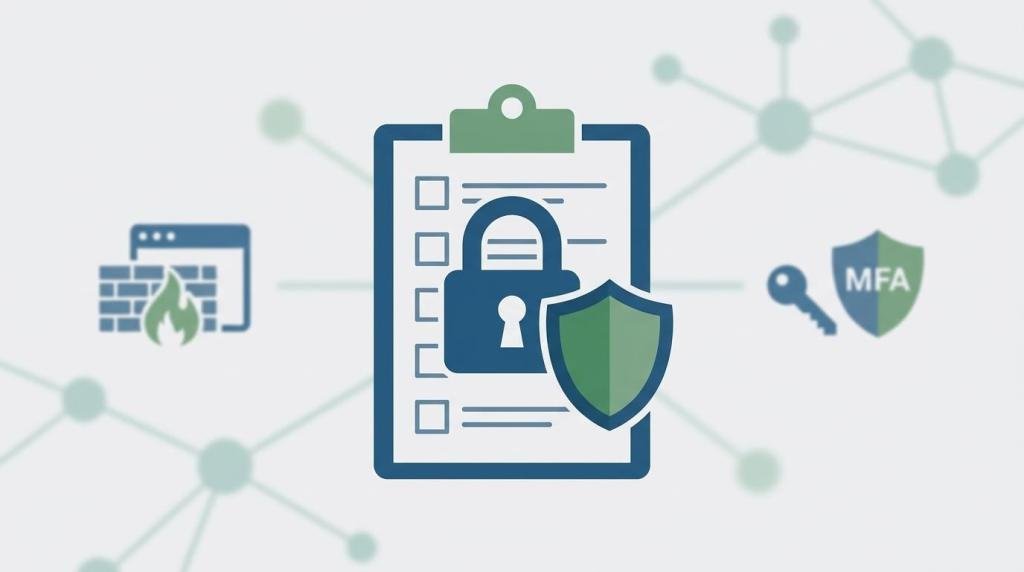
A Microsoft 365 security baseline is simply the set of minimum controls you expect to be true at all times: who can sign in, under what conditions, from what devices, and what happens when something looks suspicious.
Amazing Support is a multi-award-winning, Microsoft Partner and Cyber Essentials Plus certified provider supporting UK SMEs across London, Greater London and Manchester — and we see baseline work as the difference between “we hope we’re secure” and “we can prove we’re secure.”
In plain English: a security baseline is your minimum standard — the rules that stop common attacks before they become incidents.
The practical SME baseline (what “good” looks like)
1) MFA everywhere (with stronger protection for admins)
MFA should be enforced consistently, and admin accounts should have the strongest controls.
2) Conditional Access rules that match real risk
Examples of what SMEs commonly enforce:
- block legacy authentication
- require MFA for all users
- require compliant devices for access to sensitive data (where possible)
- restrict admin sign-ins to trusted conditions
3) Admin hygiene (reduce blast radius)
- fewer global admins
- separate admin accounts where appropriate
- protect privileged accounts more aggressively than standard users
4) Device compliance basics
Encryption, patching, screen lock, and endpoint protection should be measurable and enforced.
5) Logging and alerting you can actually use
If something goes wrong, you need to be able to answer: what happened, which account, from where, and what changed.
Common mistakes
- “MFA is enabled” but not enforced for everyone
- too many exceptions for convenience
- admin accounts protected the same as standard users
- no device rules, so unmanaged devices access company data
- logging turned on but never reviewed
FAQ
Is this the same as Cyber Essentials?
There’s overlap in outcomes (secure access, patching, malware protection), but Microsoft 365 baseline work is specifically about identity, cloud access, and tenant configuration.
How long does it take to implement?
Often a phased rollout over days to weeks depending on complexity and how many exceptions you uncover.
If you want a clear “minimum standard” for Microsoft 365 that reduces risk without creating user friction, we can assess your current
Office 365 tenant and implement a baseline with staged changes and reporting.