Still paying for IT only when things break? See why managed IT support is usually cheaper and safer for growing UK SMEs.
Managed IT Support vs Ad‑Hoc IT: Why “Pay When It Breaks” Costs More
On the surface, paying for IT support only when something breaks sounds cheaper. No monthly fee, just ad‑hoc help when you need it.
But for growing SMEs in London, Manchester and across the UK, the “pay when it breaks” model often ends up costing more – in money, time and risk.
Here’s how managed IT support compares to ad‑hoc IT, and why many 50–200 user businesses eventually make the switch.
1. Reactive vs proactive
Ad‑hoc IT:
- You only call when something is broken.
- There’s little incentive to fix root causes.
- No ongoing monitoring, patching or optimisation.
Managed IT support:
- Your environment is monitored and maintained continuously.
- Issues are often spotted and fixed before users notice.
- Recurring problems are analysed and addressed properly.
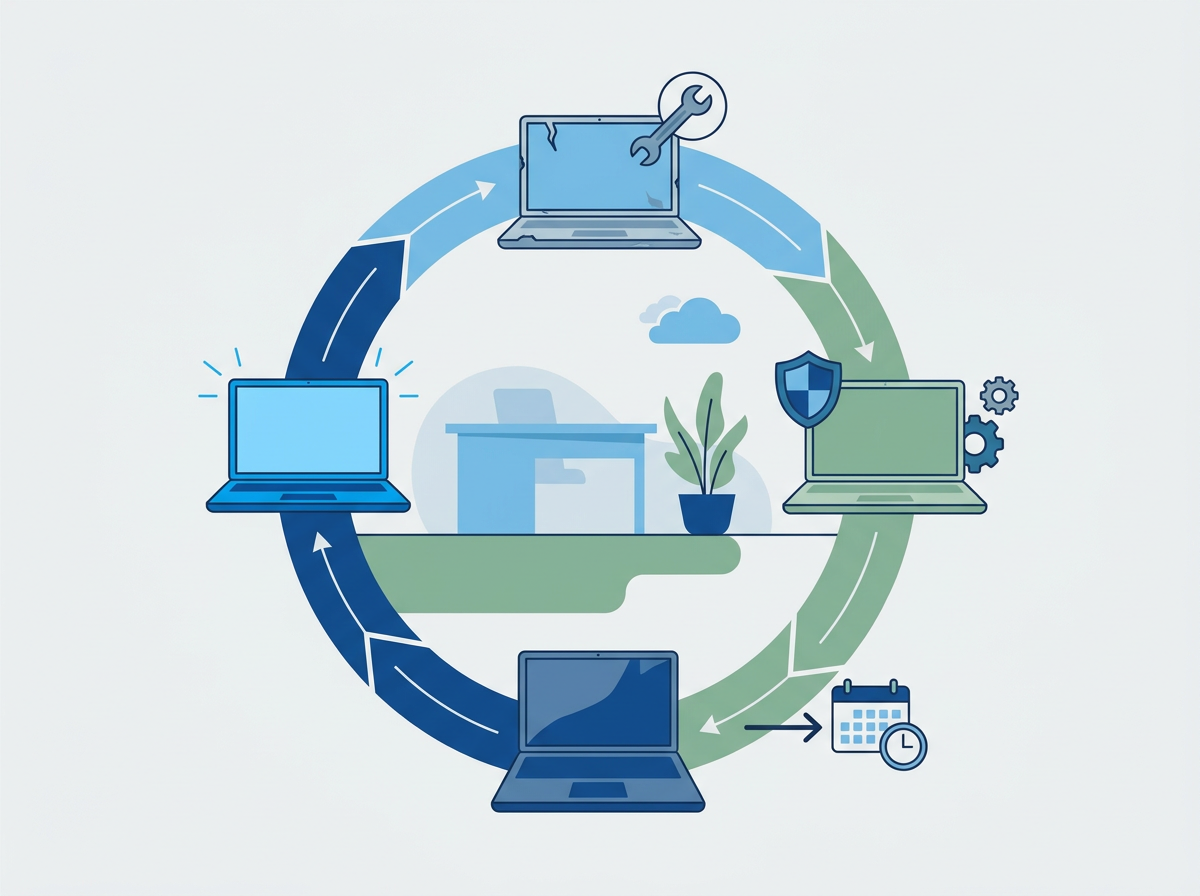
Over time, proactive support means less downtime and fewer surprises – which is where the real savings are.
2. Unpredictable costs vs predictable budgeting
Ad‑hoc IT:
- You might go months with low spend, then get hit with a big bill when something serious breaks.
- Hard to budget and forecast.
- Temptation to “put up with” issues to avoid calling for help.
Managed IT support:
- You pay a predictable monthly fee, usually per user or per device.
- Support, monitoring and maintenance are included.
- Easier to budget and plan.
For a 50–200 user SME, predictable monthly costs are usually far easier to manage than occasional large invoices.
3. Downtime and productivity loss
The biggest hidden cost of ad‑hoc IT isn’t the invoice – it’s lost productivity.
When you only call IT when something is broken:
- Issues may go unreported or unfixed for longer.
- Users find workarounds instead of getting proper fixes.
- Entire teams can be slowed down by “small” problems.
Managed IT support aims to reduce downtime overall, not just fix it when it happens.
4. Security and compliance
Security is where “pay when it breaks” really shows its limits.
Ad‑hoc IT:
- Security is often reactive – fixes after an incident.
- Patching and updates may be inconsistent.
- Backups might not be tested regularly.
Managed IT support:
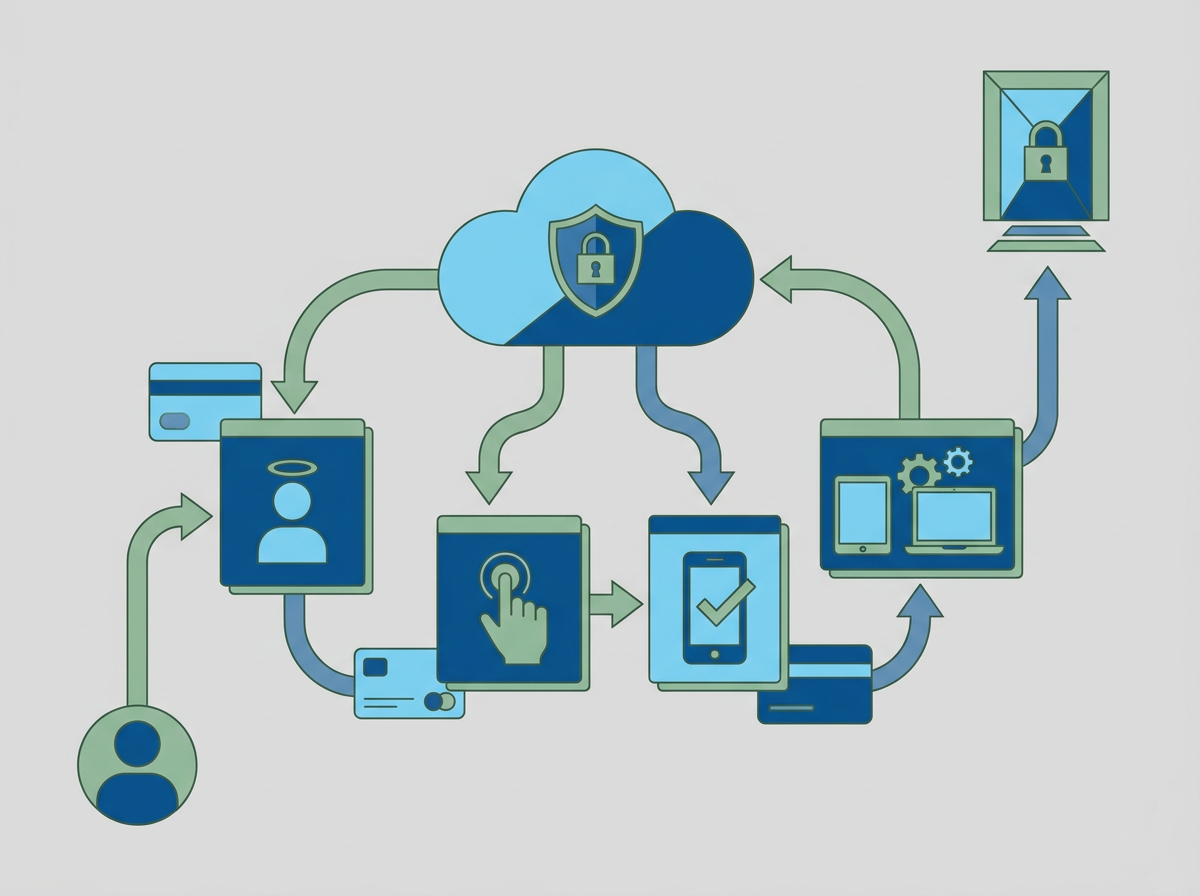
- Security is part of the service:
- MFA, endpoint protection, email filtering
- Regular patching and updates
- Monitored and tested backups
- Providers are often Cyber Essentials certified and used to working with auditors and regulators.
For many SMEs, a security incident will cost far more than years of managed IT support fees.
5. Strategic input vs “just fixing stuff”
With ad‑hoc IT, you’re usually paying for hands on keyboards, not strategic advice.
Managed IT support should include:
- Regular reviews and reporting
- Advice on hardware refresh cycles
- Guidance on cloud migrations and application choices
- Support for growth plans (new offices, acquisitions, restructuring)
This helps you avoid expensive mistakes and make better decisions about where to invest in IT.
6. Multi‑site and hybrid support
If you’ve grown beyond a single office – for example, a London HQ plus a Manchester office and remote staff – ad‑hoc IT quickly becomes messy.
Managed IT support gives you:
- One helpdesk and one process for all users
- Standardised tools and security across sites
- A single view of tickets and issues across the whole business
This is very difficult to achieve with a patchwork of ad‑hoc arrangements.
7. The real cost comparison
When you add everything up, the real cost of IT support includes:
- Direct fees (invoices from your IT provider)
- Downtime and lost productivity
- Security incidents and data loss
- Time your leadership team spends managing IT issues
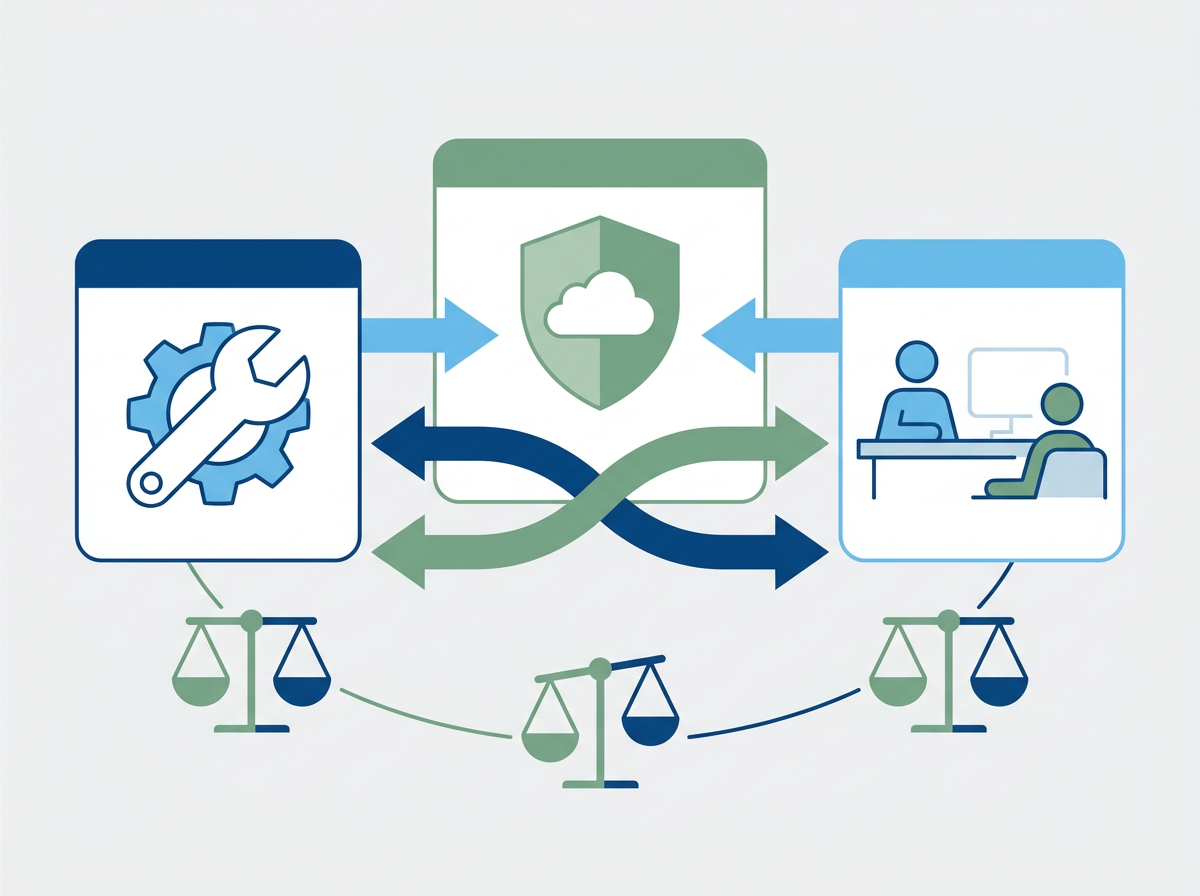
For most growing SMEs, managed IT support wins when you look at the full picture over 12–36 months.
8. How Amazing Support approaches managed IT support
Amazing Support is a multi‑award‑winning, Microsoft Partner and Cyber Essentials certified IT support provider working with SMEs across London, Hertfordshire and Manchester.
Our managed IT support includes:
- Unlimited remote helpdesk support during business hours
- Proactive monitoring, patching and maintenance
- Security baked in (MFA, endpoint protection, email filtering, backups)
- Regular reviews and a clear IT roadmap
- On‑site support when needed
See what managed IT support would look like for your business
If you’re still on an ad‑hoc or “pay when it breaks” model, we can show you what a managed IT support agreement would cost – and how it would change your risk, downtime and user experience.