MFA prompts can be abused via “push spam” (MFA fatigue). Here’s how SMEs reduce risk: number matching, stronger methods, Conditional Access, and training.
MFA Fatigue Attacks: How SMEs Stop “Push Spam” Account Takeovers in Microsoft 365
MFA is one of the best security controls SMEs can adopt — but attackers have adapted. One increasingly common technique is MFA fatigue (sometimes called “push spam”): the attacker has a username and password and repeatedly triggers MFA prompts until the user, tired or distracted, taps “Approve.” It’s not sophisticated hacking. It’s social engineering at scale, aimed at catching someone at the wrong moment.
The tricky part is that this can happen even in otherwise well-run businesses. People are busy. They’re in meetings. They assume it’s a delayed prompt from something they just logged into. That’s why the fix isn’t “tell staff to be careful” and hope for the best. The fix is a mix of stronger MFA methods, sensible Conditional Access rules, and a clear culture: unexpected prompts are a security incident, not an annoyance.
Amazing Support is a multi-award-winning, Microsoft Partner and Cyber Essentials Plus certified provider supporting UK SMEs across London, Greater London and Manchester. In practice, SMEs reduce this risk quickly by tightening the MFA experience and making reporting dead simple.
In plain English: MFA fatigue is when an attacker bombards a user with MFA prompts until they approve one by mistake.
How SMEs reduce MFA fatigue risk (practical steps)
1) Move away from “approve/deny” prompts
Where possible, use stronger options such as:
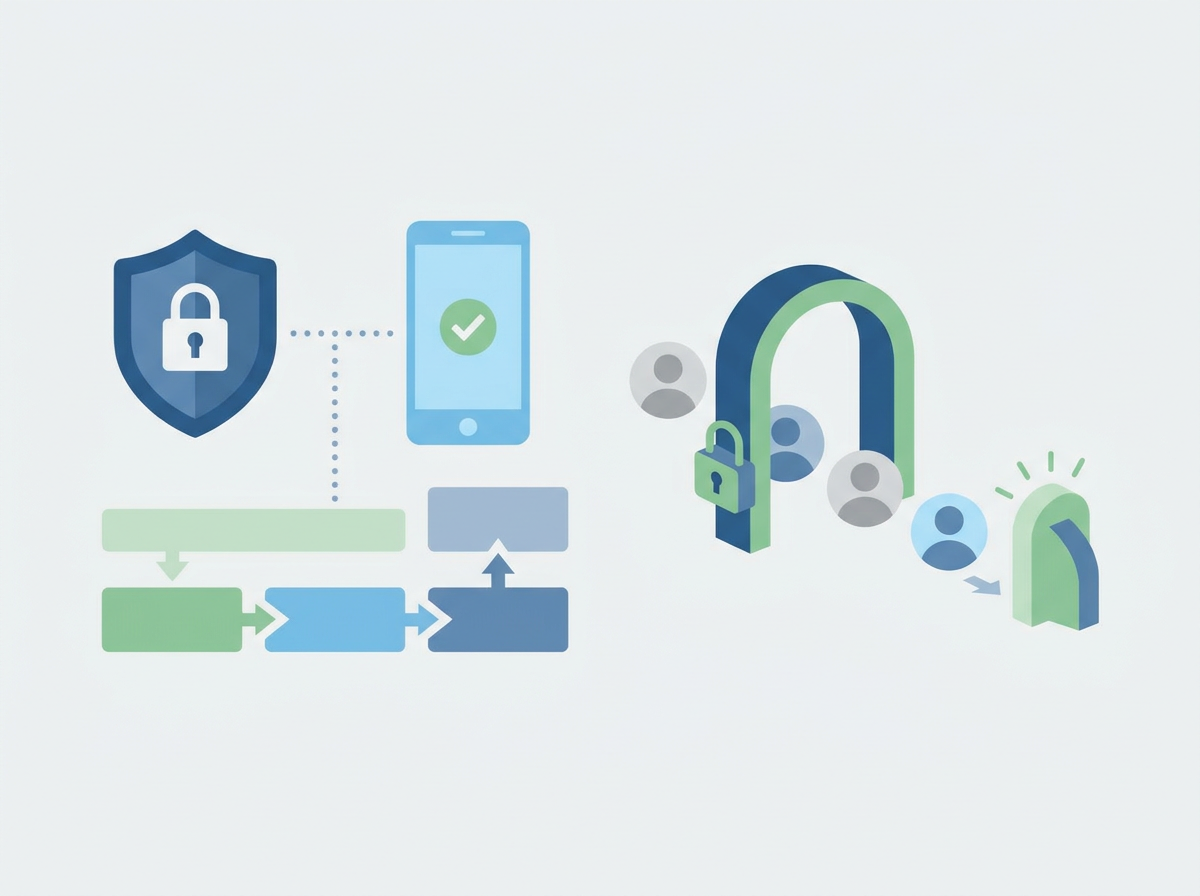
- number matching
- authenticator methods that require more deliberate confirmation
This makes accidental approval much less likely.
2) Use Conditional Access to reduce unnecessary prompts
Good Conditional Access design can:
- require MFA when risk is higher
- reduce prompts when sign-ins are low risk (so prompts become more meaningful)
The goal is fewer, more “important” prompts.
3) Protect admin accounts more aggressively
Admins should have stricter controls than standard users because one admin takeover is high impact.
4) Add a simple “what to do if you get random prompts” rule
Staff should know:
- do not approve
- report it immediately
- change password (and check sign-in activity)
This turns a near-miss into a fast response.
5) Monitor sign-in patterns
Repeated prompts are often a sign of an active attack. Visibility matters.
Common mistakes
- treating random MFA prompts as “normal tech weirdness”
- leaving admin accounts protected the same as standard users
- too many MFA prompts (users become numb to them)
- no clear reporting route for staff
FAQ
Does MFA fatigue mean MFA doesn’t work?
No — it means you need to configure MFA and sign-in policies properly, and train staff on what unexpected prompts mean.
Is this only a big-company problem?
No. SMEs are targeted heavily because attacks are automated and opportunistic.
What’s the fastest improvement we can make?
Make prompts harder to approve accidentally, and ensure staff know unexpected prompts must be reported.
If you’re seeing unexpected MFA prompts (or you want to prevent them becoming a real incident), we can help you tighten
Microsoft 365 sign-in security and set a clear response process.