Wi‑Fi segmentation reduces risk and improves performance. Here’s how SMEs separate staff, guest and IoT networks, plus common mistakes to avoid.
Office Wi‑Fi Segmentation for SMEs: Staff vs Guest vs “Smart Stuff” (and Why It Matters)
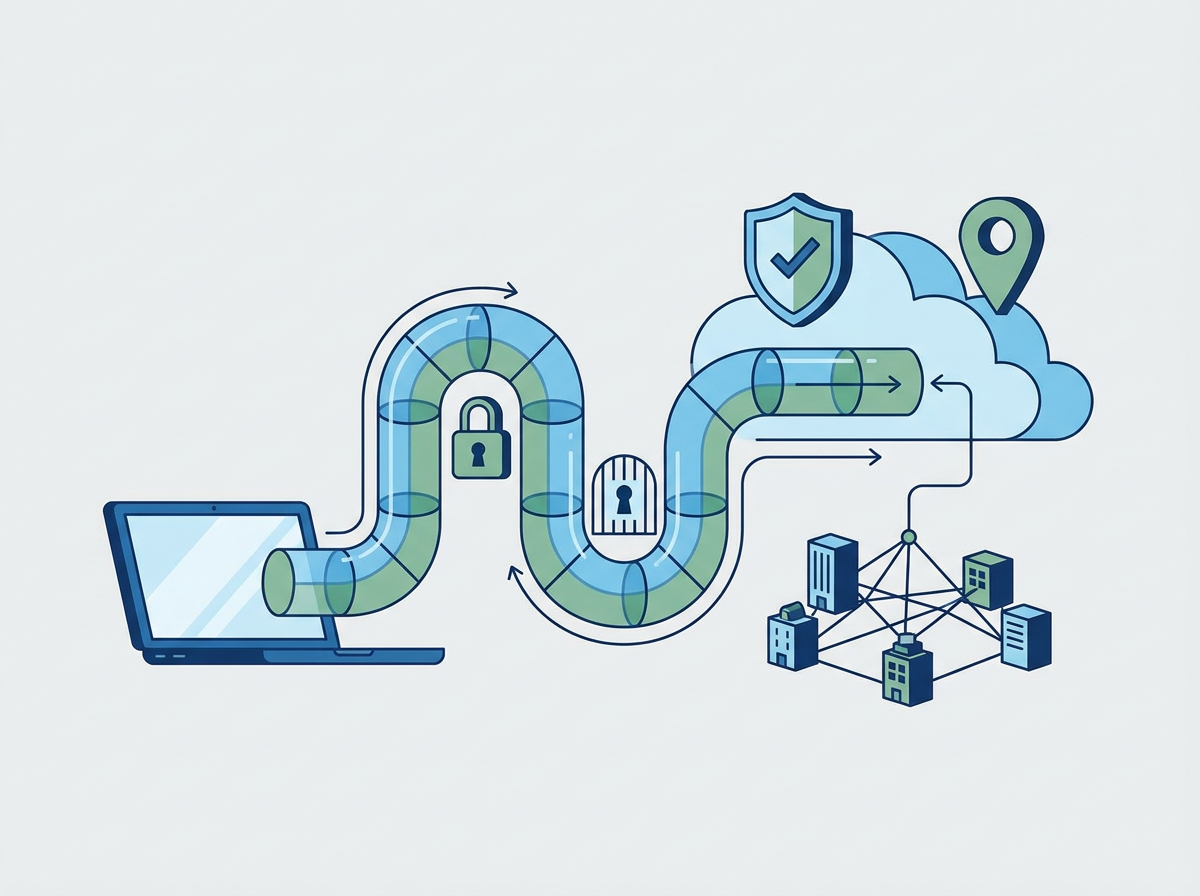
In many SMEs, Wi‑Fi grows organically. The office gets busier, more devices appear, guests need access, a printer gets added, then a door entry system, then a smart TV for meeting rooms. Before long, everything is on the same network. That’s convenient — but it’s also risky. If a guest device is compromised, or an IoT device has weak security, it can become a route into the same network your staff laptops use.
Segmentation is the simple fix. It means separating your Wi‑Fi into distinct zones so devices don’t all sit in one big shared space. Done properly, segmentation reduces the chance that a weak device becomes a stepping stone to sensitive systems. It can also improve performance and make troubleshooting easier.
Amazing Support is a multi-award-winning, Microsoft Partner and Cyber Essentials Plus certified provider supporting UK SMEs across London, Greater London and Manchester. In practice, segmentation is one of those “quiet wins” — it doesn’t change how staff work day-to-day, but it meaningfully reduces risk.
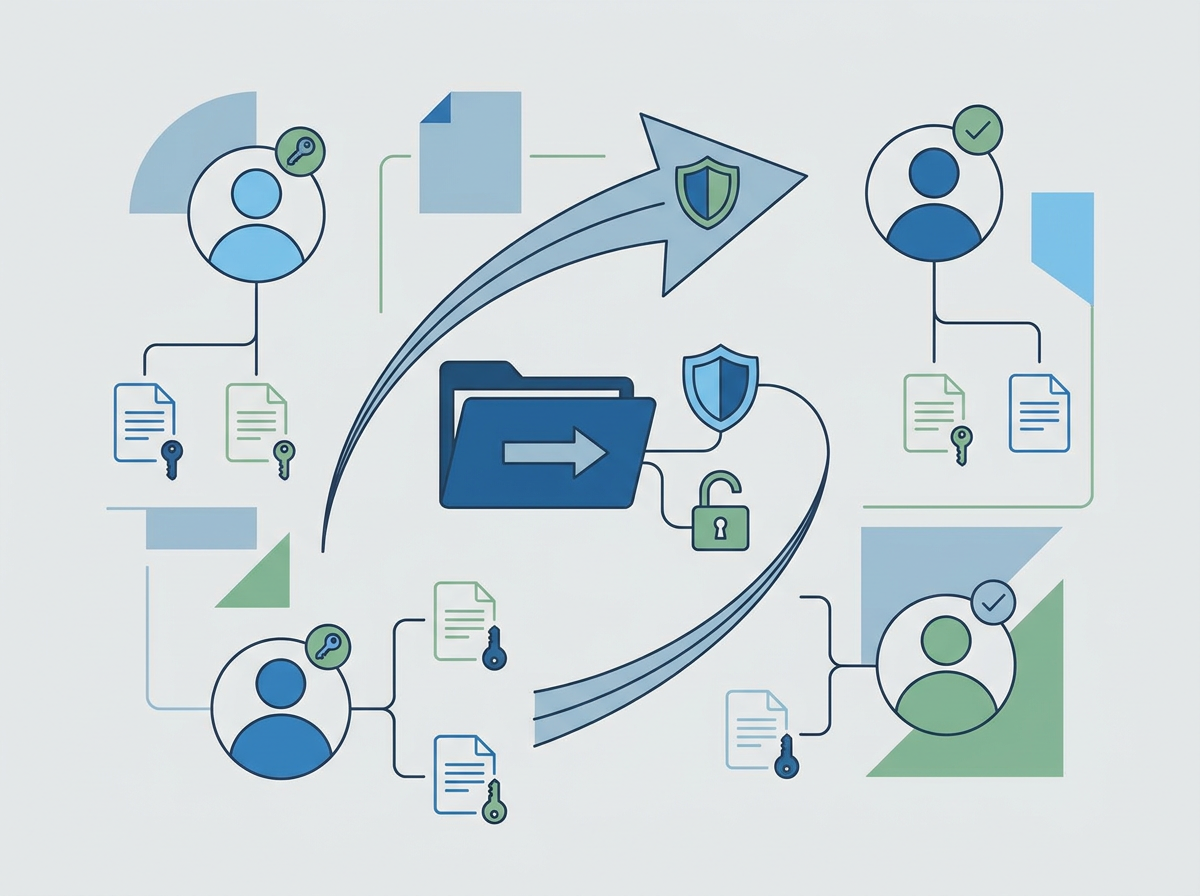
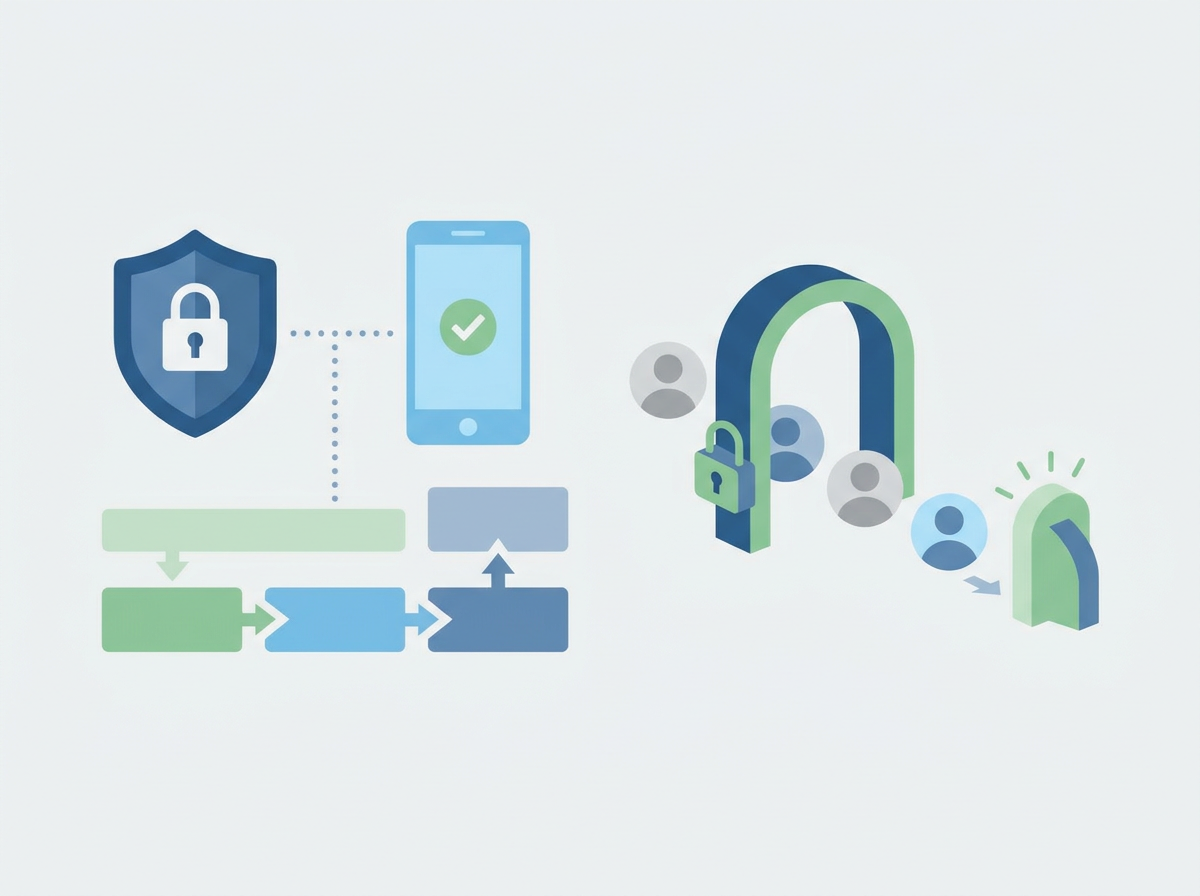
In plain English: Wi‑Fi segmentation means creating separate wireless networks (or VLANs) so staff devices, guest devices, and IoT devices are isolated from each other.
A simple segmentation model for SMEs
1) Staff network
For managed devices (laptops, mobiles) with:
- stronger authentication
- access to internal resources where needed
- monitoring and management
2) Guest network
For visitors and personal devices:
- internet access only
- no access to internal systems
- password rotated periodically (or captive portal where appropriate)
3) IoT / “smart stuff” network
For devices like:
- printers
- meeting room screens
- door entry systems
- CCTV
These devices often have weaker security, so isolation matters.
Common mistakes
- guest Wi‑Fi that can “see” internal devices
- printers on the same network as everything else
- old Wi‑Fi encryption/security settings left in place
- no documentation of what lives on which network
- one shared password that never changes
FAQ
Will segmentation break printing or meeting room screens?
It can if done carelessly. A good setup allows only the specific traffic needed (and blocks everything else).
Is segmentation expensive?
Often not — it depends on your Wi‑Fi equipment and how it’s configured. Many business-grade systems support this well.
Does this matter if we’re mostly cloud-based?
Yes. Even cloud-first SMEs still have devices, identity, and data that can be targeted via the local network.
If your office Wi‑Fi has grown organically, we can help you implement a clean segmentation model that improves security without making day-to-day work harder.
Get In Touch with us.