Co-managed IT combines internal IT and an MSP. Learn when it works best for SMEs, what to split, and how to avoid gaps, overlap, and finger-pointing.
Co‑Managed IT Support: When SMEs Should Blend Internal IT with an MSP (and How to Make It Work)
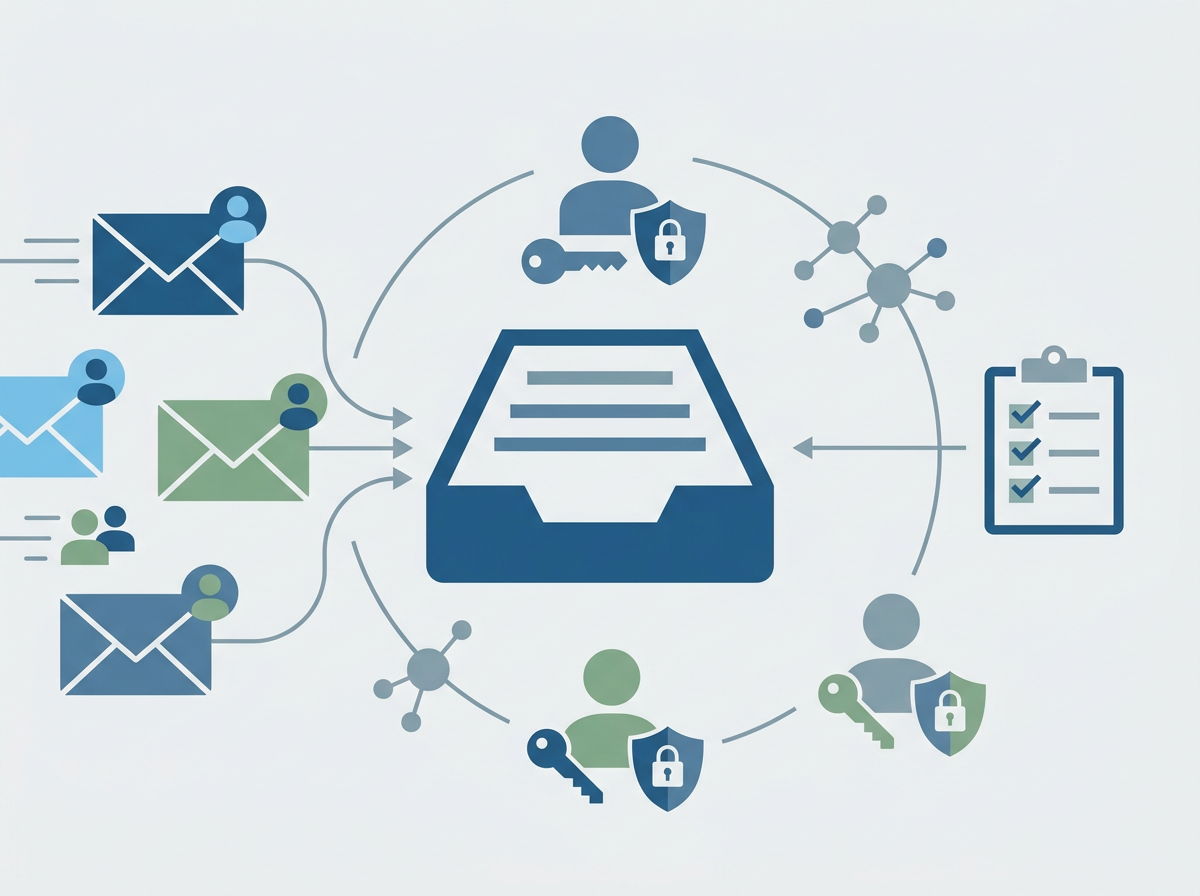
Many growing SMEs reach a point where IT is too important to be purely reactive, but not big enough to justify a full internal team covering everything: helpdesk, projects, cyber security, Microsoft 365, monitoring, vendor management, and business continuity. That’s where co-managed IT can be a strong model. Instead of “in-house vs outsourced,” you blend the two: internal IT keeps ownership of business context and day-to-day priorities, while an MSP provides depth, coverage, tooling, and specialist capability.
Co-managed can work brilliantly—but only if responsibilities are clear. Without clarity, you get overlap (“we both thought the other team was doing it”) or gaps (“nobody owned patching”). The best co-managed setups feel like one team with shared standards, shared visibility, and a clear escalation path.
Amazing Support is a multi-award-winning, Microsoft Partner, Cyber Essentials and Cyber Essentials Plus certified provider supporting UK SMEs across London, Greater London and Manchester. We’ve seen co-managed work best when it’s designed around outcomes: faster resolution, stronger security, better reporting, and fewer surprises—not just “extra hands.”
The short answer is: co-managed IT works when internal IT owns business priorities and local context, while the MSP owns tooling, monitoring, security baselines, and escalation—documented clearly with shared reporting.
When co-managed is the right fit
Co-managed is often ideal when:
- you have 1–2 internal IT people but need more coverage
- you want stronger cyber security and monitoring without hiring specialists
- you’re growing quickly and need scalable support
- you need project capacity (migrations, onboarding waves, office moves)
- you want resilience (holiday cover, sickness cover, out-of-hours response)
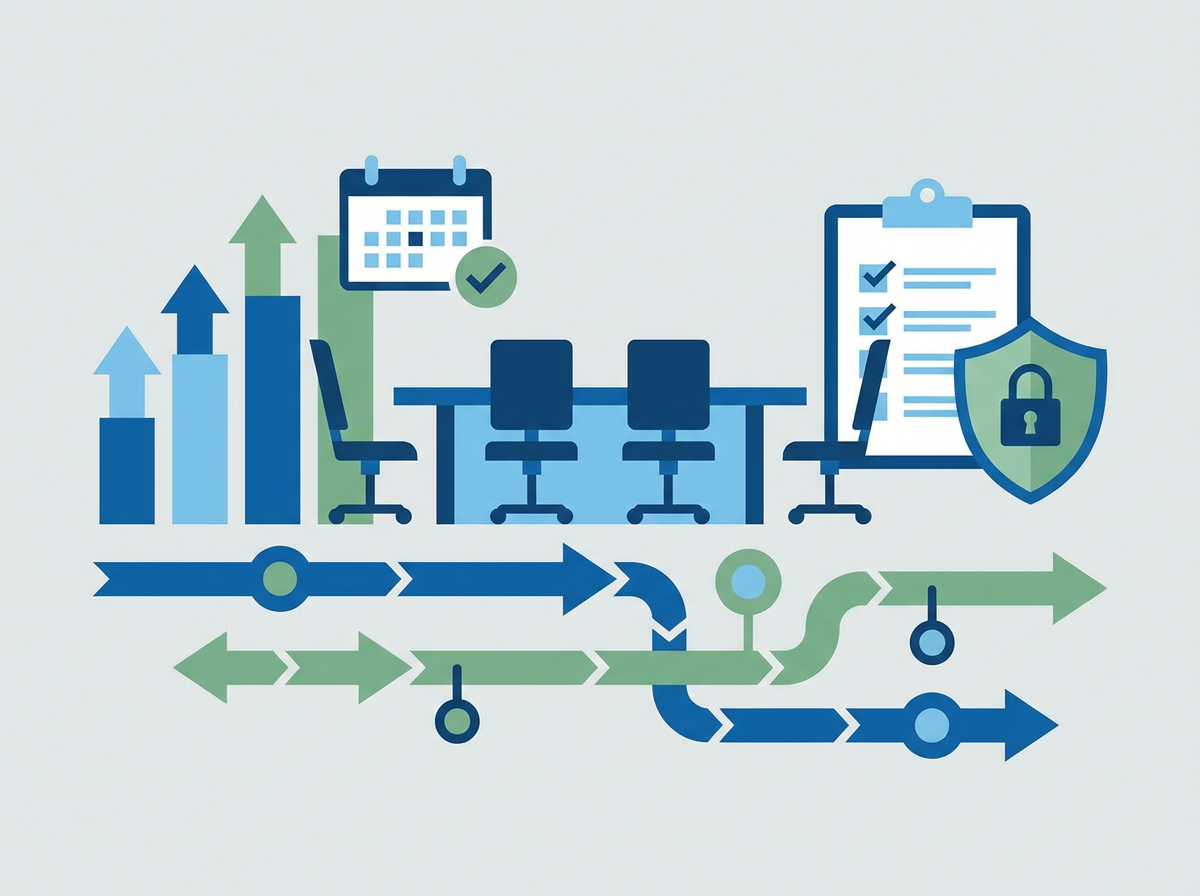
What to split (a practical model)
Internal IT typically owns
- business priorities and stakeholder management
- local device logistics (if you prefer)
- vendor relationships tied to the business
- internal comms and change management
MSP typically owns
- monitoring and proactive maintenance
- patching and endpoint security baselines
- Microsoft 365 security configuration and reviews
- helpdesk overflow + escalation
- reporting, documentation, and continuous improvement
How to avoid finger-pointing
- define ownership in writing (even if it’s simple)
- agree SLAs and escalation routes
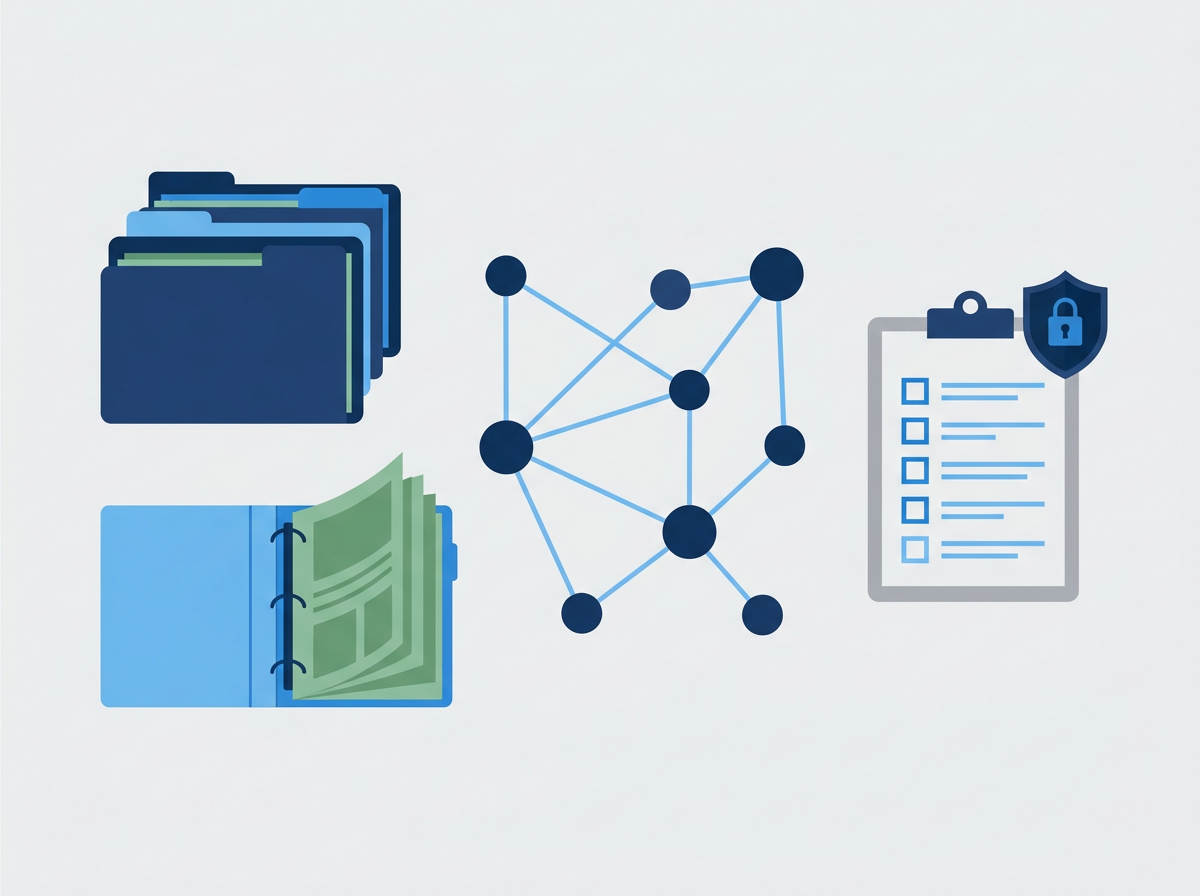
- share visibility (ticketing, monitoring, asset lists)
- run a monthly service review with actions and owners
- keep security standards consistent across all devices and users
FAQ
Will co-managed reduce cost?
Sometimes, but the bigger value is resilience, depth, and reduced risk.
What’s the biggest risk with co-managed?
Unclear ownership. Clarity prevents gaps and duplication.
Can we start small?
Yes—many SMEs start with monitoring + security baselines + escalation, then expand.
If you’re considering
co-managed IT Support, we can map responsibilities, define a clean split, and set up reporting so leadership can see performance and risk clearly from month one.