SMEs are adopting AI fast. Here’s a practical AI governance policy approach—what staff can do, what’s banned, data rules, approvals, and safe defaults.
AI at Work in SMEs: A Practical AI Governance Policy (So Staff Use It Safely)
If you want the quick answer: an SME AI governance policy sets clear rules for what staff can use AI for, what data must never be shared, which tools are approved, and how outputs are checked—so you get productivity benefits without accidental data leakage or compliance risk.
AI tools are now part of everyday work. Staff use them to draft emails, summarise documents, create proposals, analyse spreadsheets, and speed up admin. The risk for SMEs isn’t that people use AI — it’s that they use it informally, with no shared rules. That’s how sensitive data ends up pasted into the wrong tool, client confidentiality gets blurred, or AI-generated outputs get sent without proper checking.
Amazing Support is a multi-award-winning, Microsoft Partner and Cyber Essentials Plus certified provider supporting UK SMEs across London, Greater London and Manchester. In practice, the best AI governance isn’t heavy-handed. It’s simple, clear, and designed for how people actually work.
Quick definition
AI governance policy: a set of rules that defines approved AI tools, acceptable use, data handling, and review requirements for AI-generated outputs.
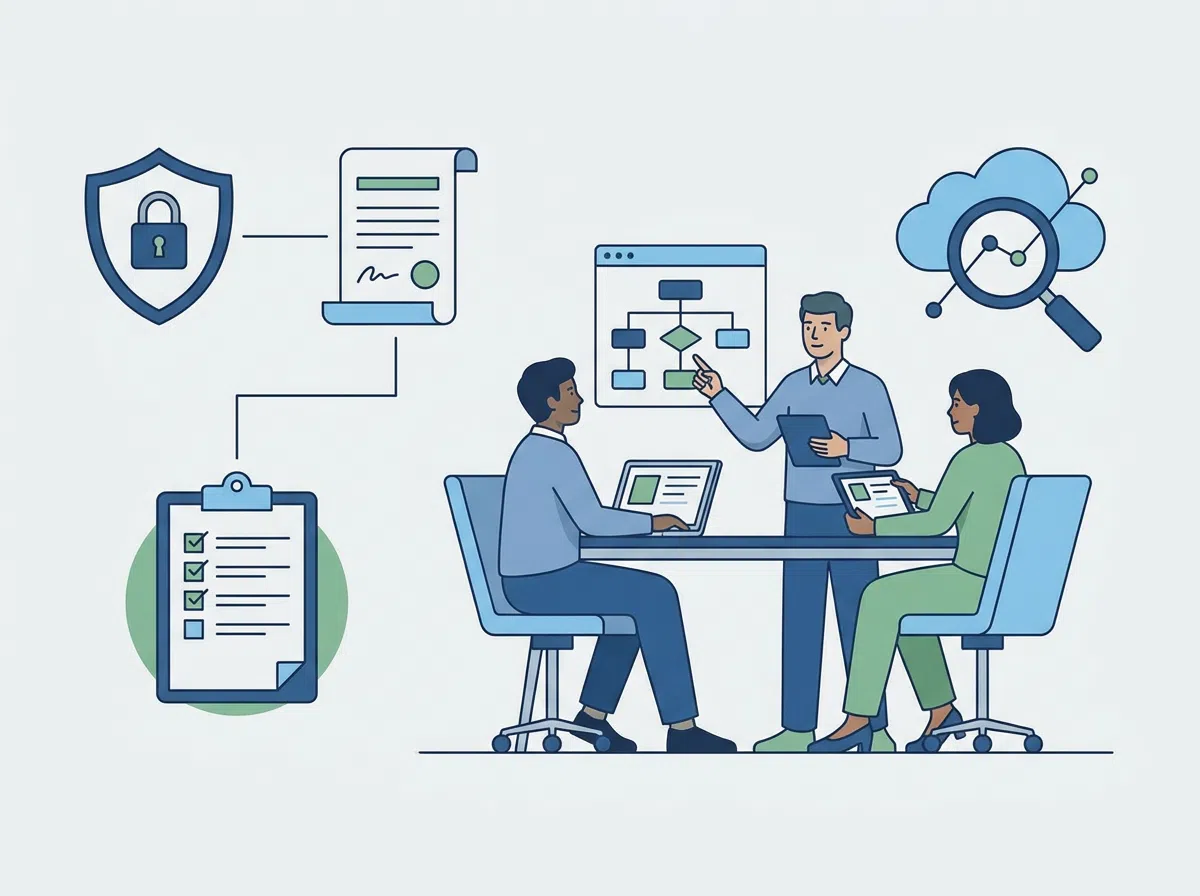
What an SME AI governance policy should include
1) Approved tools (and what’s not approved)
Be explicit:
- which AI tools staff can use for work
- which tools are banned or require approval
- whether personal accounts are allowed for business tasks (usually: no)
2) Data rules (the most important section)
A simple classification works well:
- Never share: passwords, MFA codes, bank details, HR/health data, client confidential info, legal docs under NDA
- Approval required: client names, contract terms, internal financials, security details
- Generally safe: public website copy, generic templates, non-sensitive brainstorming
3) Output checking rules (avoid “AI said so” mistakes)
Define minimum checks:
- verify facts, numbers, dates, and claims
- don’t cite sources unless you can confirm them
- keep a human accountable for final output (name a role)
4) IP and confidentiality
Clarify:
- AI output may not be unique
- staff must not paste proprietary code/process docs into unknown tools
- client confidentiality rules still apply
5) Security and access
- require MFA on approved AI tools
- restrict who can connect AI tools to business systems
- define what happens if someone accidentally shares sensitive data
6) A simple approval process
Make it lightweight:
- who approves new tools
- how staff request approval
- how you review quarterly
A short “acceptable use” statement you can paste into the policy
“AI tools may be used to support drafting and analysis, but staff remain responsible for accuracy, confidentiality, and compliance. Do not enter confidential or personal data into unapproved AI tools.”
FAQ
Do SMEs really need an AI policy?
Yes—because adoption is already happening. A simple policy prevents accidental data leakage and reputational risk.
Will a policy slow staff down?
Not if it’s practical. The goal is to make the safe path the easy path.
How often should we review it?
Quarterly is a good rhythm while tools and usage are evolving quickly.
We recommend turning this into a one-page AI policy that you can share with your team and us, and then we can align it with your
Microsoft 365 security controls.