Office Wi‑Fi is a common weak spot for SMEs. Learn how to separate guest and staff networks, reduce lateral movement risk, and improve security.
SME Wi‑Fi Security: How to Separate Guest and Staff Networks (and Reduce Office Risk)
Quick answer: SMEs should run separate Wi‑Fi networks for staff and guests, restrict what guest devices can access, and keep Wi‑Fi security settings modern—because one compromised device on a flat network can expose far more than it should.
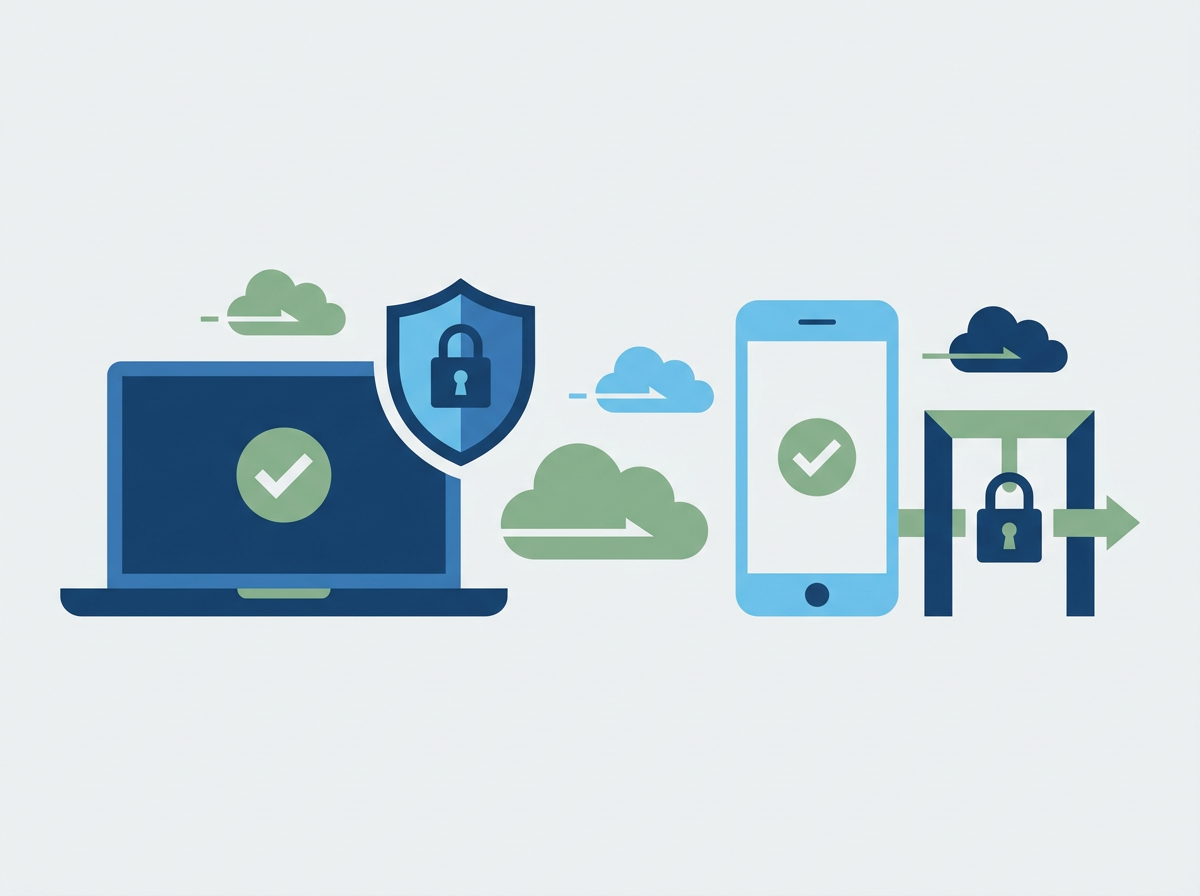
Wi‑Fi often gets treated as “set and forget.” It works, so nobody touches it. But office Wi‑Fi is part of your security perimeter. Staff laptops, phones, meeting room devices, printers, and sometimes visitor devices all share airspace—and if the network is flat (everything can see everything), the risk is higher than most SMEs realise. The goal isn’t paranoia; it’s sensible segmentation so a guest device can’t wander into business systems.
Amazing Support is a multi-award-winning, Microsoft Partner and Cyber Essentials Plus certified provider supporting UK SMEs across London, Greater London and Manchester. In practice, the biggest Wi‑Fi security wins come from separating networks, tightening access, and keeping the setup consistent across sites.
Quick definition
Wi‑Fi segmentation: separating devices into different networks (e.g., staff vs guest) so visitors can’t access internal business systems.
What “good” looks like for SME Wi‑Fi
1) Separate SSIDs: Staff vs Guest
- Staff Wi‑Fi: for managed devices and trusted users
- Guest Wi‑Fi: internet-only (or heavily restricted)
2) Guest network isolation
Guests should not be able to:
- access internal servers
- see printers and shared devices
- discover other devices on the network
3) Keep authentication and encryption modern
Use modern security settings where possible and avoid legacy configurations that reduce protection.
4) Treat “IoT” and meeting room devices as their own risk class
Consider a third network for:
- meeting room kit
- smart TVs
- printers
- building/AV devices
So they’re not sitting alongside laptops.
5) Monitor and maintain
Wi‑Fi isn’t just coverage—it’s security posture:
- firmware updates
- configuration backups
- periodic review of who/what is connected
Common SME Wi‑Fi mistakes
- one flat network for everything
- guest Wi‑Fi that can reach internal resources
- old encryption/security settings left in place
- no visibility into devices connected
- unmanaged devices treated the same as managed laptops
FAQ
Do we need enterprise Wi‑Fi to do this?
Not necessarily. Many SME-grade setups can do proper segmentation; it’s about configuration and design.
Will segmentation break printing or meeting rooms?
It can if done carelessly. The right approach is to design access intentionally (rather than leaving everything open).
Is Wi‑Fi security part of Cyber Essentials Plus thinking?
It supports secure configuration and access control, and it reduces real-world lateral movement risk.
If you’re unsure whether your
office Wi‑Fi is segmented properly, we can review the setup and design a clean staff/guest/IoT model that reduces risk without making the office harder to run.